Website redesign: a step-by-step process and what to prepare in advance
A website redesign is more than a new look. It changes structure, navigation, performance and code, so it pays to start with an audit of your current site and clear goals. This guide walks you through the preparation, the four project phases and the checks before launch.


What is a website redesign
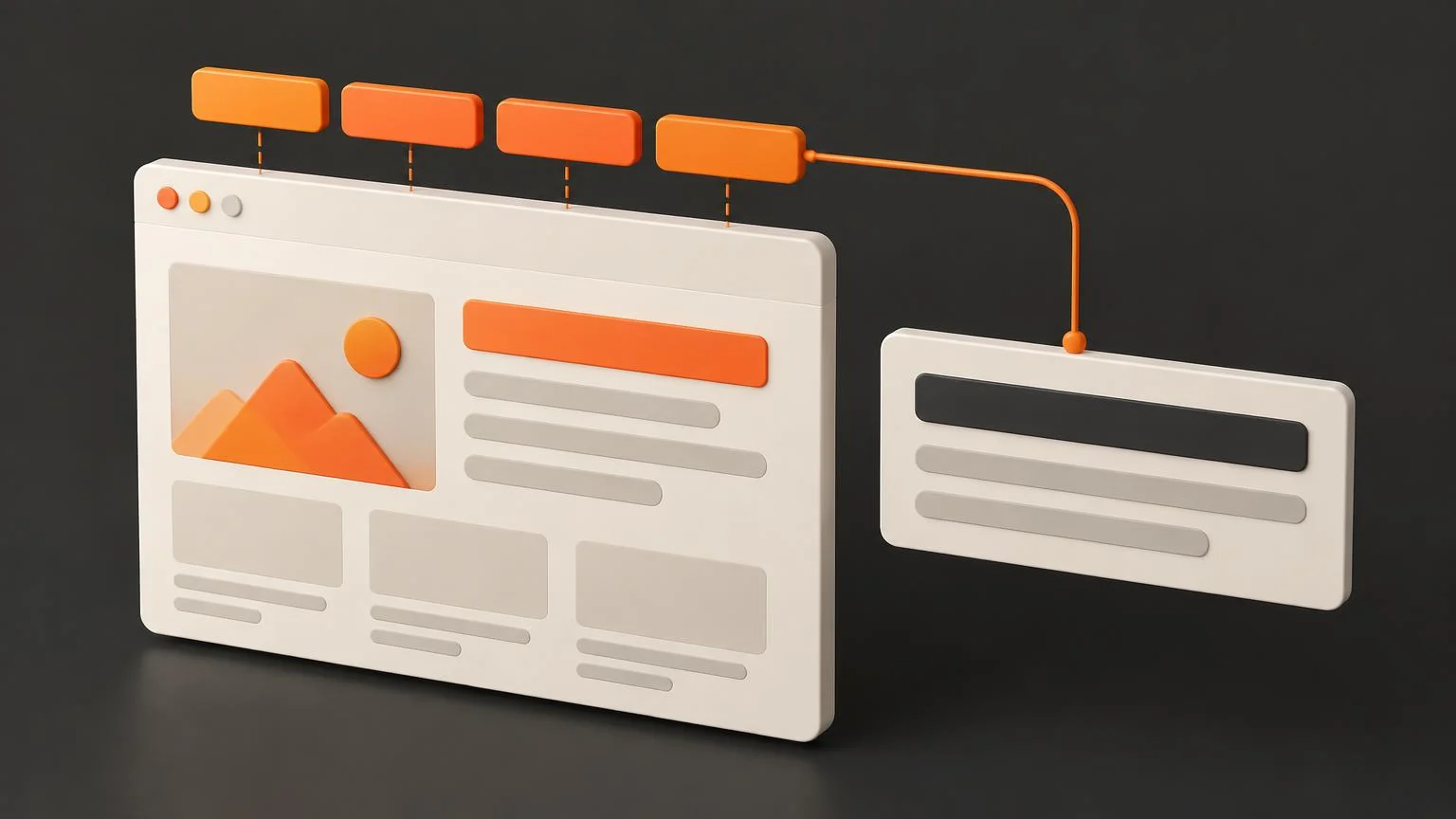
A redesign is a fundamental change to a website. It is not just about colours and fonts, but about how the site is built: page structure, navigation, loading speed and often the code or platform itself. The goal is a website that works better for both visitors and the business.
Redesign or refresh?
Not every website needs a complete rebuild. Sometimes a refresh is enough:
- A refresh changes the look. It updates typography, colours, layout or cosmetic details on individual pages. The structure and the way the site works stay the same.
- A redesign changes the foundations. It rebuilds structure, navigation, performance and code, so the way visitors move through the site changes too.
If the main problem is an outdated look, a refresh may do. If people get lost on the site, it loads slowly or it can no longer be developed further, it is time for a redesign.
3 steps before a redesign
1. Audit your current website
Before changing anything, find out how the site performs today:
- Performance: look at bounce rate and conversions. Which pages persuade people and which ones do they leave?
- Search: check how much traffic comes from search engines and which pages bring it. Protect those pages during the redesign so you do not lose rankings.
- Design: watch for slow loading, an outdated look and elements that break in some browsers.
Just as important: write down what works. Whatever brings results deserves to stay.
2. Gather perspectives
- User feedback: ask customers what they look for on the site, what is missing and what slows them down.
- Competitors: review around five main competitors. Note their site structure, features, calls to action and visual style. The point is not to copy, but to understand what customers in your field expect.
- Your team: learn the needs of the people who will manage the site and their real capacity. A website the team cannot keep updated ages quickly.
3. Set goals
- Choose a few measurable goals, such as more enquiries from the contact form, and stick to them throughout the project.
- Keep everything consistent with your brand identity: colours, fonts, tone of voice and photography should feel like one whole.
- Align the team on a shared vision before design starts. It saves arguments and rework later.
The 4 phases of a redesign
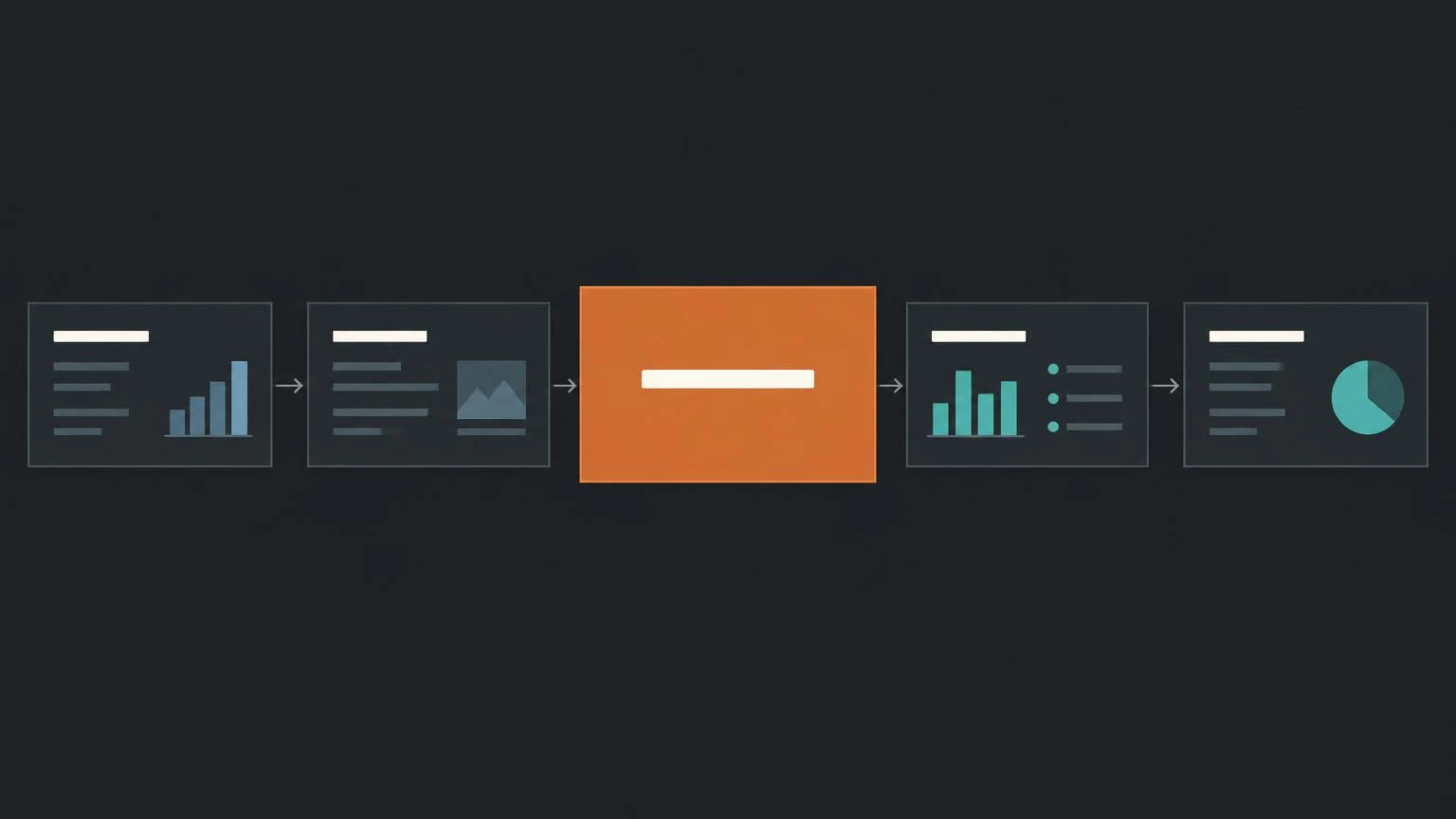
1. Discovery
The first phase is about understanding. Clarify what the brand stands for, who the audience is and what your analytics data says. The output is a clear brief that the whole design builds on.
2. Design and development
- Start with wireframes and mockups, not code. Changes in a design are cheap; changes in finished code are expensive.
- Preparing two concepts to choose from works well. The result often combines the best of both.
- Design the priority pages that drive the most conversions first. The other pages then follow from them.
- Before coding, write a functional specification: what happens on hover, on click and which animations elements have.
3. Quality assurance
Go through the site thoroughly before launch:
- Does the finished site match the approved design?
- Does it work properly on mobile and tablet?
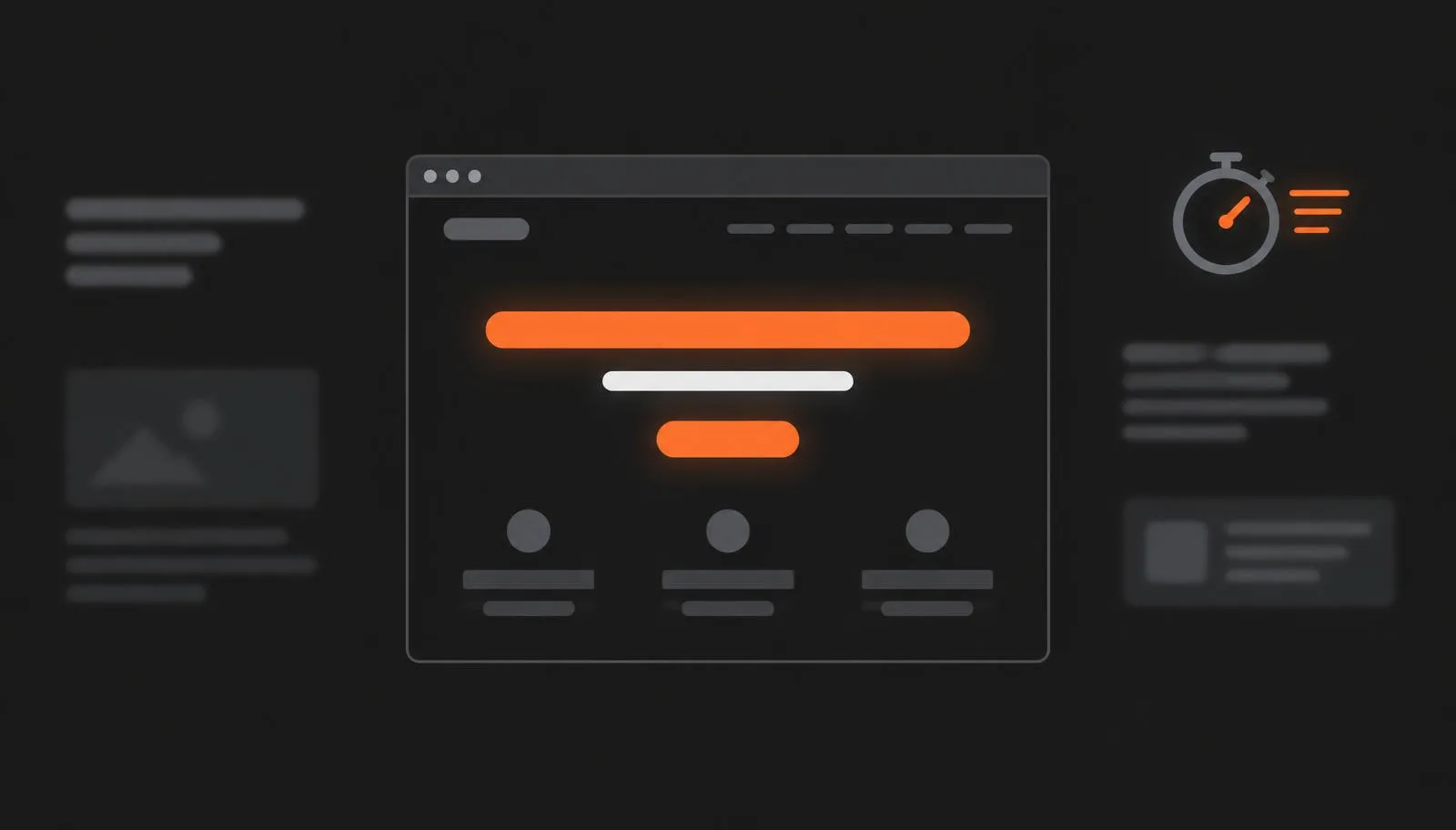
- Does it load quickly?
- Do interactive elements, forms and all links work?
Review the whole site in a preview before launch, not on the live address.
4. User testing
Let real people try the site before it goes live. Give them everyday tasks, such as finding a service or sending an enquiry, and watch where they hesitate. This kind of testing uncovers problems the team no longer sees after weeks of work.
Tips for a smooth redesign
- Connect visuals and functionality. Design is not decoration. For example, a button must clearly show that it has been clicked.
- Give honest, direct feedback. If you do not like a design, say so right away and be specific. Vague comments lead to unnecessary rounds of changes.
- Know what your CMS or platform can do. Reusable blocks, sections and templates make the site easier to manage and develop further.
Questions and answers
What is the difference between a website redesign and a refresh?
A refresh mainly changes the look: typography, colours and layout. A redesign also changes the structure, navigation, performance and code of the website.
When is it time for a website redesign?
When the site looks outdated, loads slowly, does not work well on mobile, visitors get lost in it or it does not bring enquiries.
How long should you prepare for a redesign?
As long as it takes to audit the current site, gather feedback and set goals. Thorough preparation saves time in design and development.
What should you check before launching a new website?
That it matches the design, displays well on mobile, loads quickly, that forms and interactive elements work, and that all links and redirects from old URLs are in place.
Can AI redesign a website?
AI can help with ideas, copy or first drafts. Decisions about goals, structure and quality control still need a person who knows the business and its customers.
If you are planning a redesign, see how we build websites at PeknéWeby.