Your team makes presentations every day. We’ll teach them to make presentations that grab attention.
Hands-on training in PowerPoint, storytelling and AI. In a single morning they’ll learn to create a professional presentation even without design skills.
15+ years of experience|1 000+ presentations|5/5 on Google|950 € for the whole training


 citadelo
 rescoSTONETEC
Almost everyone makes presentations.
Few know how to make them well.
People spend hours in PowerPoint and often end up with slides that neither management nor clients can follow. It’s not their fault. Nobody ever showed them how.
a week the average employee spends in PowerPoint
That’s almost a full working day. Every week, for every person on the team.
of people have ever been trained to make presentations
The rest learn by trial and error. Usually right before a deadline.
is all a slide gets for the audience to grasp the point
If they can’t find it in that time, they stop reading and stop listening.
After the training your people will improve significantly
in PowerPoint and storytelling.
No theory for the drawer. Eight skills they’ll use at work the very next day.
A story that persuades
How to build a presentation with a clear goal, logical flow and one key message.
Visual hierarchy
What the audience should see first. One idea per slide and the 3-second rule.
Typography and composition
Choosing and pairing fonts, grids, alignment and working with white space.
Colours and corporate brand
How to work with a brand manual and pick colours and images that support the message.
Charts and tables
How to simplify data, choose the right chart and bring a table to life so it’s readable.
PowerPoint to the full
Layouts, master slides, alignment, format painter, morph and subtle animations.
Templates and a consistent look
Company templates and a brand kit that keep the whole team’s materials consistent.
AI as an assistant
Research, structure and slide drafts, plus images and icons created with AI.
From a blank slide to a finished presentation.
The whole process from A to Z.
The training has two parts. In the theory part we show how to plan a presentation. In the practical part we build it together.
- Audiencefor whom and why
- Messagewhat they should remember
- Structureso it makes sense
- Storyso they listen
- Slidesdesign, numbers, animations
- AIfaster and better
Part 1 | Theory
How to plan a presentation before you open PowerPoint.
Tailoring the presentation to the audience
- why I’m presenting and what I want to achieve
- who it’s for and how it will be presented
- how to target your listeners, for example management
Defining the key messages
- how to define persuasive key messages
- simple ideas: 1 idea = 3 seconds
- the difference between a document and a slide
Structuring the presentation
- how to put a presentation together so it makes sense
- how to split it into clear sections
- the structure of a proposal management will approve
Telling the story
- why the story matters
- how to create the presentation’s story
- how to hold attention from the first slide to the last
Part 2 | Practice
Everyone tries everything on their own laptop, step by step with the trainer.
Turning ideas into slides
- how to turn ideas into simple, engaging slides
- typography, composition and visual hierarchy
- colours and working with the corporate brand
- how to choose and edit images and icons
Presenting numbers clearly
- which chart types suit which data
- how to simplify charts and data so they’re clear
- how to highlight what matters
Clear tables
- how to format tables so they stay clear
- how to liven up boring tables so they’re easy to read
Purposeful animations
- tips for subtly animating a presentation
- which animations suit which slides
PowerPoint and templates to the full
- templates and master slides in PowerPoint
- brand kit and company templates
- alignment, format painter and other features
AI in practice
- research and source material
- presentation outline and key messages
- slide and layout drafts
- images, icons and photo editing
Tips and tricks
- how to make slides clear and creative
- shortcuts and workflows that save hours
- where to find photos, icons and inspiration
Redesigning your slides
- we redo your real slides together
- tables, charts and crowded slides
- finishing with a best-slide contest

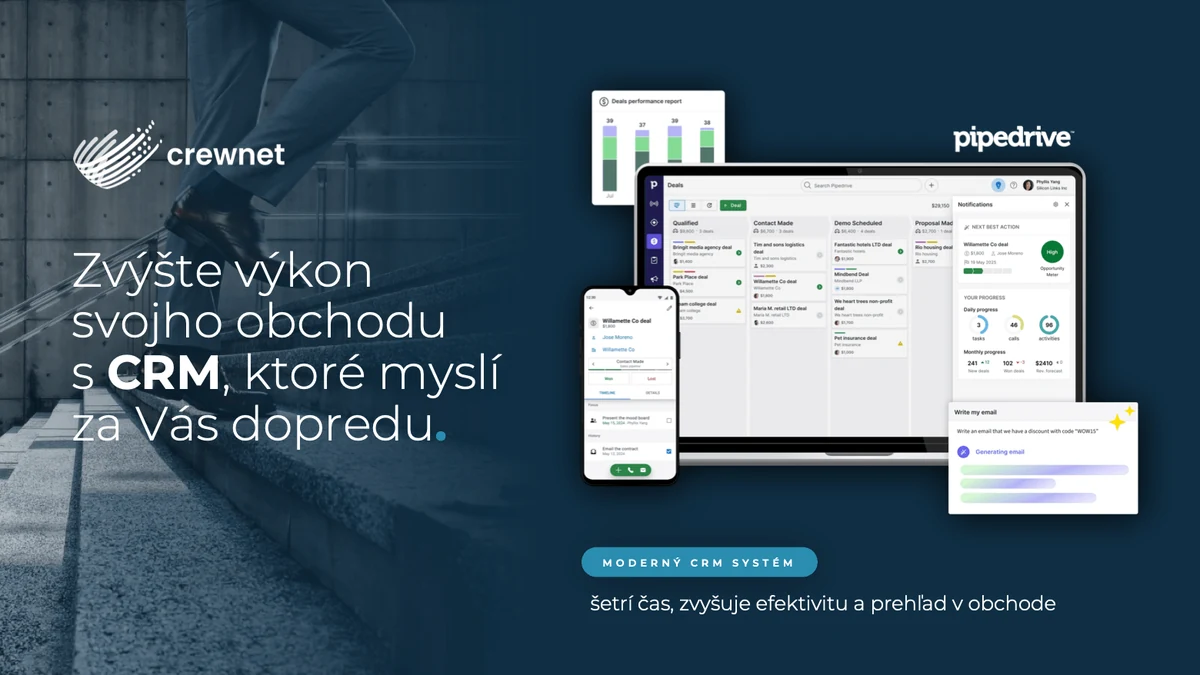

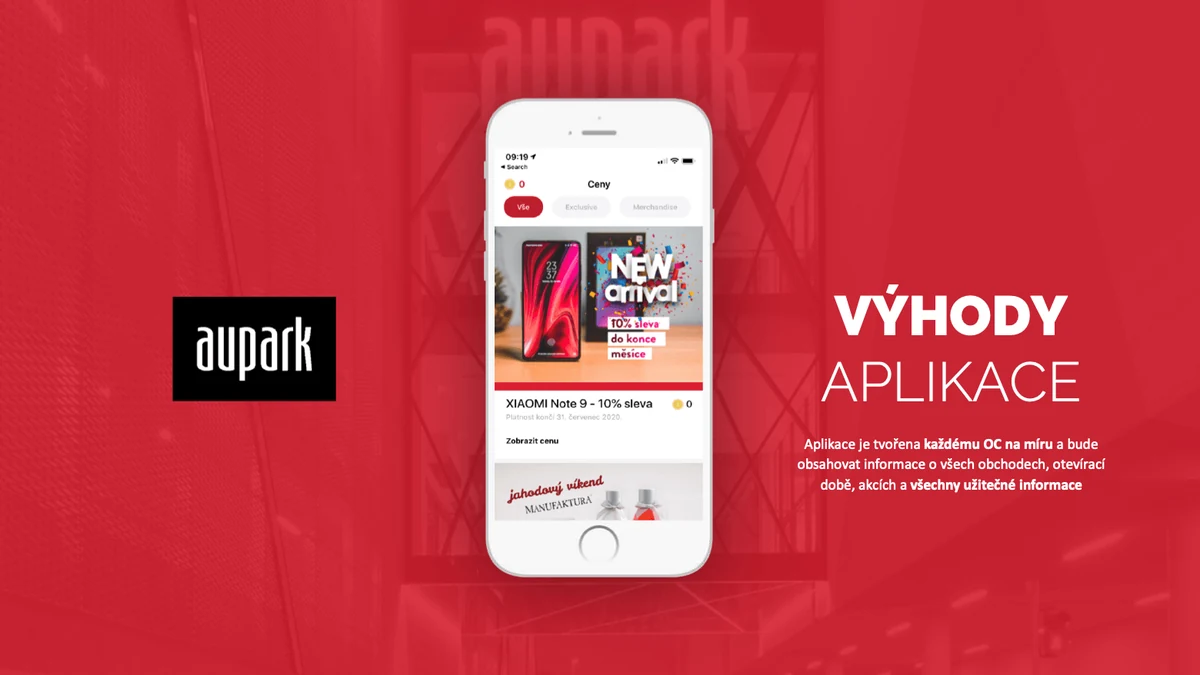


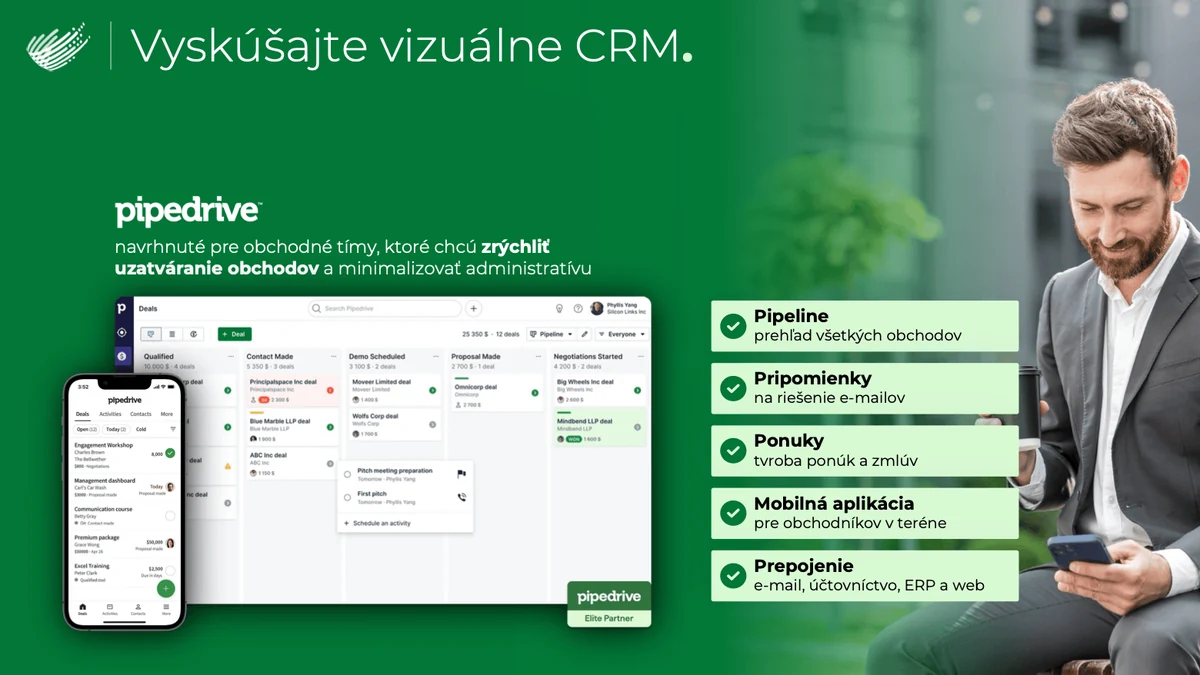

We’ll redo the slides
you struggle with.
Before the training we ask for the slides your people struggle with most. Messy, crowded, hard to explain, full of tables and charts. At the training we redo them together, step by step.
- Your real slides. No made-up exercises, we work on what you actually present.
- A process you can repeat. Participants build slides exactly the way the trainer does.
- Usable the very next day. The team leaves with finished slides and a method for making more.
AI makes a presentation in 30 seconds. We’ll teach you to make it properly.
We show your team where AI really saves time and where to keep an eye on it so slides don’t look robot-made.
- 1.
- 2.
- 3.
- 4.
You choose the tool.
We master them all.
Presentation tool professionals
 Microsoft PowerPoint
 Google Slides
 Keynote
 Gamma
 Canva
We create client presentations in these tools every day. We build the training around the one your team uses.

Microsoft Office Specialist (MOS)
We hold official Microsoft certification. Your team learns from people who know PowerPoint down to the last button.
Official Microsoft certification
He has been creating presentations for over 15 years. He knows what works on a slide and what is just visual clutter, and above all how to build a presentation’s story. He doesn’t lecture theory at trainings. He shows the methods he uses every day.

 Aupark
After the training they make presentations themselves
“Since the training we make client presentations ourselves. We used to send every media kit to a designer, now we can prepare one in an afternoon and it looks professional.”
“The biggest win was learning how to build a story. We no longer put everything we know on a slide. Each slide has one idea, the design is interesting and clients finally understand them.”
One price for the whole training.
For the whole training at your company’s premises.
Included
- content tailored to your team
- analysis and redesign of your slides during the training
- hands-on work for every participant on a laptop
- training materials for every participant
- a best-slide contest with a prize
We tailor the training
We can give more time to PowerPoint, AI, templates or the practical part. We work directly with your brand manual.
Payment terms
Four steps and your team is trained
- 1.
We confirm the date and time
We agree on a day that suits your team. Morning or afternoon, as you need.
- 2.
Send us your problem slides
The ones people struggle with most. They stay strictly between us.
- 3.
We prepare a tailored training
We build the content and examples on your slides, your brand and your topics.
- 4.
Training at your company
We come to you. The team leaves with a method they can use the very next day.
Training FAQ
Who is the training for?
Anyone who prepares proposals for management, reports, sales presentations or training materials.
Do we need design experience?
No. No design or graphic skills are needed. A laptop with PowerPoint installed is enough.
How many people can attend?
We train groups of up to 10 people, so the trainer can go through every participant’s slides. We recommend splitting larger teams into several groups.
Which slides will we work on?
Yours. Before the training you send us the slides you struggle with most and we redo them together.
Can you tailor the content to our team?
Yes. We can give more time to PowerPoint, AI, templates or the practical part and work directly with your brand manual.
We use Google Slides or Keynote. Is that a problem?
Not at all. Besides PowerPoint we also train Google Slides, Keynote, Gamma and Canva. The principles of a good slide are the same in every tool.
Will you teach us to work with AI too?
Yes. We show how to use AI for research, outlines, slide drafts, images and icons, and where its output needs fixing.
How does payment work?
60% as a deposit when the date is confirmed and 40% after the training.
Let’s plan a training for your team.
Tell us how many of you there are and what you make presentations in. We’ll send a tailored programme and available dates.
- A programme built on your slides and topics
- Morning or afternoon, whichever suits you
- Training right at your company