25 to 100+ slide types
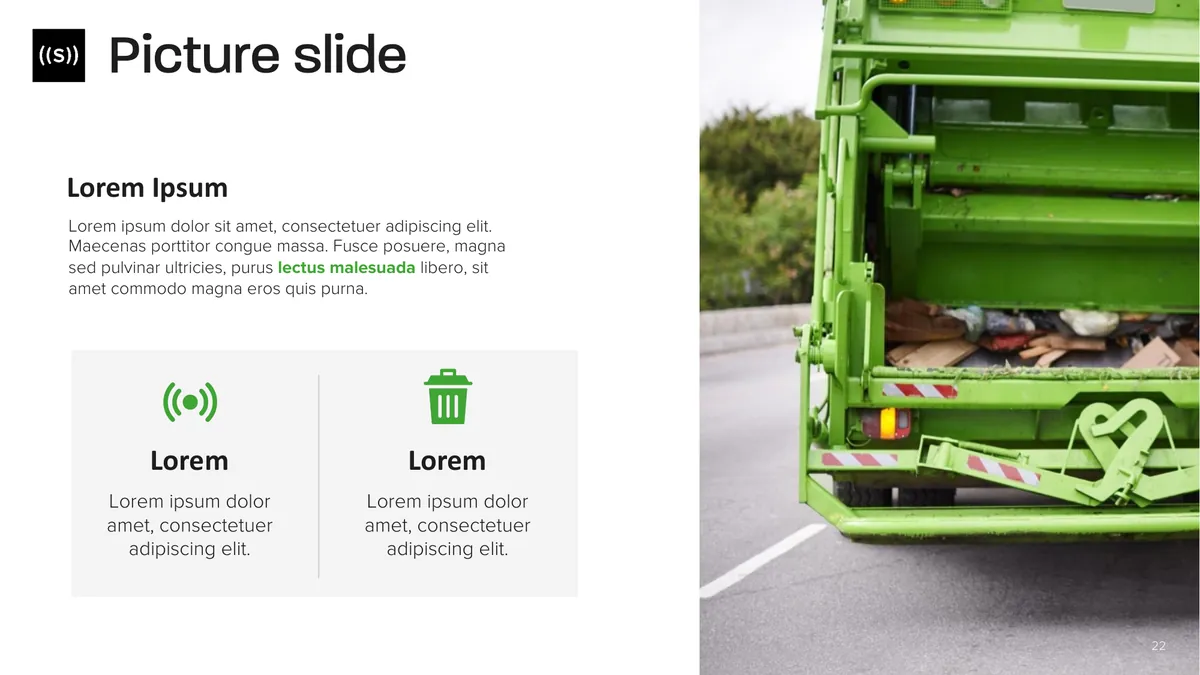
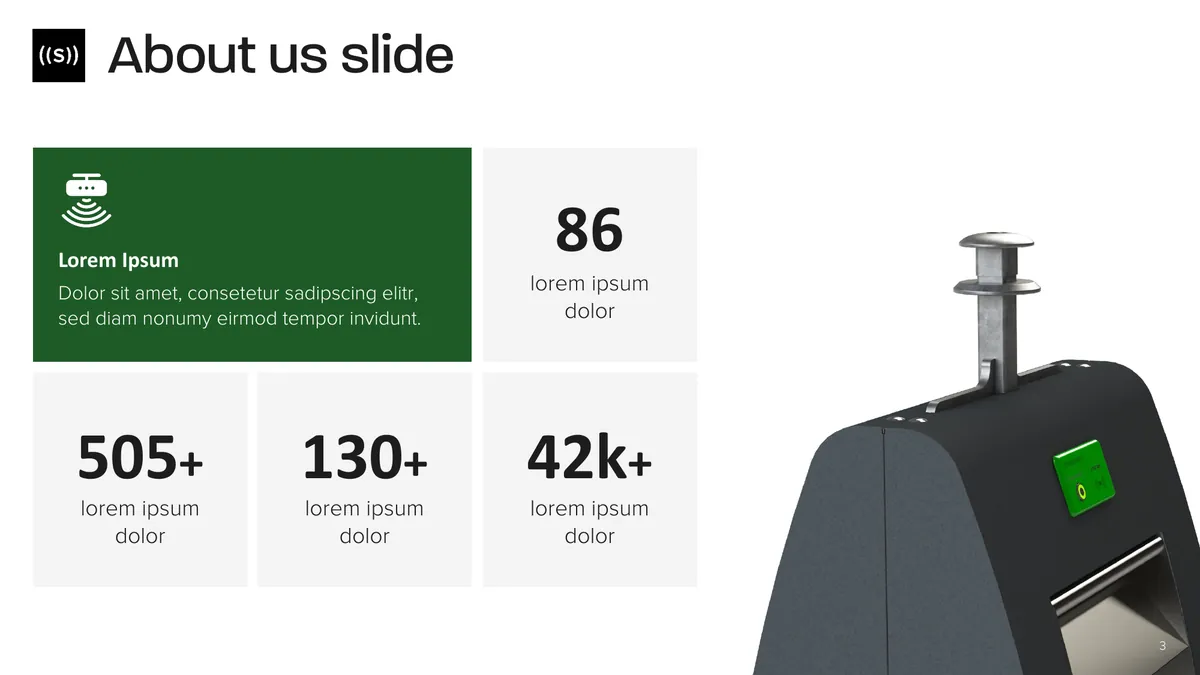
A ready slide for every situation, just replace the text.
We design your company PowerPoint template and your price quote template. Your team picks a ready-made slide, adds the text and the result looks like a designer made it.
We have designed over 300 company templates for companies like




















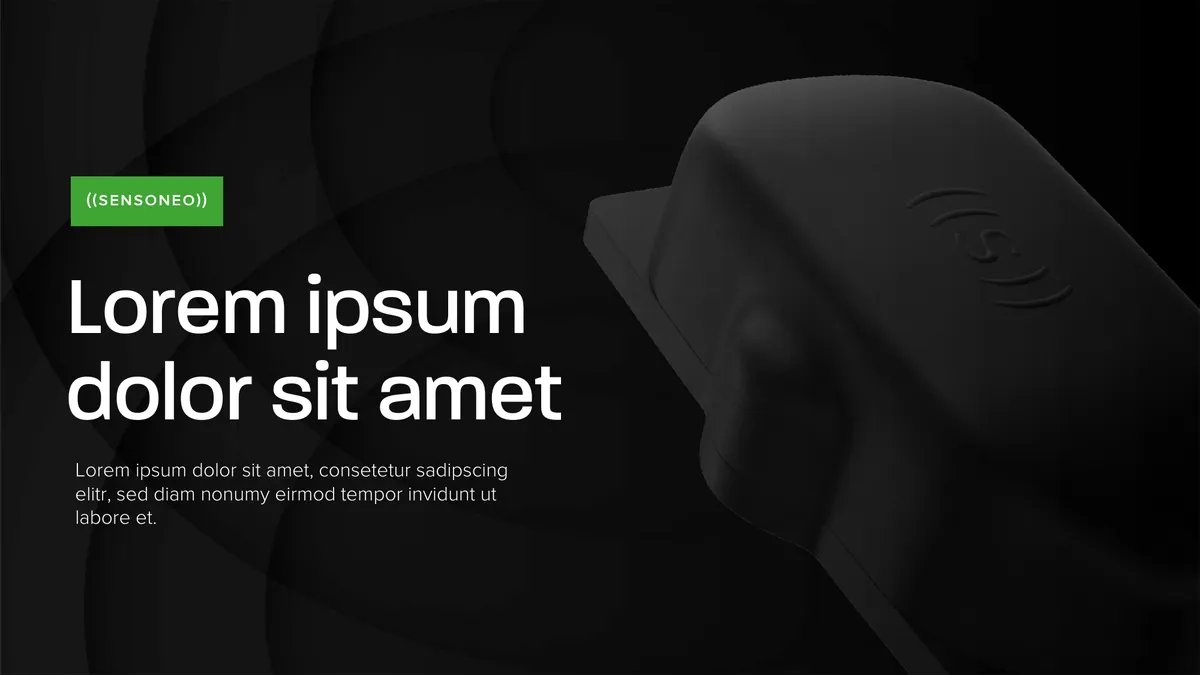
 up to 100 slide types
 Logo, colours and font
Presentations and price quotes are often the first thing a client gets from you. We make sure both look professional, no matter who on your team puts them together.
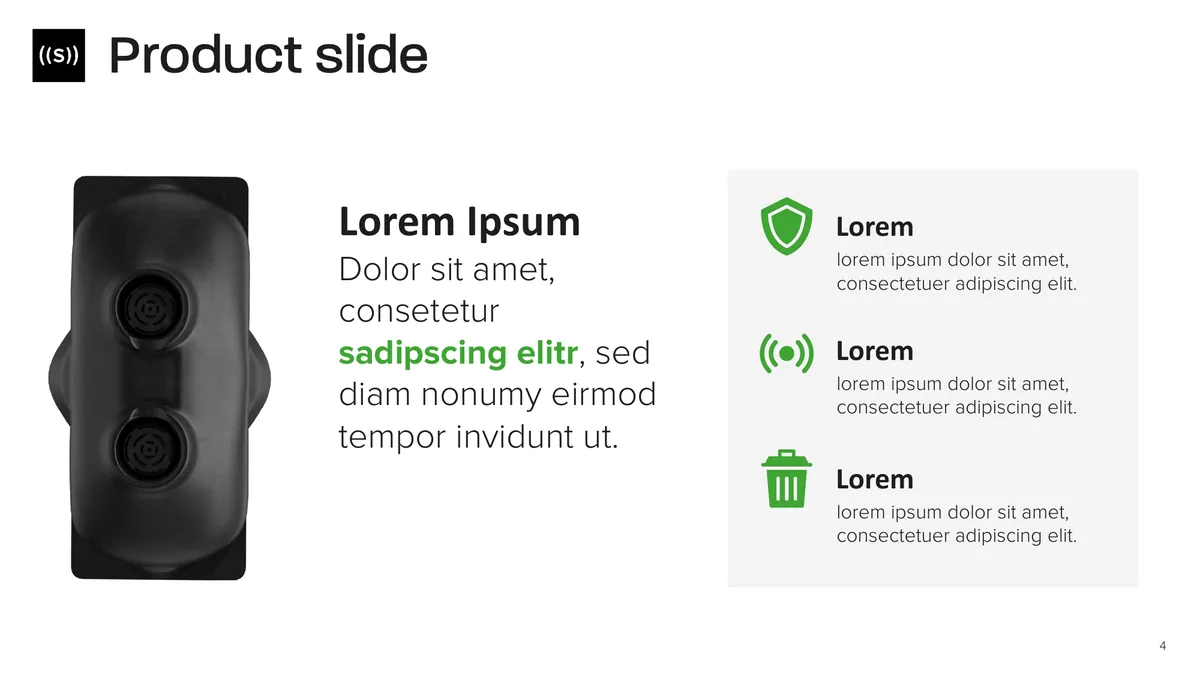
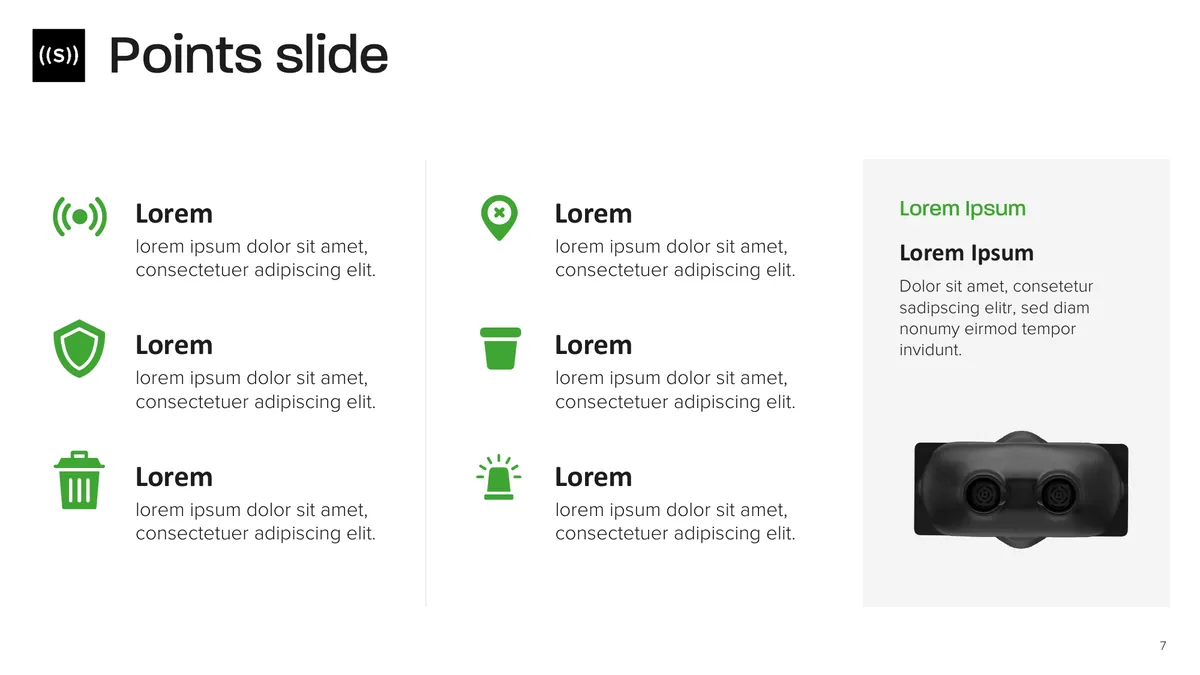
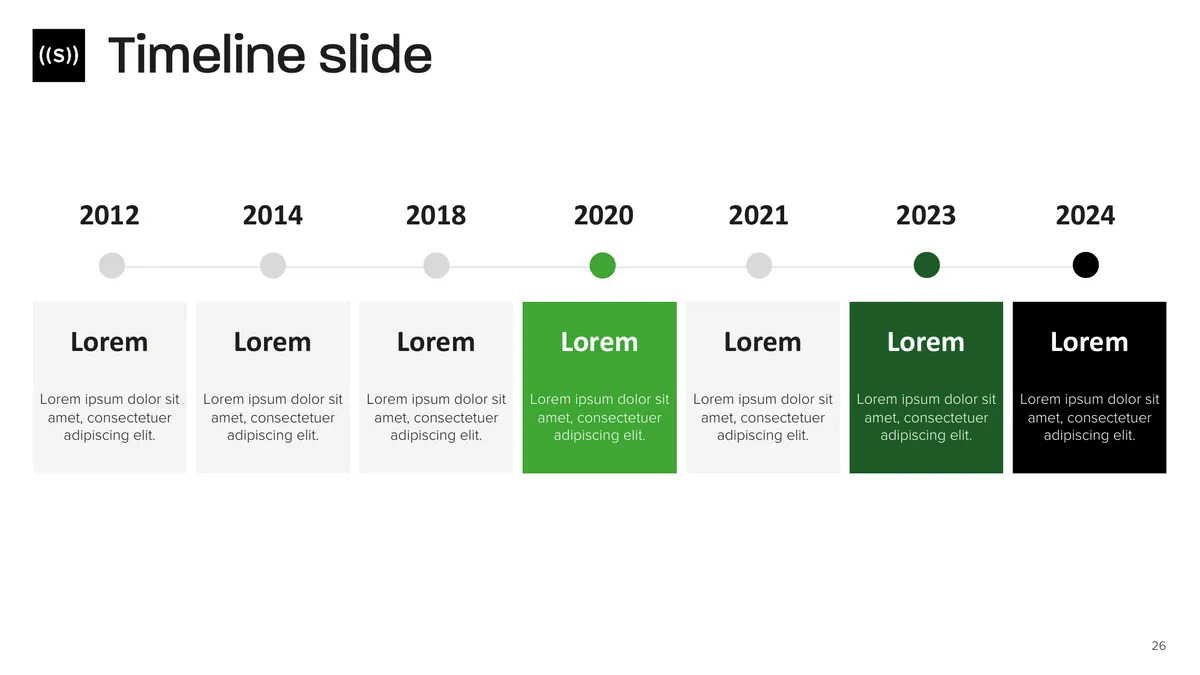
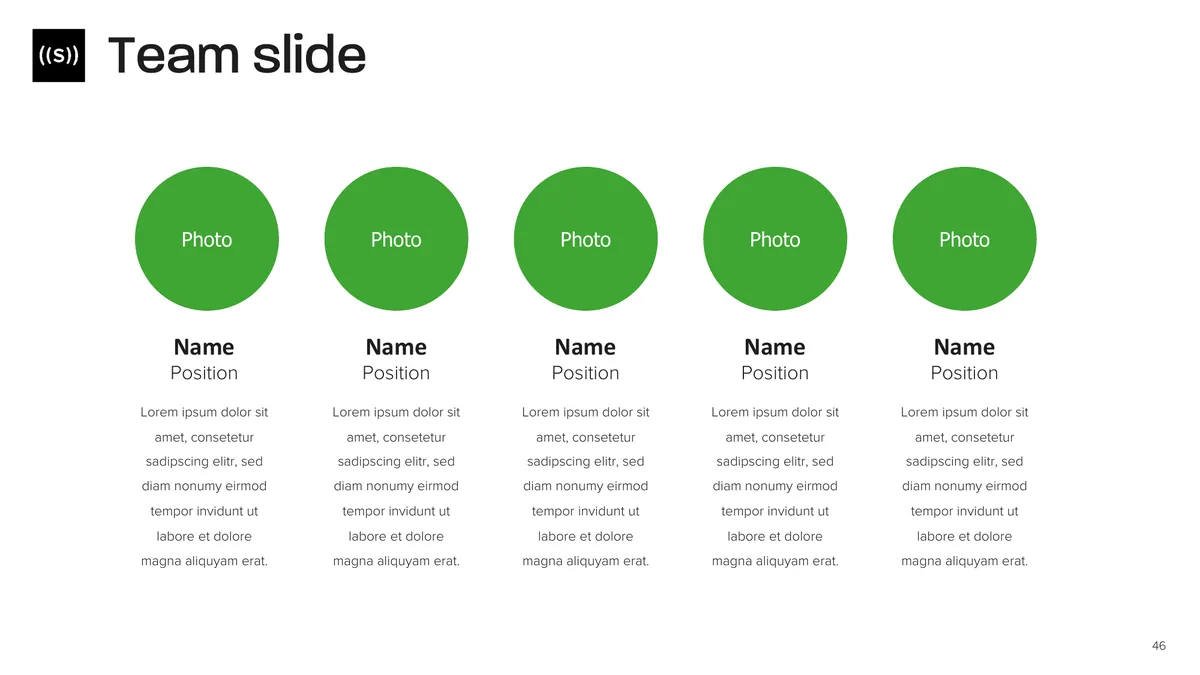
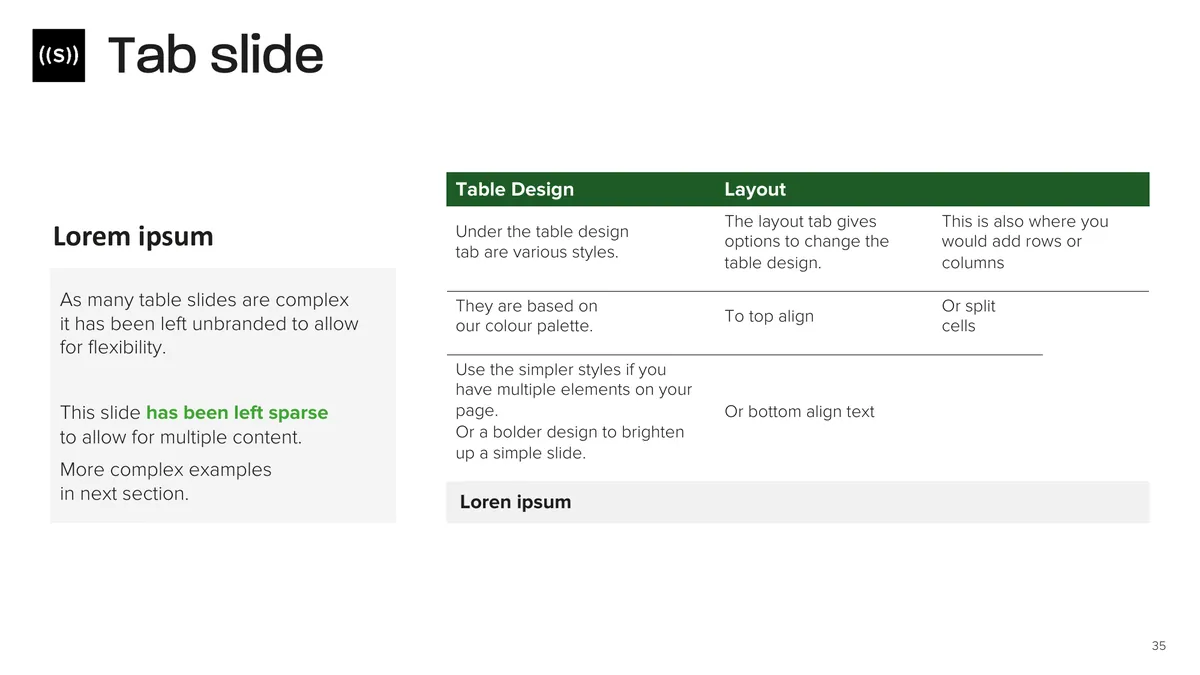
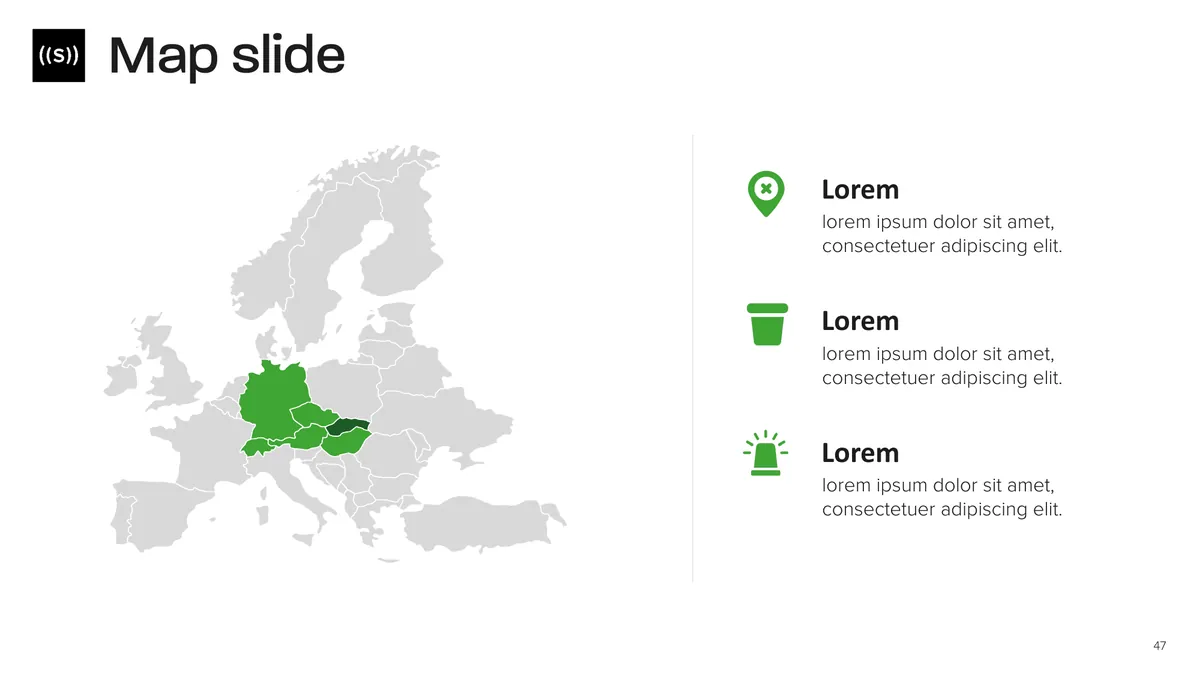
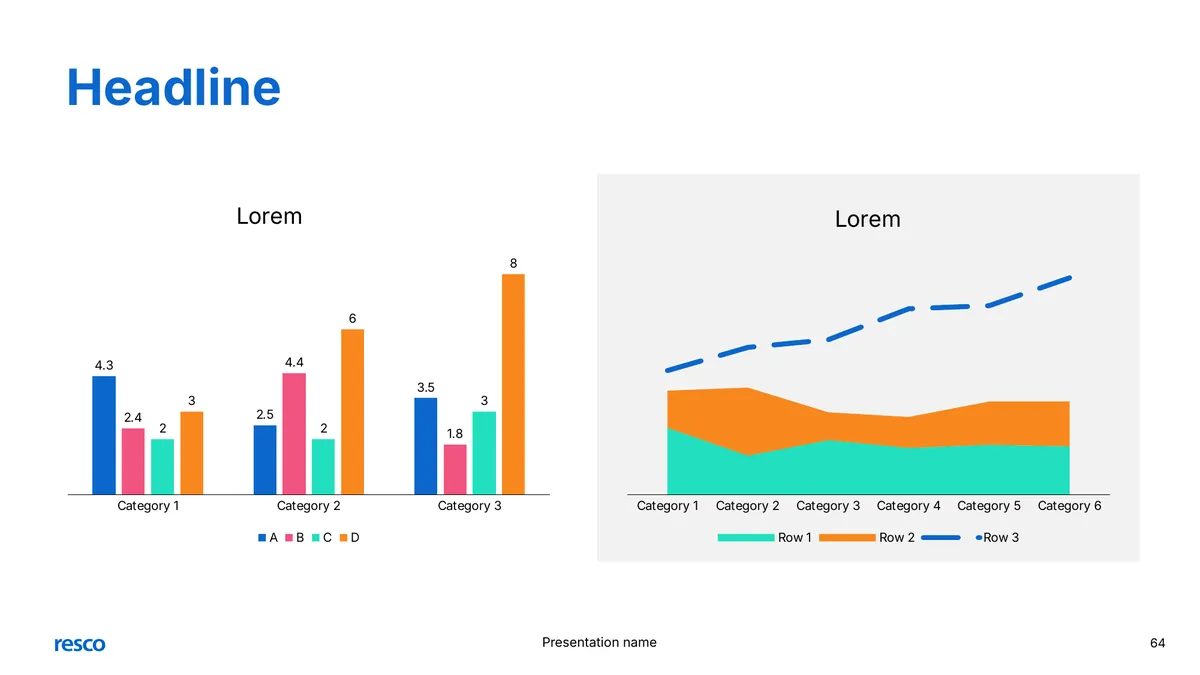
25 to 100+ ready-made slide typesTitle slides, charts, tables, team and mapsEmployees pick a slide and just replace the text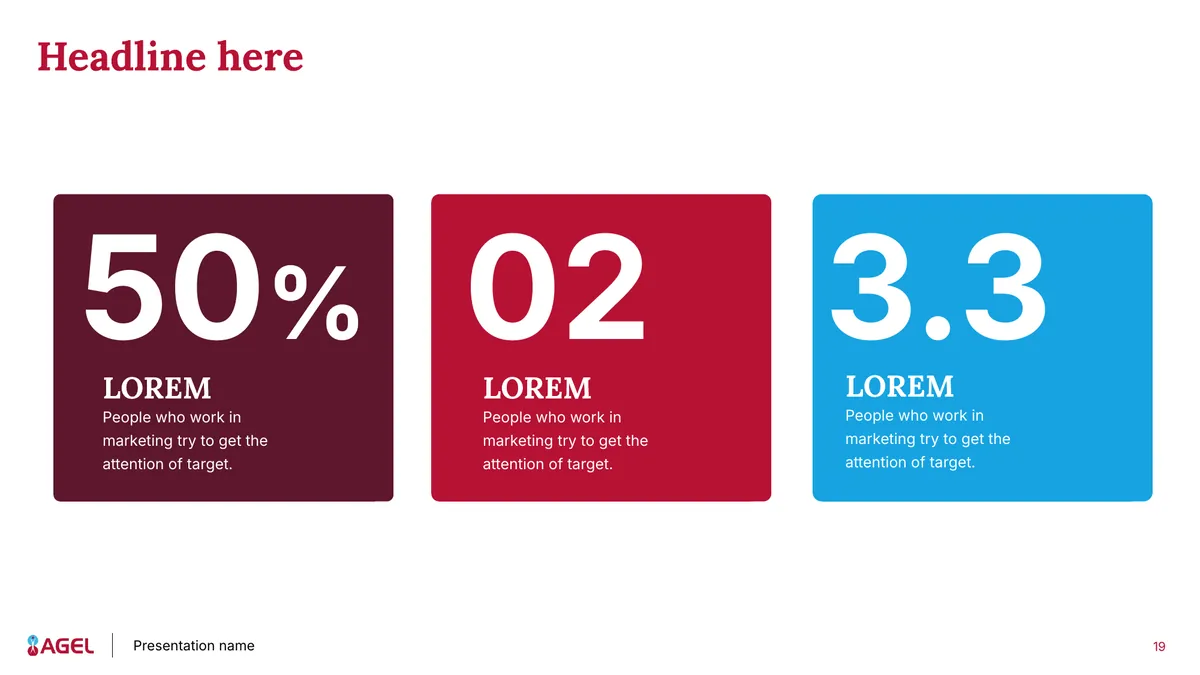
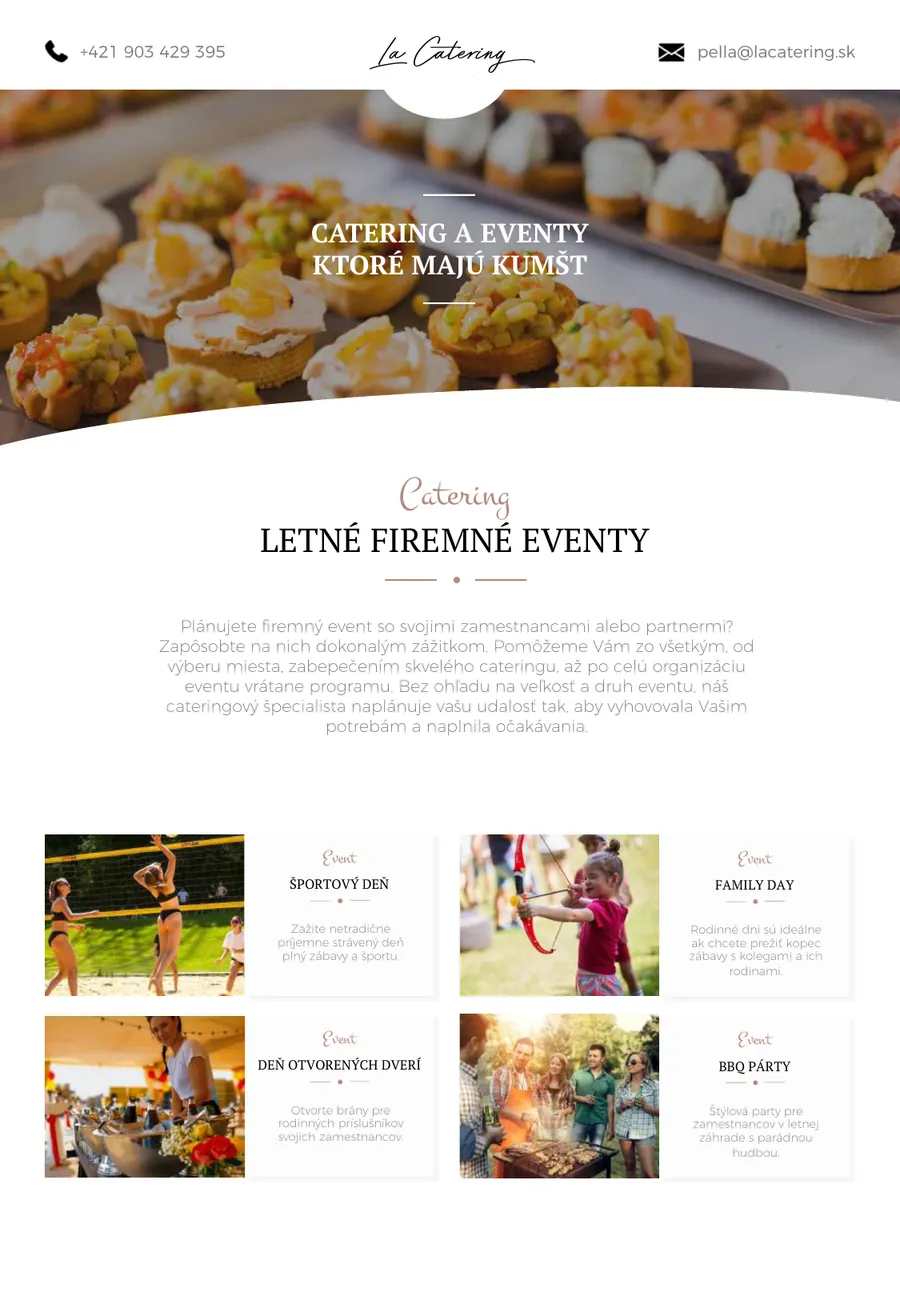
 Opens with benefits and what sets you apartA clear price table, you only change items and pricesExport to PDF in one click and send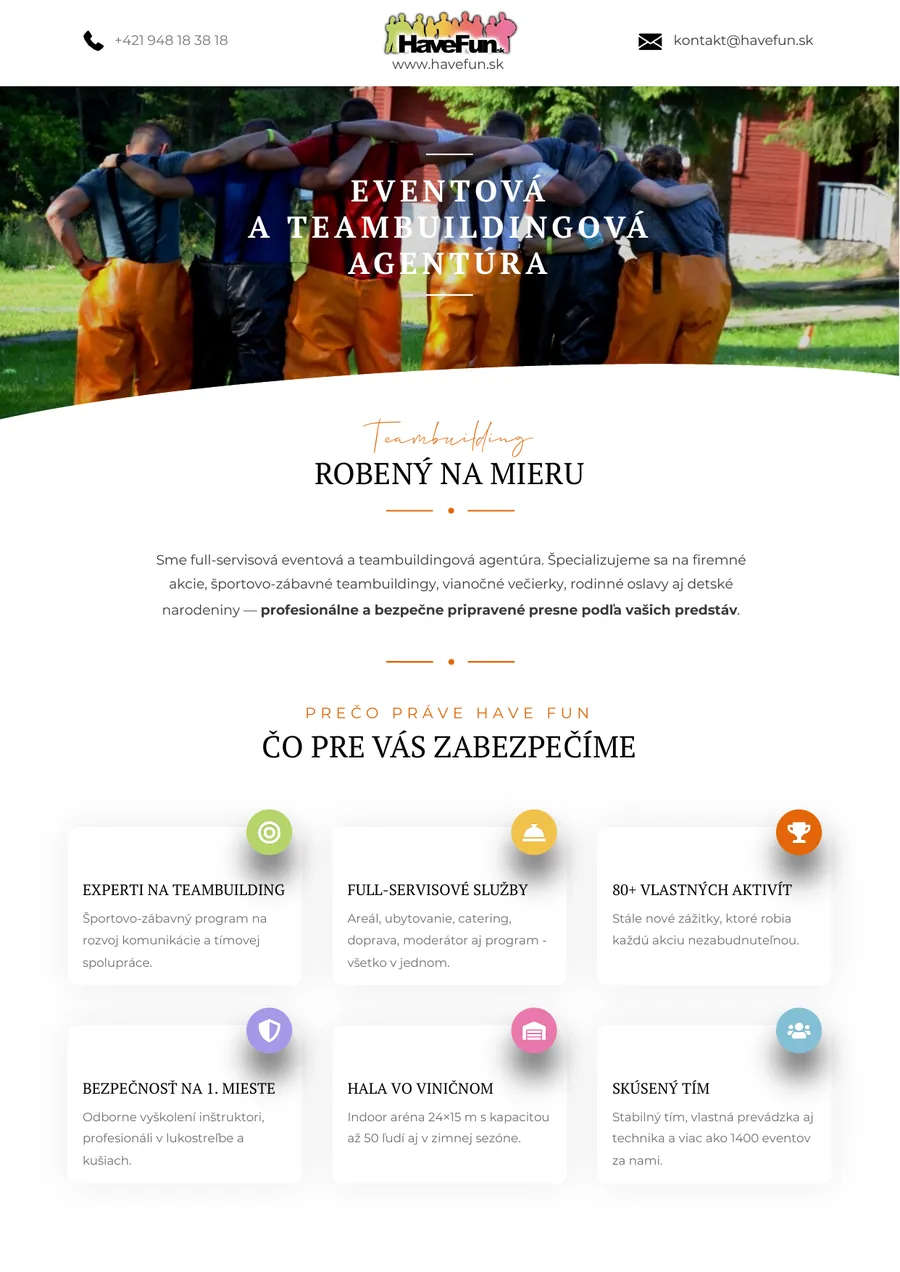
Almost every company has a basic template. But it only offers a few text layouts, so people improvise.
The whole deck uses one slide type and feels dull.
Clients see several different companies instead of one.
Sales reps format slides instead of selling.
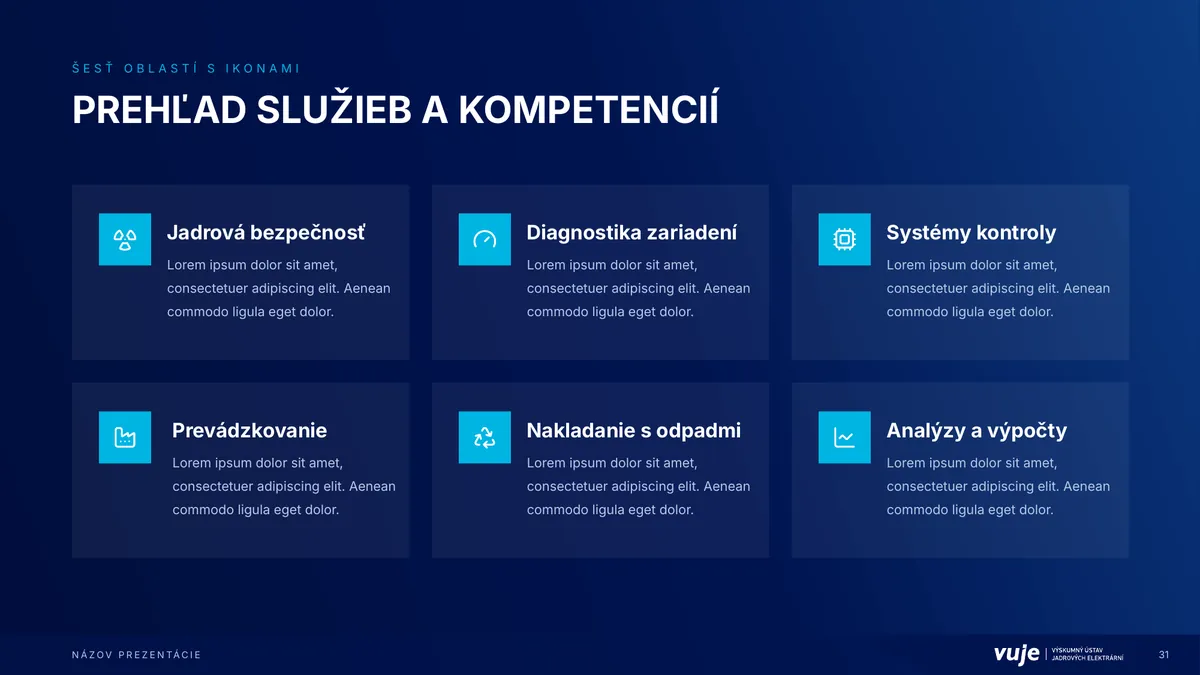
A ready slide for every situation, just replace the text.
Key elements are locked in the slide master.
SVG icons in your predefined brand colours.
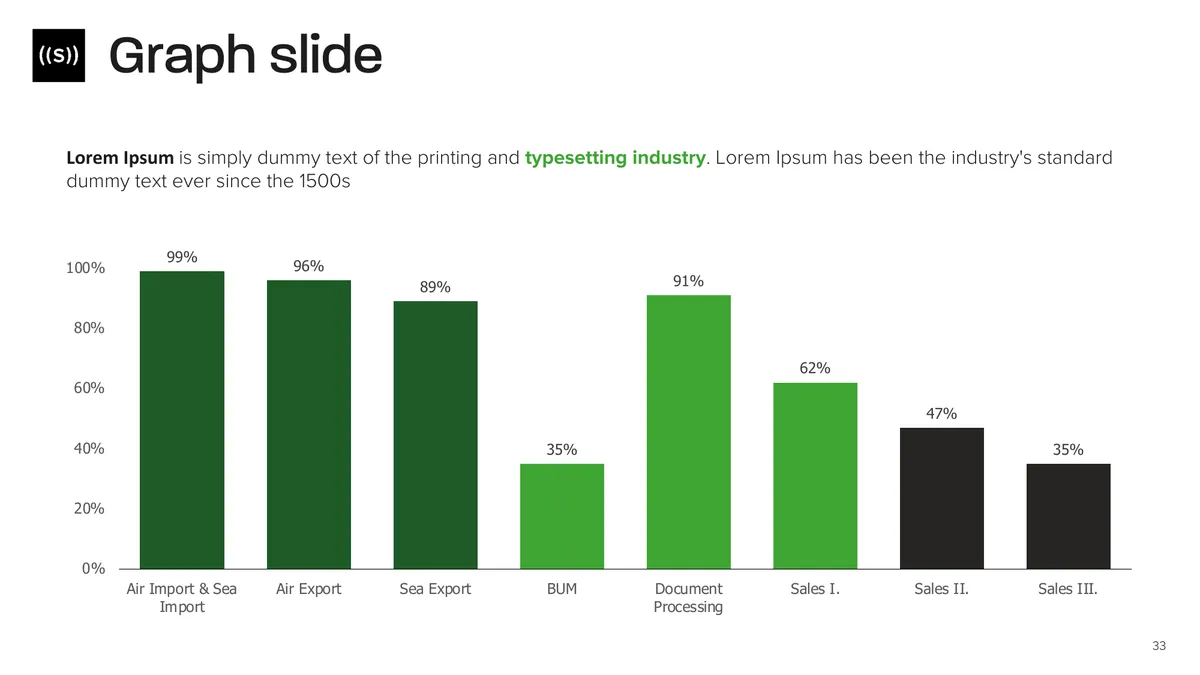
Change the numbers and the chart redraws itself.
Works even for colleagues who don't have it installed.
You assemble ready-made parts instead of facing a blank slide.
We build every template from slide types based on what your people really need in their presentations.
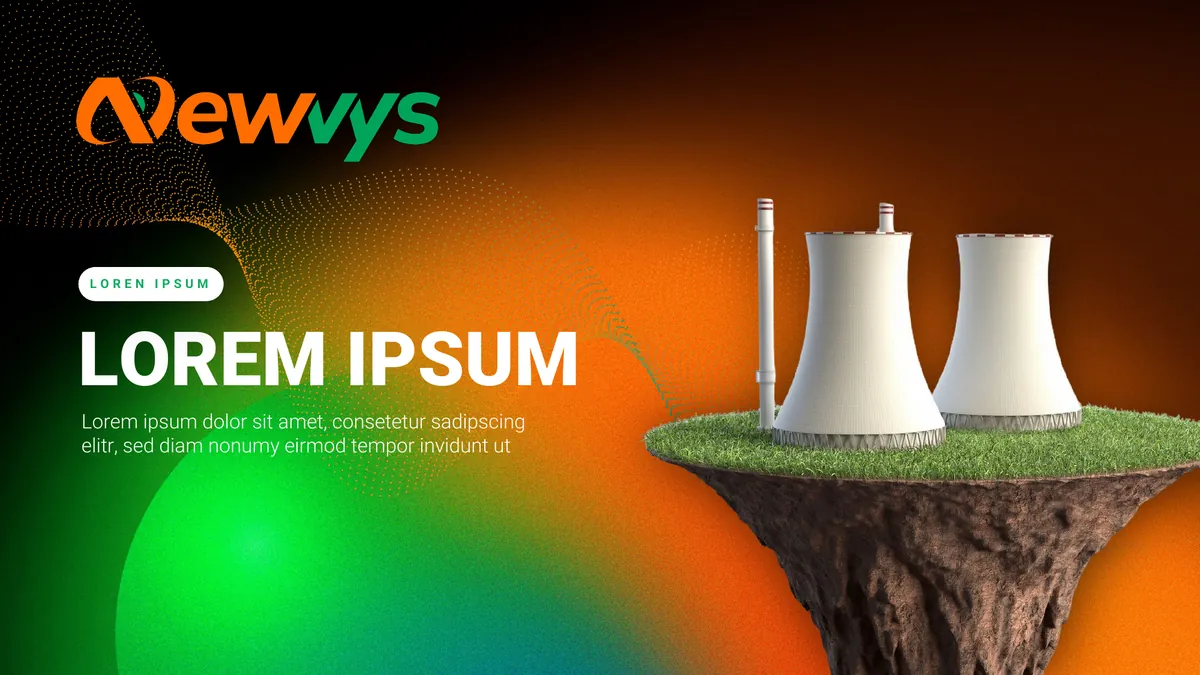
Title slides that make an impression from the very start. With a photo, the presenter's name, and in a dark version too.


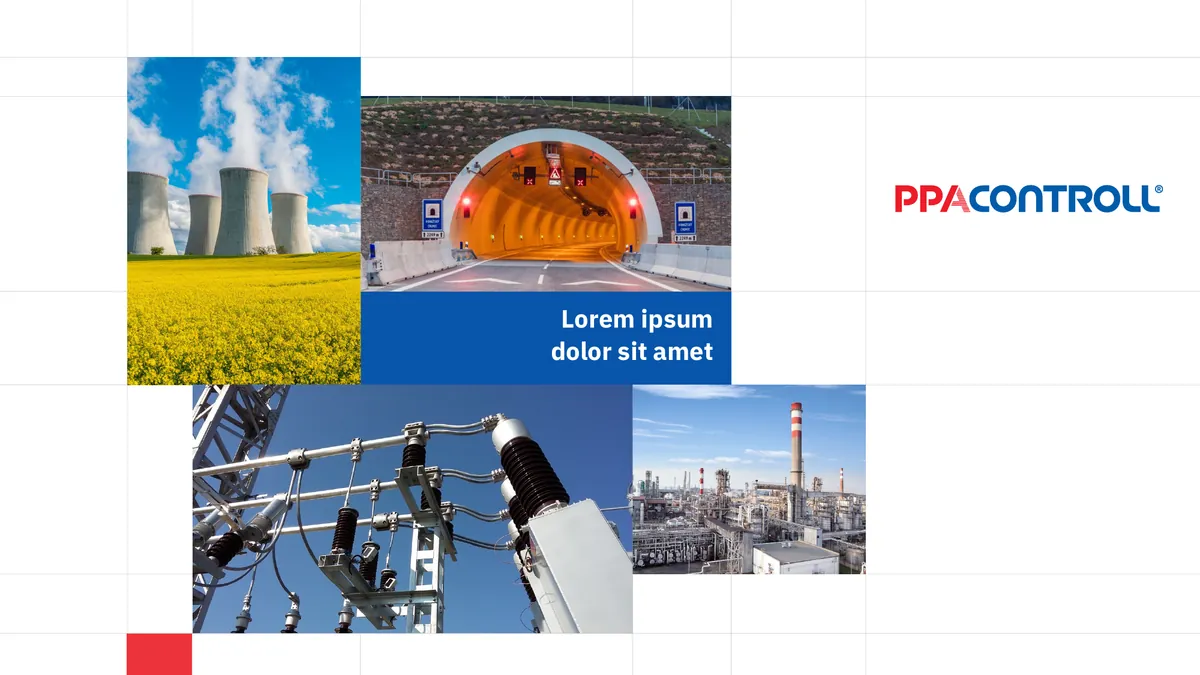

First we find out which slides your people make most often, then we design exactly those.
 1.
1.The more, the better. Plus your logo, font and brand guidelines.
 2.
2.We select the slide types your people use most.
 3.
3.5 to 6 slides in your brand style. We continue once you like them.
4.You review it as a PDF, then we set up the slide master.
 5.
5..pptx and .potx files with instruction slides at the start.
Drag the strip with your mouse or finger. Click a template to browse its slides.
The decision maker reads quotes alone and nobody presents them. That's why your quote has to be clear and has to sell.
win rate of quotes from professional templates, the average is 20%
of winning quotes include photos and images
a client spends on the pricing page
This is how we structure every template. Click a part of the quote to see how it looks in quotes we designed.
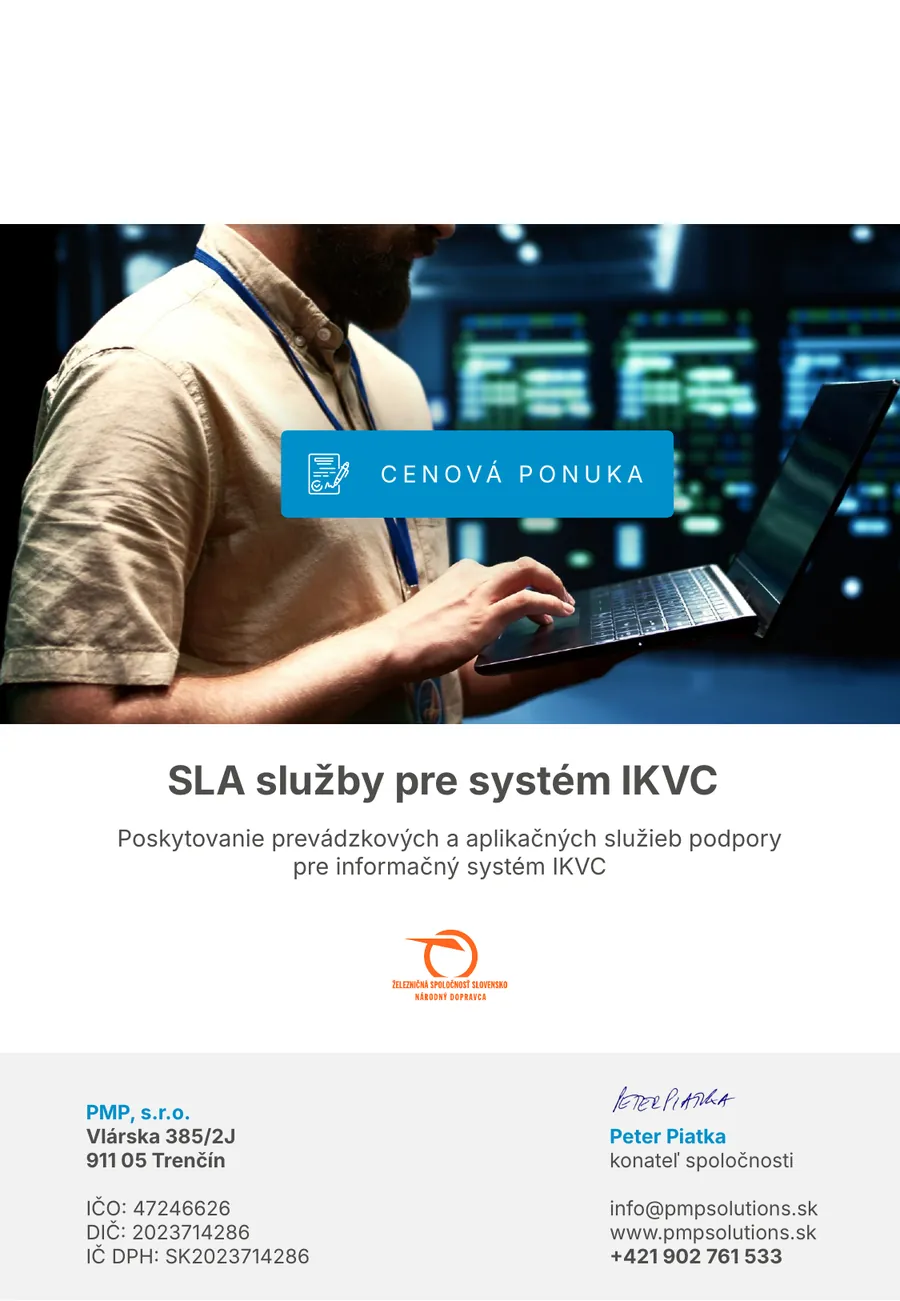
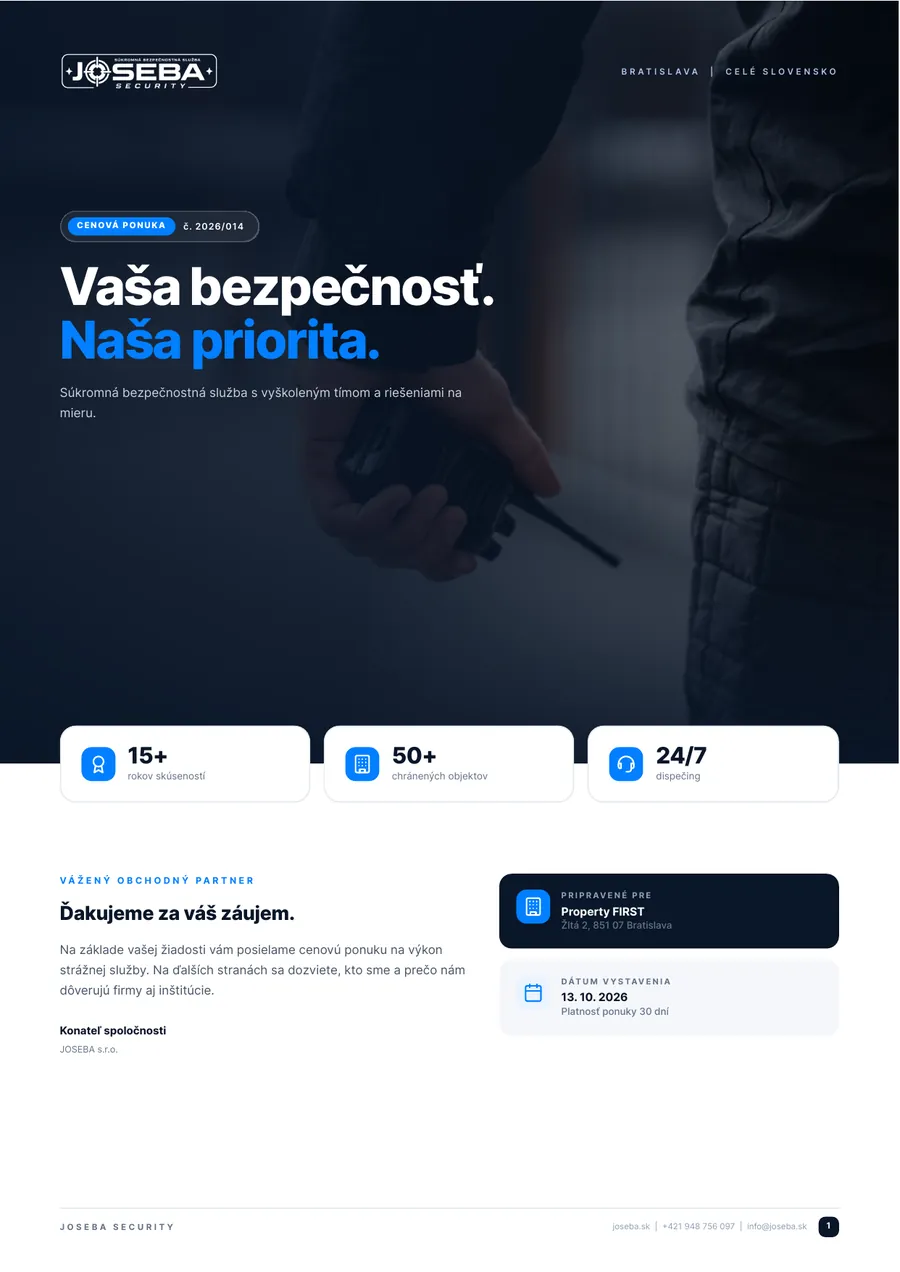
JOSEBA | cover page
While others send a table from Word, you send a document that looks like it came from a big company.
Benefits and references up front explain why you cost what you cost.
Everything else is ready. Export to PDF in one click.
No matter who sends the quote, the client always gets an equally good document.
If your CRM generates the prices, the template simply wraps them with an intro and closing.
In Word the design falls apart. In PowerPoint we lock the logo and layout.
We look at it through your client's eyes and add what sells.
1.2 or 3 quotes you send to clients today and a link to your website are enough.
2.Benefits, a service overview and what sets you apart from competitors.
3.Usually portrait A4. Intro, problem and solution, references and price.
4.Usually within a week. You create every next quote yourself, without us.
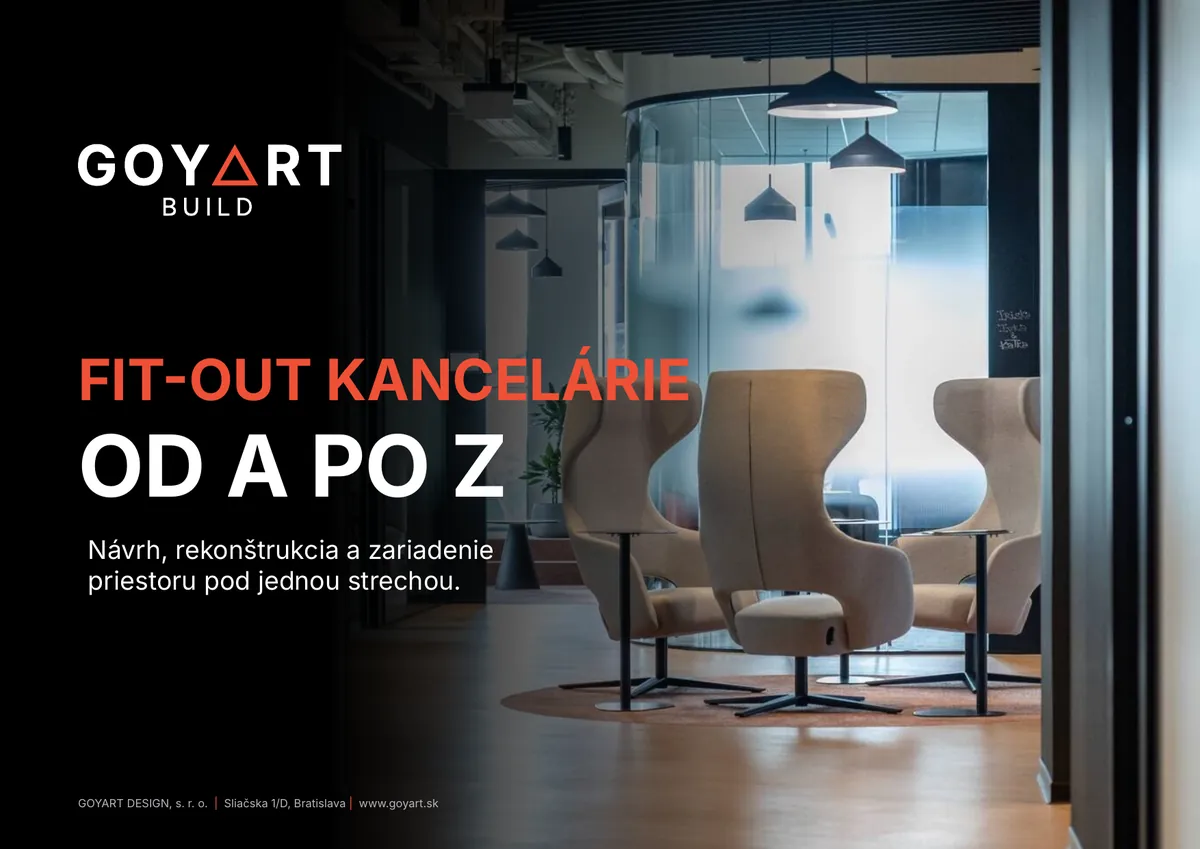
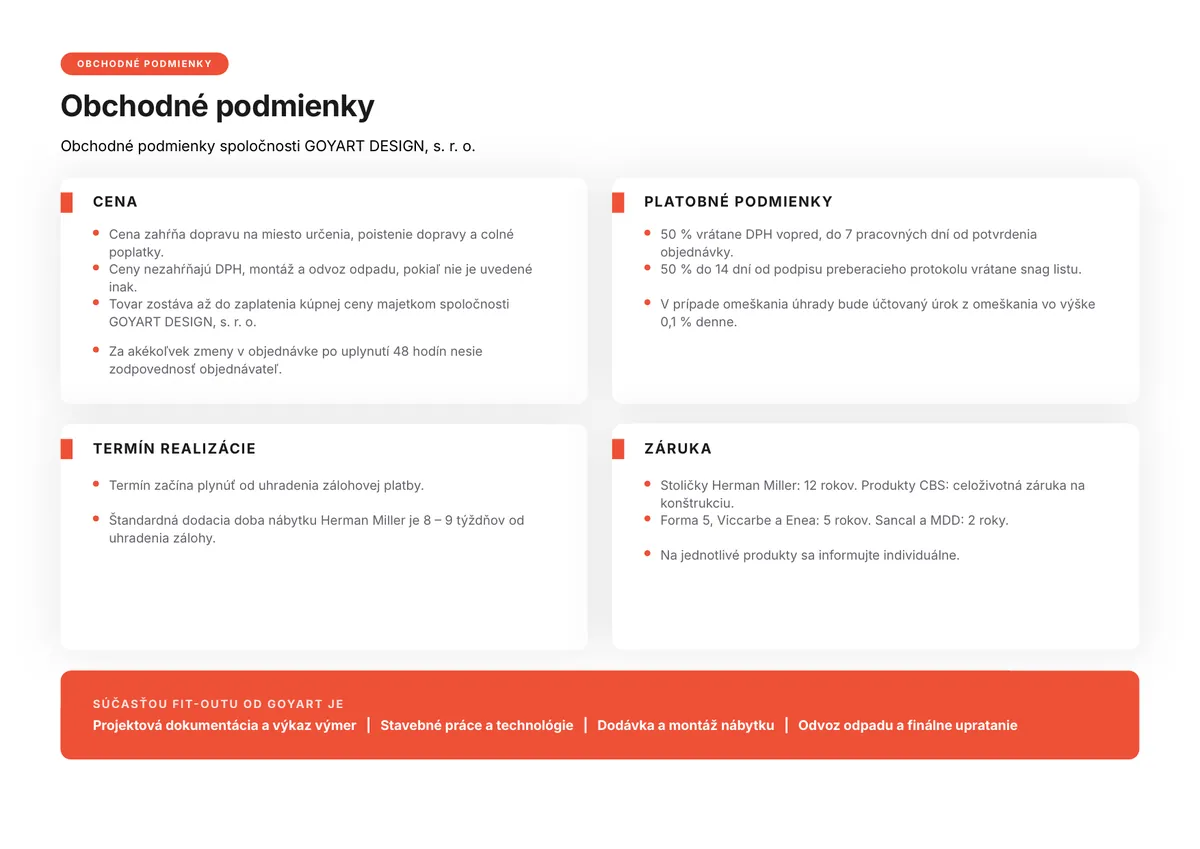
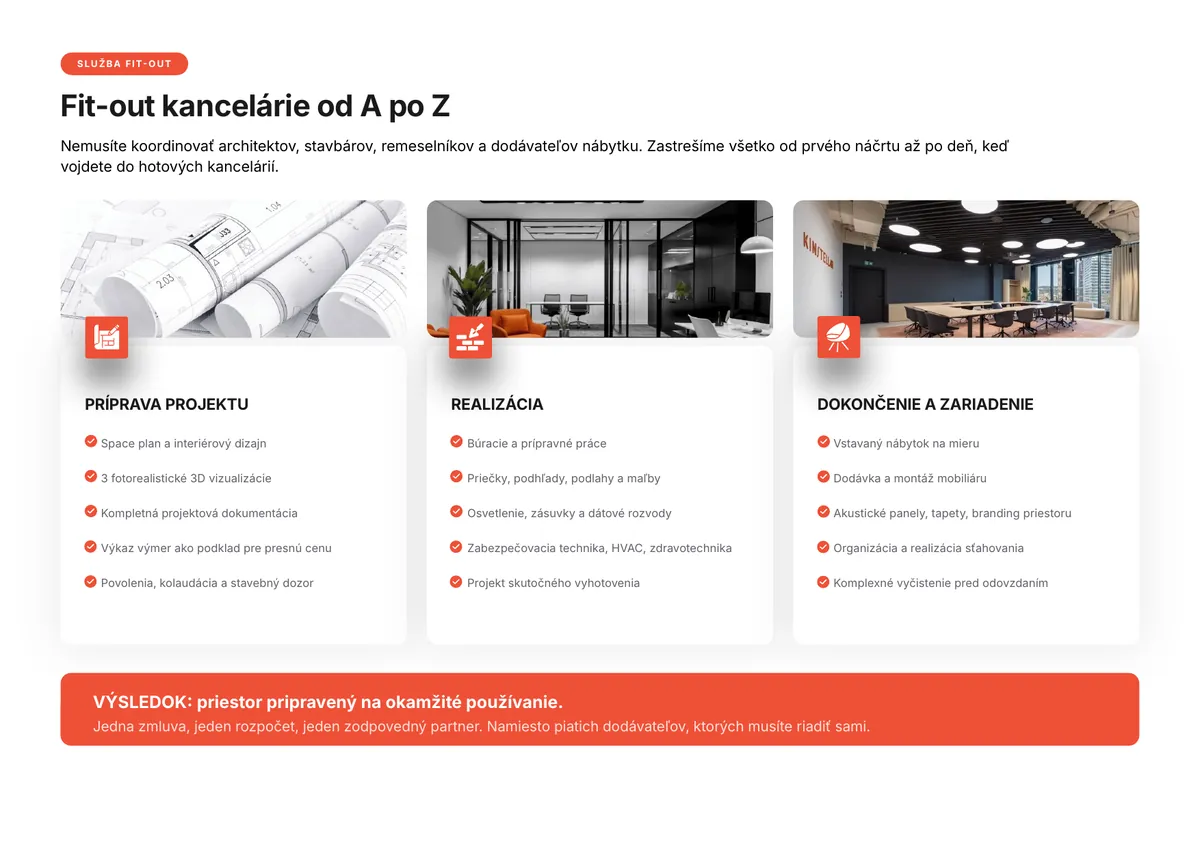
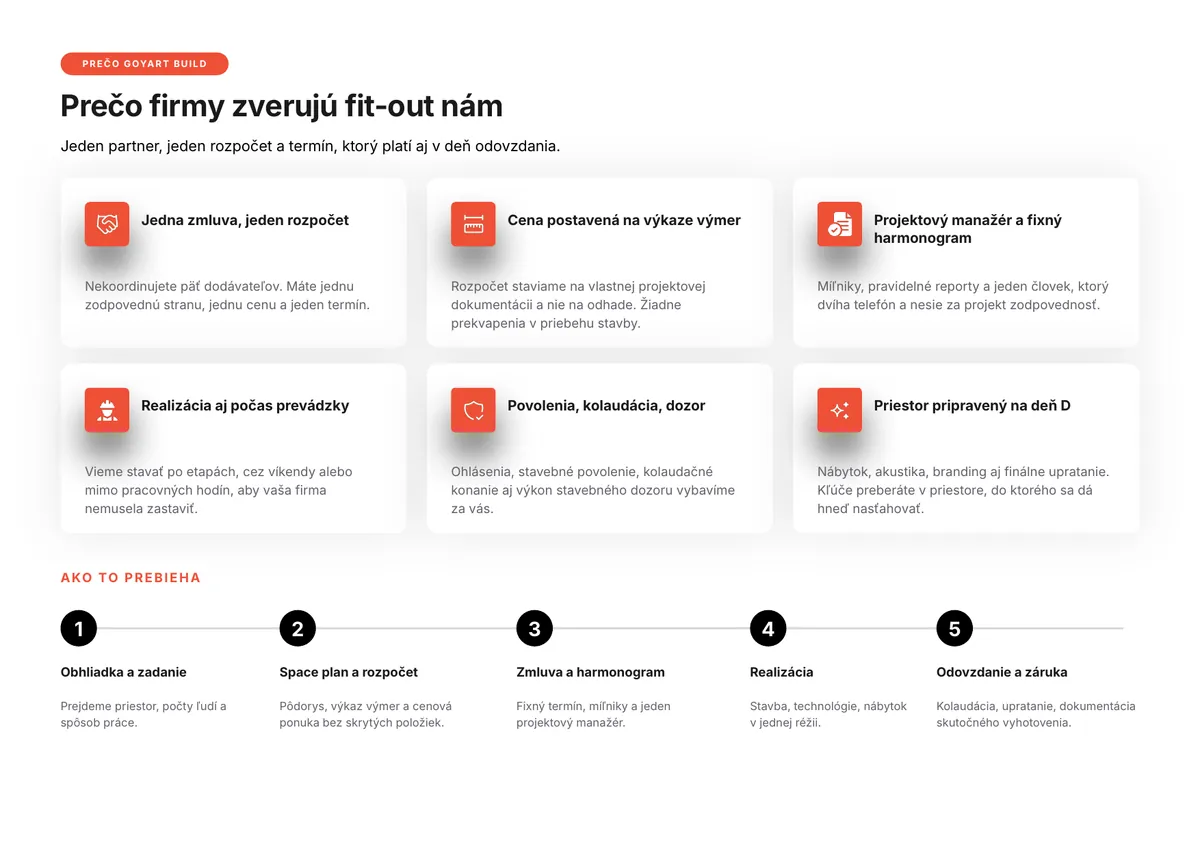
Office fit-out and furnishing. The intro and closing are in the template, the itemised prices come from their CRM and are simply inserted in the middle.
The final price depends on the number of slide types. We send an exact quote after reviewing your materials.
25 slide typesfont, colours and logo set up in the templatetitle, section, text slides and chartseditable charts and tables.pptx and .potx files50 slide typesanalysis of your old presentationsSVG icons you recolour in one clickphotos that match each otherteam, references, timelines and mock-upsinstruction slides at the start100 slide typeseverything in Mediumtables, comparisons and scheduleslaptop, tablet and phone mock-upsWord and Excel templates on requestMost company templates only offer a few basic text layouts, so people keep copying the same slides. We start by analysing your presentations and design exactly the slide types your people need: charts, tables, overviews, comparisons, icons and images. If you prefer, we can simply extend your existing template.
As many older presentations as possible, your logo, brand font and brand guidelines if you have them. For a price quote, send us 2 or 3 quotes you currently send to clients. If the materials contain sensitive data, we will sign an NDA.
A 5-slide template makes no sense, people could not really work with it. Our smallest template has 25 slides. Companies most often choose 50 slides, large companies 100 slides with every type.
We usually deliver the design of the first slides within 4 days. After approval we complete the whole template, which takes 2 to 3 weeks for 50 to 100 slides, depending on scope and how quickly feedback comes in. A price quote template is usually ready within a week.
Yes, that is exactly what the template is for. Every slide comes with sample text, so it is clear right away how it should look. A slide is added via New Slide or simply copied. The template starts with instruction slides and, if you like, we can walk your team through it in a training session.
We embed the font directly in the file and it installs itself when the file is first opened. The only exception is a computer with administrator access disabled. In that case we recommend a fallback system font.
In Word the design falls apart as you edit and nothing can be locked. In PowerPoint we lock the logo and layout, the content stays flexible and you save the finished quote as a PDF in one click.
Yes. If your CRM or accounting software generates the items and prices, the template contains the opening and closing pages and the price section is simply inserted. That is how the GOYART quotes work, for example.
Yes. The slide types use sample text, so for language versions we only translate the instruction, section and title slides.
We can add new slide types to your template at any time or update it after a rebrand. We price additions based on scope.
Send us the presentations and quotes you use today. We'll get back to you with a proposal for your template.
Wow, you made it to the end of our website.
It's rare these days to scroll all the way to the end of a website.
As a reward, you can go back