Getting feedback on your presentation: how to ask so it actually helps
Feedback helps you see your own presentation with fresh eyes and communicate your message more clearly. Useful comments don't happen by accident, though: it depends on when you ask, whom you ask and how exactly you phrase the request.

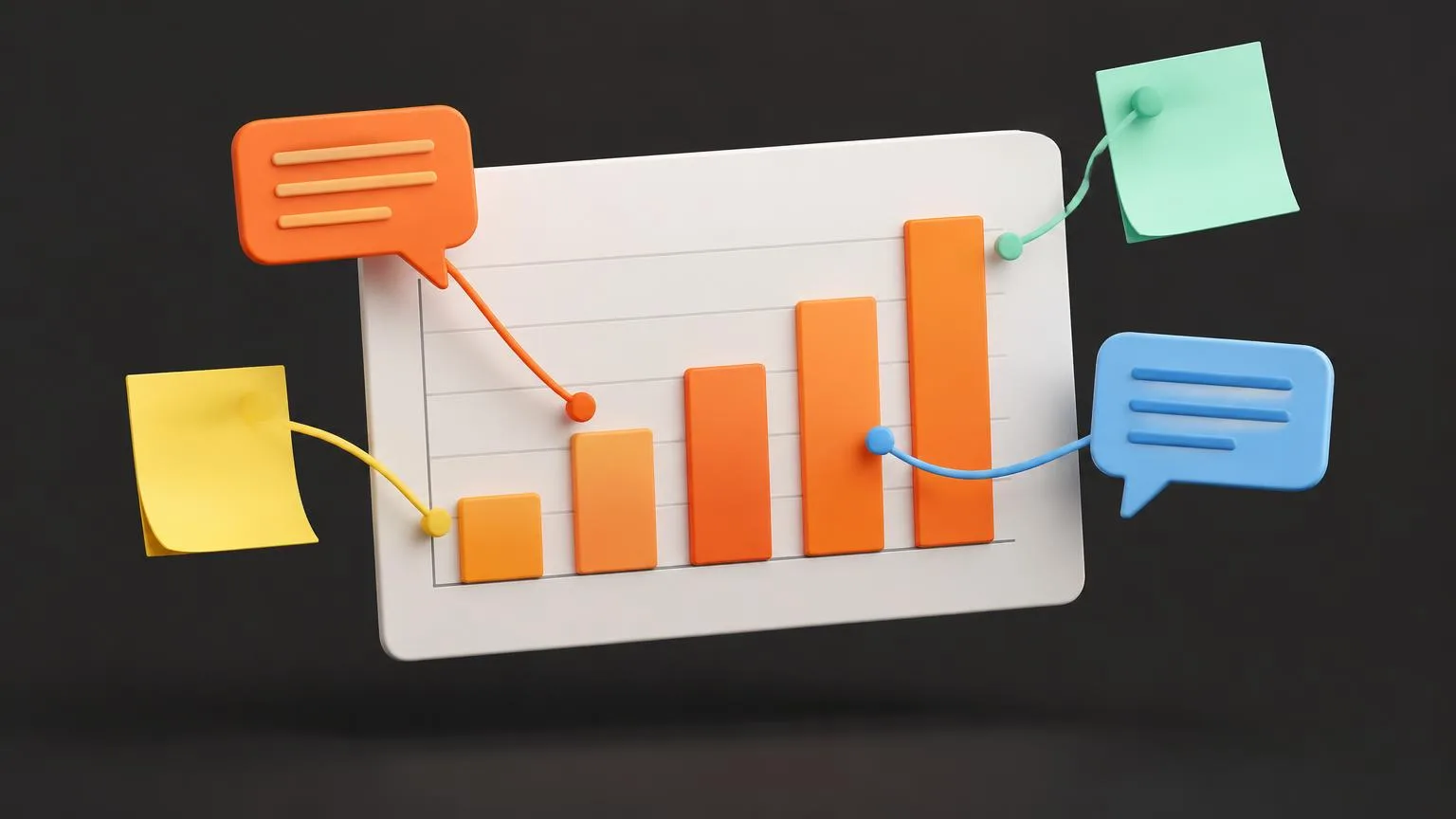
In short: It pays to ask for feedback on a presentation twice: early on, over a rough sketch, while you're still deciding the overall direction, and later, over a finished version you're refining. Pick people with different perspectives, tell them exactly what to look at and what can no longer change. Then listen, don't defend yourself, and actually act on the comments.
When you work on a presentation for a long time, you stop seeing its weak spots. You know what you want to say, so a chart without labels or a slide with too much text makes perfect sense to you. Someone from the outside will notice right away. For their perspective to really help, though, you need to ask for feedback the right way.
When to ask for feedback
Early on: over a sketch, not a finished design
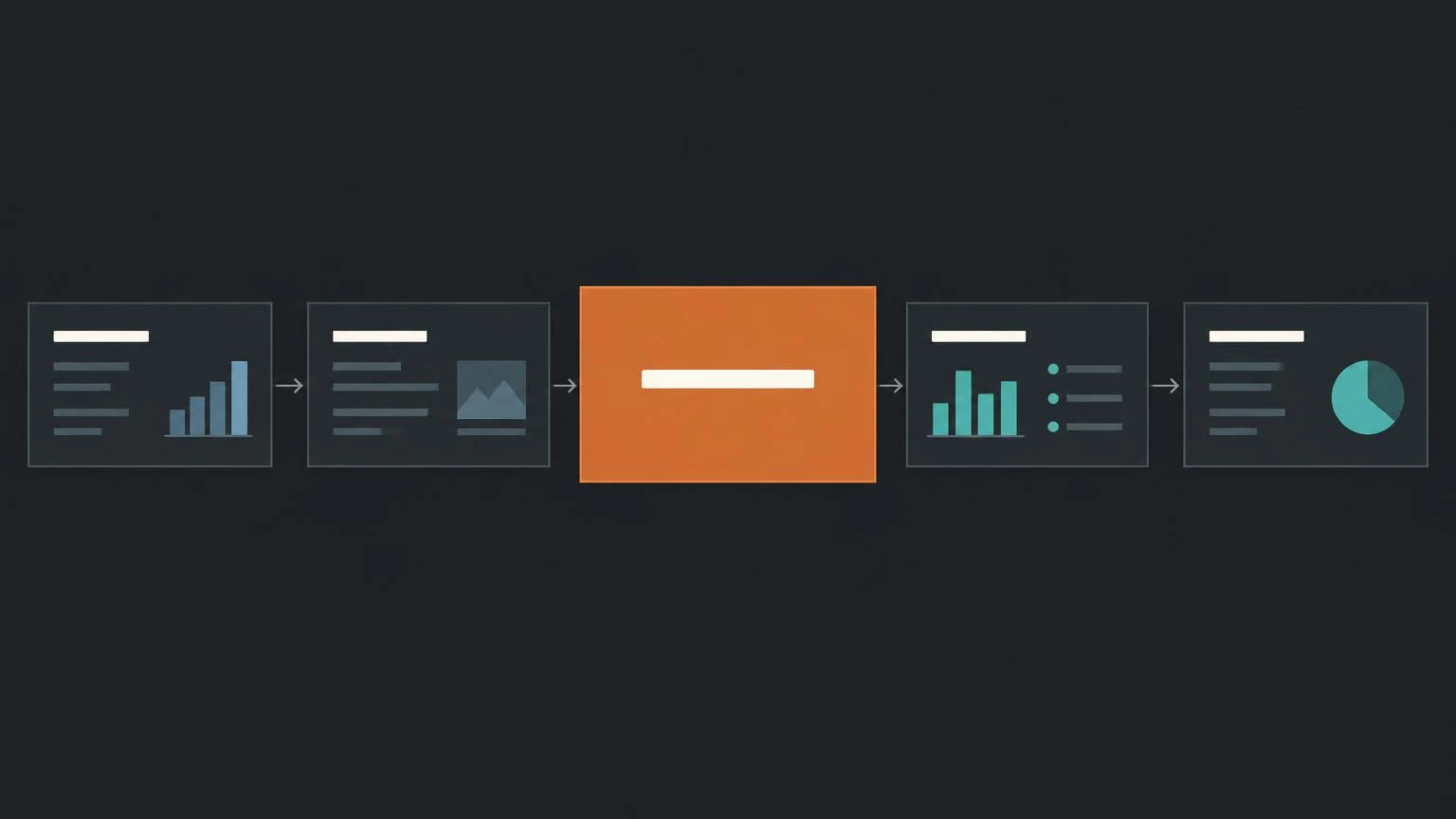
At the start of the process you're less attached to your work and can change direction more easily. Share a rough outline, a paper sketch or simple boxes in place of charts. When nothing looks finished, people don't comment on colors and fonts but on what matters: whether the order of ideas makes sense, whether you picked the right chart type and whether the overall approach leads to your goal.
Later: over the current version, to refine it
Once the direction is agreed, share the latest version of your slides. Now you're collecting comments to improve it, not ideas for starting over. Feel free to say so, so the discussion doesn't drift back to questions you've already settled.
Whom to ask for feedback
Different people help in different ways. Ideally, combine several perspectives.
- Supporters. A colleague who's rooting for you is great for practice. As you explain the presentation, you find the right words and build confidence.
- Critics. Someone likely to disagree with you shows you where you'll meet resistance. You can prepare for objections and tangents. And when you take their advice on board, they're more likely to back the result.
- Someone unfamiliar with the topic. They'll check whether you've given enough context, whether you're using unclear jargon and whether you can explain your approach simply.
- A subject-matter expert. They help you anticipate what the audience will need and which tough questions may come up.
Be specific about what you want feedback on
Asking "take a look and tell me anything" leads to vague or random comments. A targeted question gets you much more. For example:
- Does this chart type make sense for what I want to show?
- Does this visual answer the key question, or does it raise new ones?
- Is it clear what the audience should do or decide after this slide?
Also say what can still change and what can't. A specific question makes it easier for the person giving feedback too: they know where to look and don't have to guess what you expect.
Share constraints and context up front
If the reviewer doesn't know your constraints, they may suggest changes that can't be made. So mention up front:
- the deadline for the presentation,
- stakeholder requirements that won't change (such as a company template or mandatory sections),
- tool limitations you're working with.
Add context as well: who the audience is, what they already know about the topic and how you'll present. A presentation delivered live needs a different approach than a document sent by email for people to read on their own.
Listen and don't interrupt
When comments come in, it's natural to explain right away why you did things the way you did. Try not to. Defending yourself stops further input, and the person helping you quickly loses the will to be honest. You can ask follow-up questions to understand a comment better, and take notes. Decide what to use later.
Act on the feedback
Feedback only makes sense if you do something with it. You don't have to accept every suggestion, but you should consider each one. When you incorporate comments from critics or stakeholders, you build their support: they'll see their own contribution in the result and will be more willing to stand behind it.
Checklist for your feedback request
Attach a short note to your presentation that covers these points:
- Stage: is this a first sketch or a version to refine?
- Goal: what should the audience know, feel or do after the presentation?
- Audience: who will be listening and what do they already know?
- Format: will you present live, online, or send the deck to be read?
- Questions: what exactly should the reviewer look at?
- Constraints: deadline, fixed requirements and tool limitations.
- Reply by: when do you need the comments?
If you want your presentation to look professional at first glance, take a look at our presentation design services.
Questions and answers
When should I ask for feedback on a presentation?
Ideally twice. First early on, over a rough sketch, when the overall approach is still easy to change, and again over the current version, when you're only refining the presentation.
Whom should I ask for feedback?
It pays to combine several perspectives: a supporter for practice, a critic to prepare for objections, someone unfamiliar with the topic to check clarity, and an expert to anticipate tough questions.
How do I ask so the comments are useful?
Ask specific questions, for example whether the chart type fits what you want to show. Say what can still change, what your constraints are, who the audience is and how you'll present.
What should I do with criticism I disagree with?
First hear it out without defending yourself and use follow-up questions to understand what's behind it. Then consider it calmly. You don't have to accept every suggestion, but it often reveals a spot that needs a clearer explanation.
Do I have to act on every comment?
No, but you should consider each one. Incorporated comments improve the presentation, and the people who gave them are more likely to support the result.