How to choose fonts for a multilingual website without broken characters
On a multilingual website a font has to do more than look good. It must contain every character of every language on the site, otherwise words with Slovak or Czech accents show up broken. The most reliable approach is a well-built fallback font stack, sensible font choices and thorough testing.

Why font choice is tricky on a multilingual website
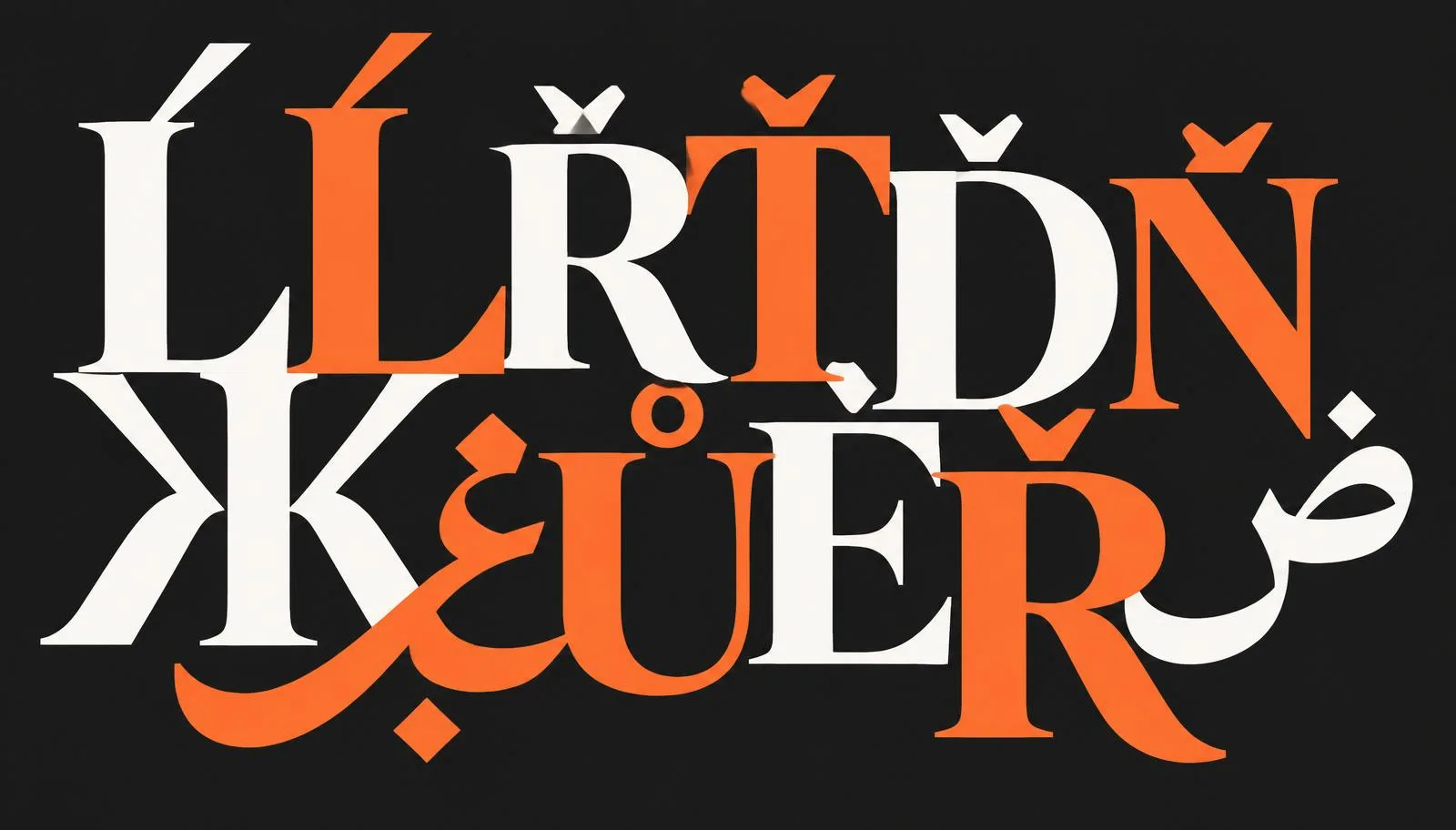
Every font contains only a limited set of characters, called glyphs. Many display fonts cover mostly basic Latin, the English alphabet. Slovak and Czech, however, need characters such as ľ, ĺ, ŕ, ť, ď, ň or ů, ě, ř. If the font lacks them, the browser has to borrow them from another font, and the text looks inconsistent: one letter differs from the rest of the word.
The challenge grows when a site also needs another script, such as Cyrillic, or right-to-left languages. Then it is no longer about a few missing characters but a completely different set of letters, often with a different text direction.
Two approaches that are not ideal
A separate font for each language. You assign a different font to each language or text direction. It works, but you need to know exactly which text is in which language, maintain more rules, and with mixed content (for example an English name inside a Slovak sentence) things are easy to miss.
One font for everything. You pick a single font that covers all languages. It is simple, but it limits the design considerably, because there are few such fonts and they do not always suit the brand.
A better solution: fallback fonts in font-family
In CSS you can list several fonts in the font-family property. The browser picks a font character by character: if the first font lacks a glyph, it tries the second, then the next, and finally a system font. Only when no font has the character does it show an empty box or another broken symbol.
body {
  font-family: "Main Font", "Fallback Font", system-ui, sans-serif;
}
The main font can define the character of the site while fallback fonts fill in the glyphs it lacks. Choose fallback fonts with a similar x-height and stroke weight to the main font so the difference is not obvious.
Performance: what gets downloaded and what does not
A font listed in font-family that the page never actually uses is not downloaded. A fallback font loads only when the text really needs it. Still, it pays to:
- choose fonts with the widest possible character support, so fallbacks are needed as little as possible,
- put a system font at the end of the stack, since it is already on the device and nothing needs downloading,
- keep in mind the risk of FOUT (flash of unstyled text): text first appears in a fallback font and then "jumps" when the web font loads. Well-matched fallback fonts make this shift less distracting.
Checklist before launching a multilingual website
- Test every language on the site with real text, not an English sample.
- Try all tricky characters: ľ, ĺ, ŕ, ť, ď, ň, ô, ä, ů, ě, ř and accented capitals.
- Check headings, bold and italic styles, not just body text. Individual styles may have different character sets.
- Verify that the font includes the language subsets you need (for example latin-ext for Central European languages).
- View the site on a slower connection and watch whether text jumps noticeably while loading.
- Check buttons, forms, menus and the footer, where accented characters are easy to overlook.
Questions and answers
Why do letters like ľ or ř appear in a different font on my website?
The main font does not contain these glyphs, so the browser renders them from a fallback or system font.
Is one font for all languages enough?
It can work, but it limits your design options. A main font combined with suitable fallback fonts is more flexible.
Do fallback fonts slow down the website?
The browser downloads only the fonts the text actually needs. A system font at the end of the stack is not downloaded at all.
What is FOUT?
A brief display of text in a substitute font before the web font loads. The text may then shift slightly.
How do I check whether a font supports Slovak and Czech?
Test real text with all accented characters in every style you use on the site and check that the font includes extended Latin.
If you want a website where accented characters look great in every language, take a look at our PeknéWeby services.