4 signs your website drives visitors away instead of welcoming them
Stale content, confusing navigation, careless design and a sense of uncertainty can push visitors away before they make contact. A good website shows them where they are, what they can do and why they can trust you. Here are four warning signs and ways to address them.

Four signs your website feels like a haunted house
A website is a space you invite people into. As with visiting a house, first impressions, order and knowing someone is available to help all matter. Dark colours and a distinctive visual style are not the problem, provided the content remains readable. Trouble starts when visitors cannot tell whether the site still operates, where a link will lead or what will happen to their information.
The following images are historical examples from the source article published in 2019, not assessments of the websites as they exist today.
1. It feels abandoned
An empty space without signs of life makes people wonder whether staying is worthwhile. On a website, outdated information, broken links and missing contact details send similar signals. Minimalist design is not inherently a mistake, but without useful content it can resemble an unfinished page.
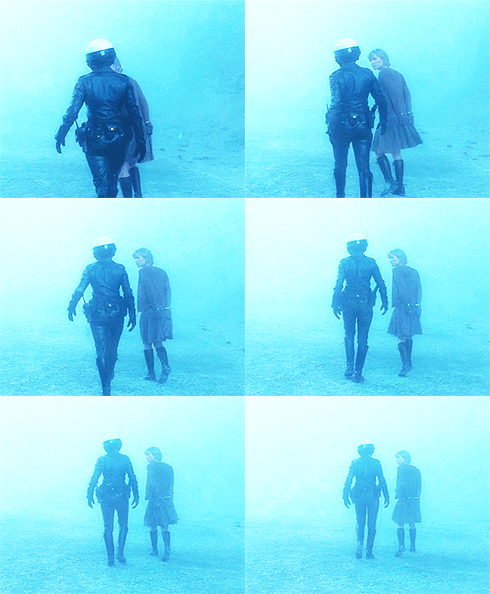
This film setting illustrates a feeling you would not want to bring to a business website. Visitors need a current offer, clear information and accessible help, rather than only a chatbot with no route to a person.
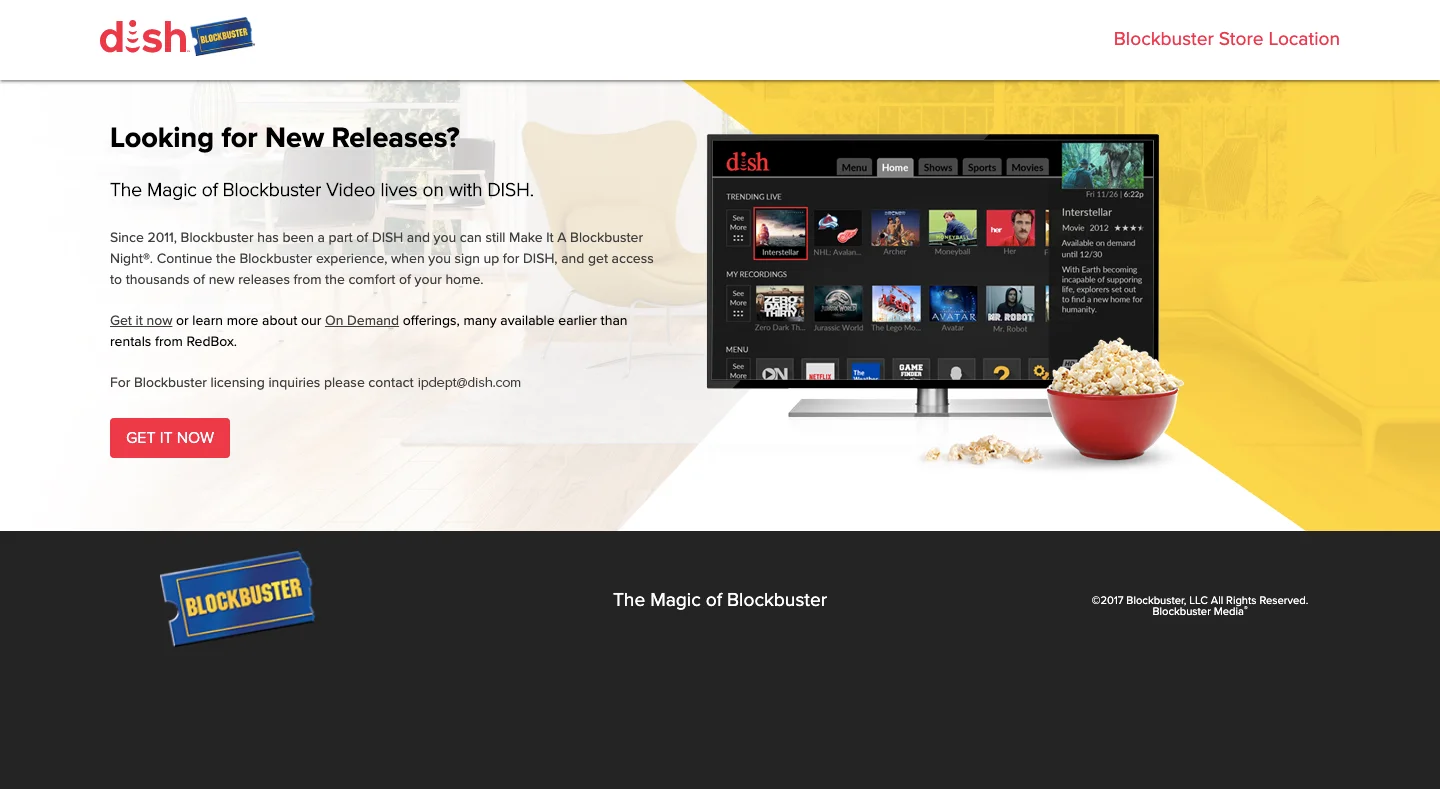

The historical homepage and its mobile version show why fitting a phone screen is not enough when a website leaves basic questions unanswered.
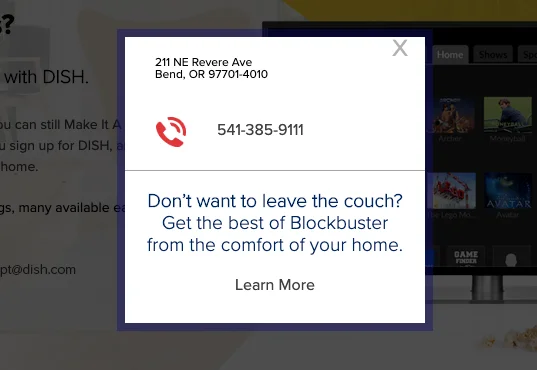
An unclear location pop-up can raise doubts instead of resolving them. Check contact details, explain service availability and remove information that is no longer valid. If a new website has replaced an old one, redirect visitors to the relevant page.
2. It is too confusing
A space without a clear route becomes a maze. Scattered content, deep menus and links with uncertain outcomes can create that same feeling online. An understandable hierarchy helps people identify where they are and how to get back.
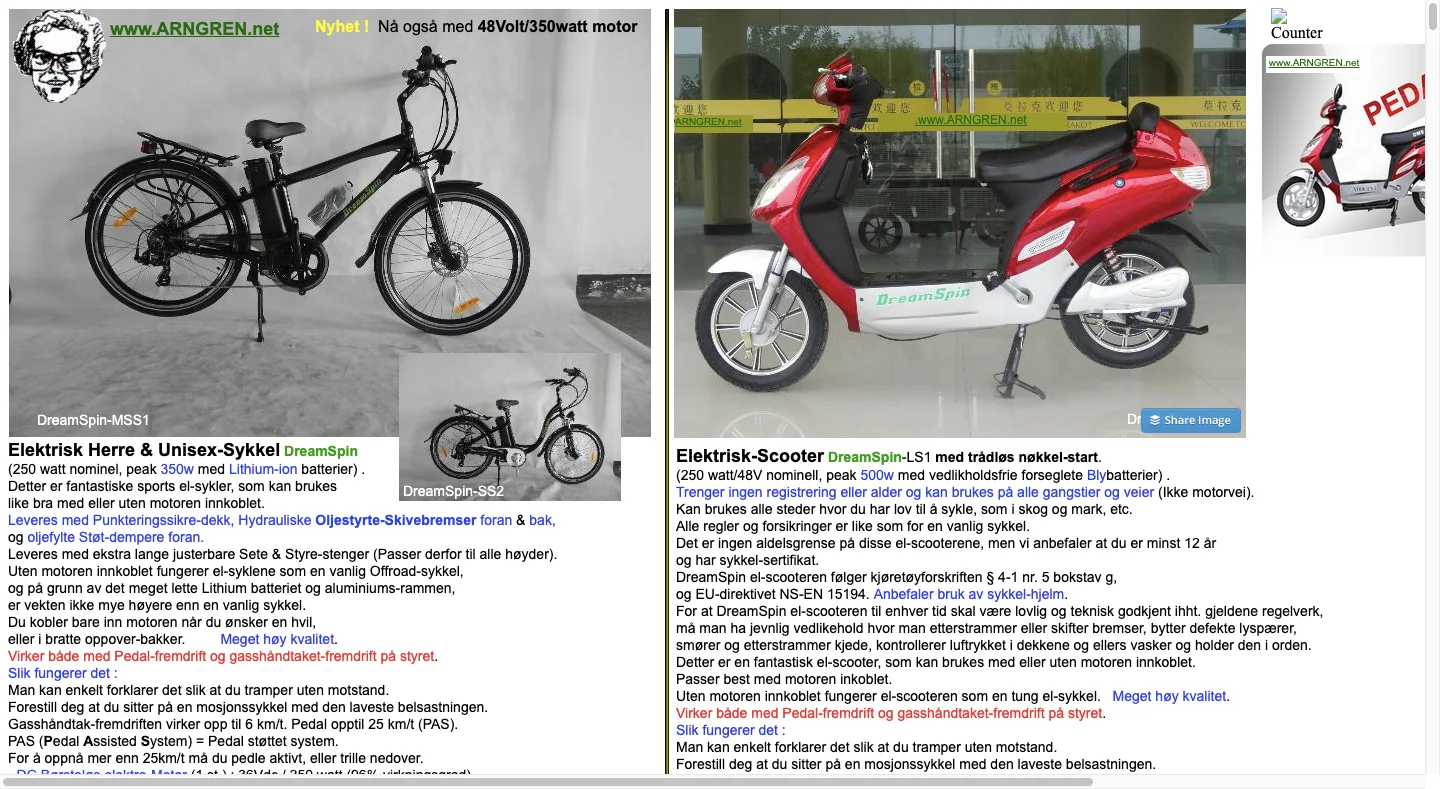
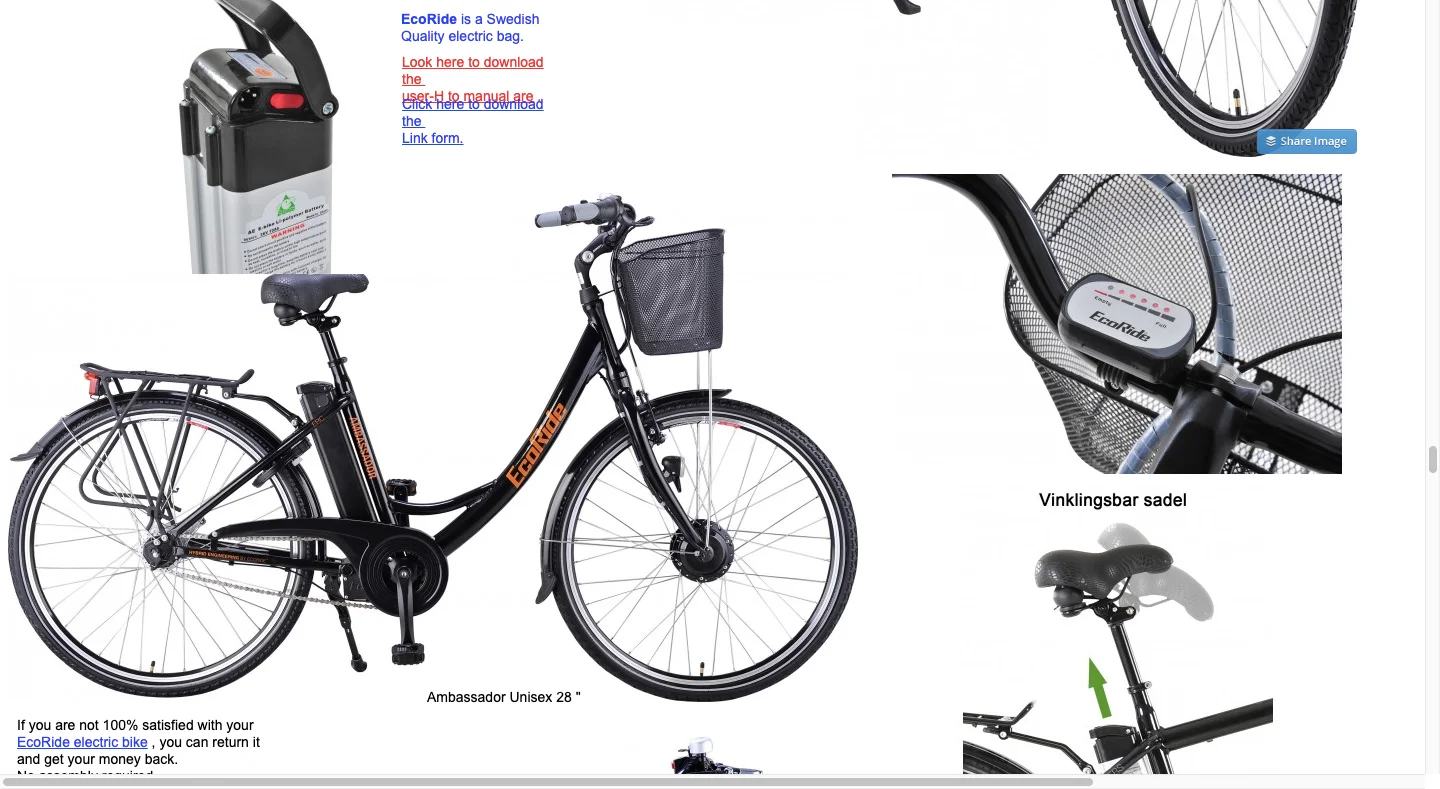
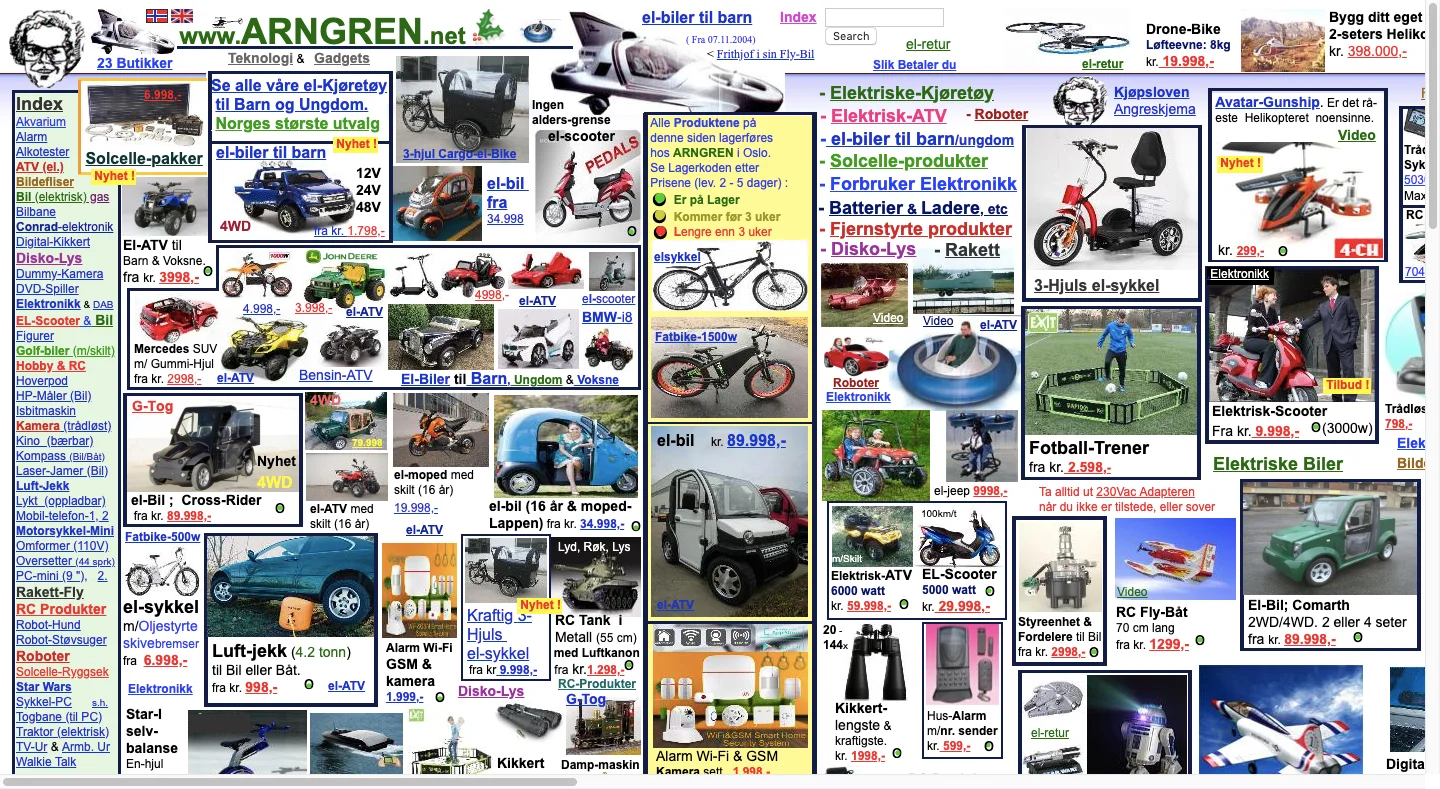
These examples show a crowded catalogue, a product page and another section filled with scattered links. When navigation disappears after a click and the page continues without a clear structure, even a simple search becomes hard work.
Use persistent navigation, logical content groups and clear button labels. Watch for poor contrast, distracting animations, repeated pop-ups and endless scrolling without landmarks. Visitors should remain in control of where they go and when they leave.
3. It looks carelessly made
Even a well-intended experience can lose its credibility when unfinished details become visible. An obvious mask can break the illusion at a haunted attraction; broken elements, arbitrary fonts and clashing backgrounds can do the same on a website.

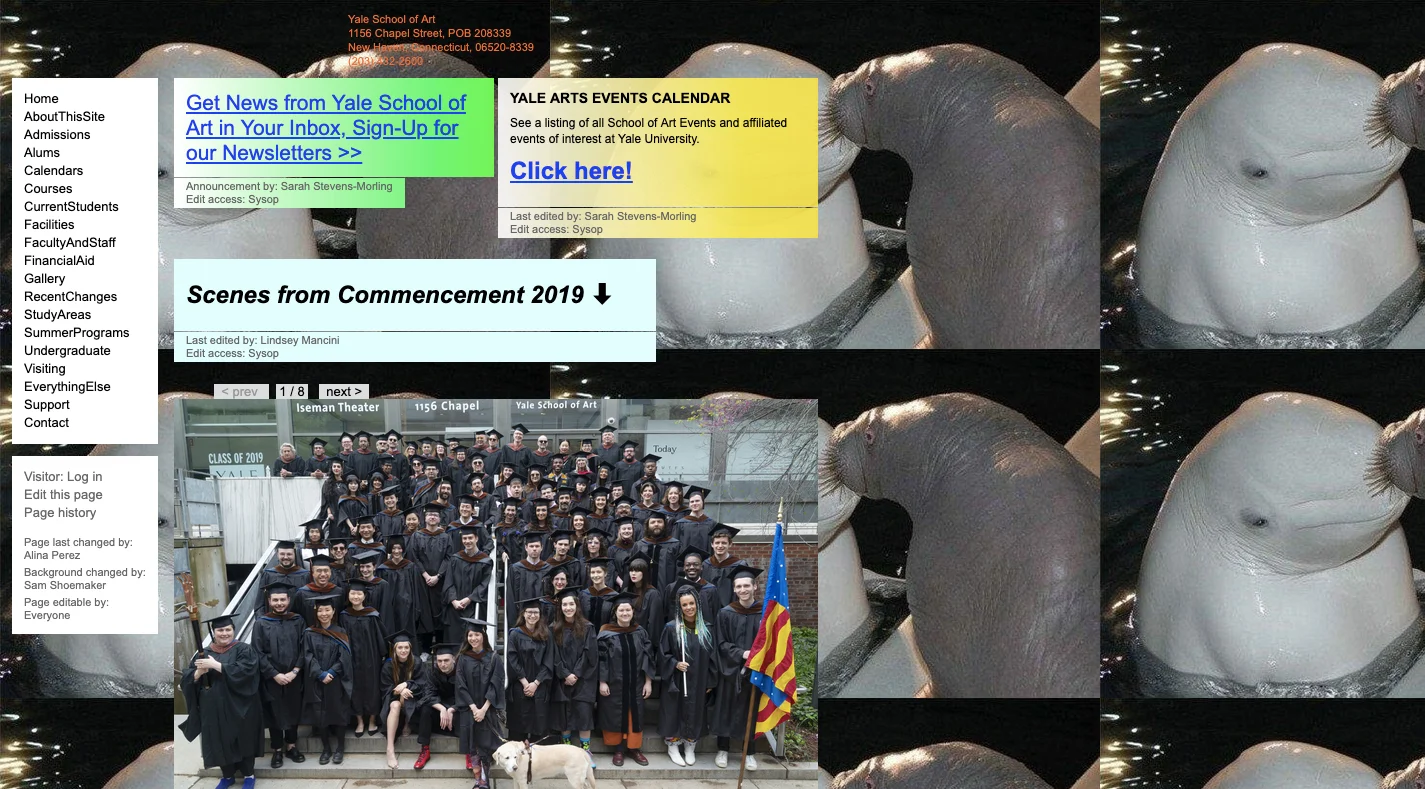
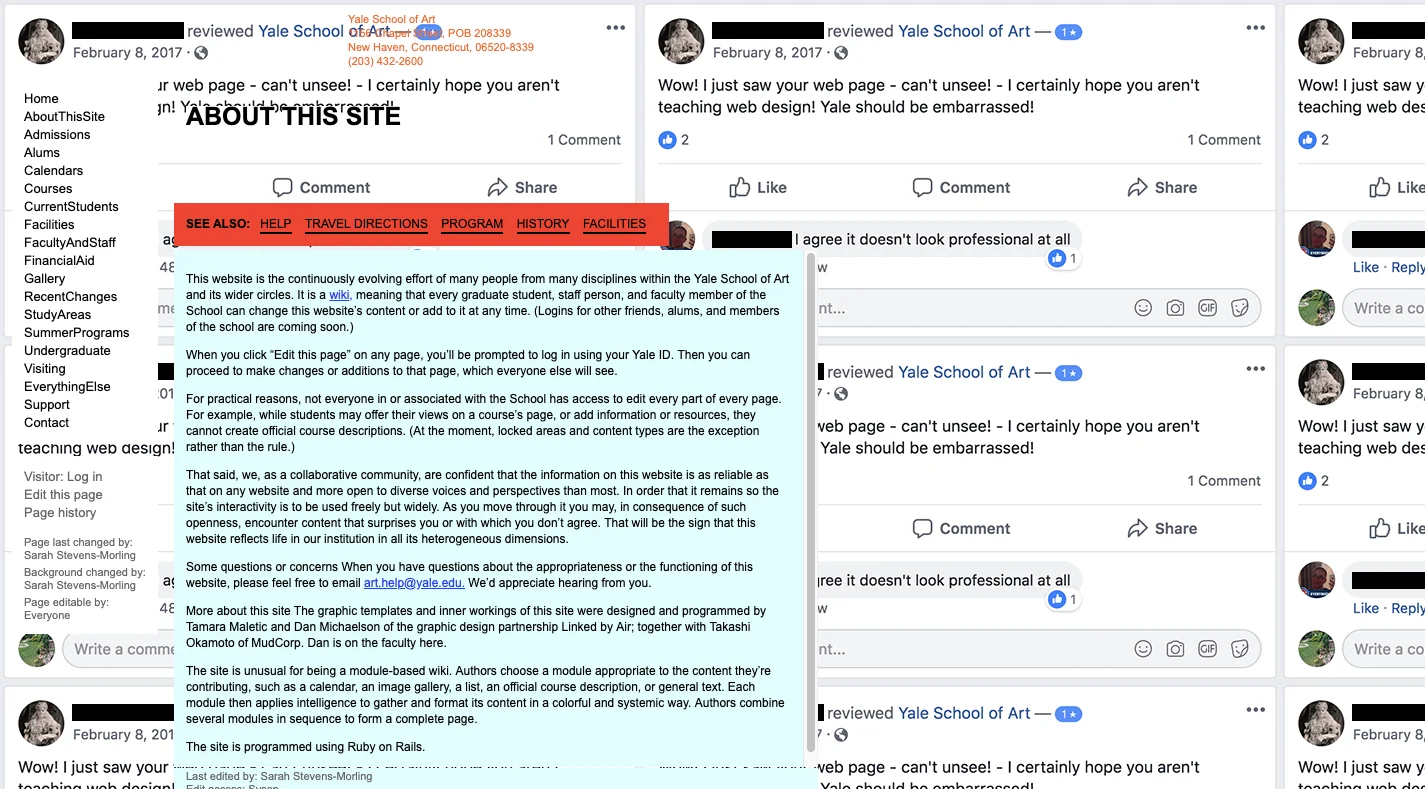
The historical experimental website and its explanation of open editing highlight the difference between a deliberate experiment and an appropriate customer experience. Distinctive design can attract attention, but it should not overpower content or make the site harder to use.
Credibility does not require an ornate page. It needs consistent typography, readable text, coherent spacing and working controls. Check the website on a phone and a computer, and judge it through the eyes of someone who does not yet know your business.
4. It does not feel safe
Suspense can be enjoyable when we know we are not actually in danger. When submitting personal information or making a payment, visitors should not have to guess whether they are safe.
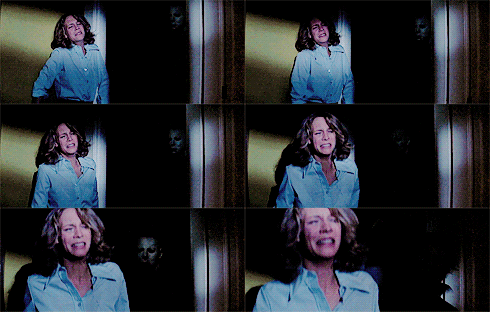
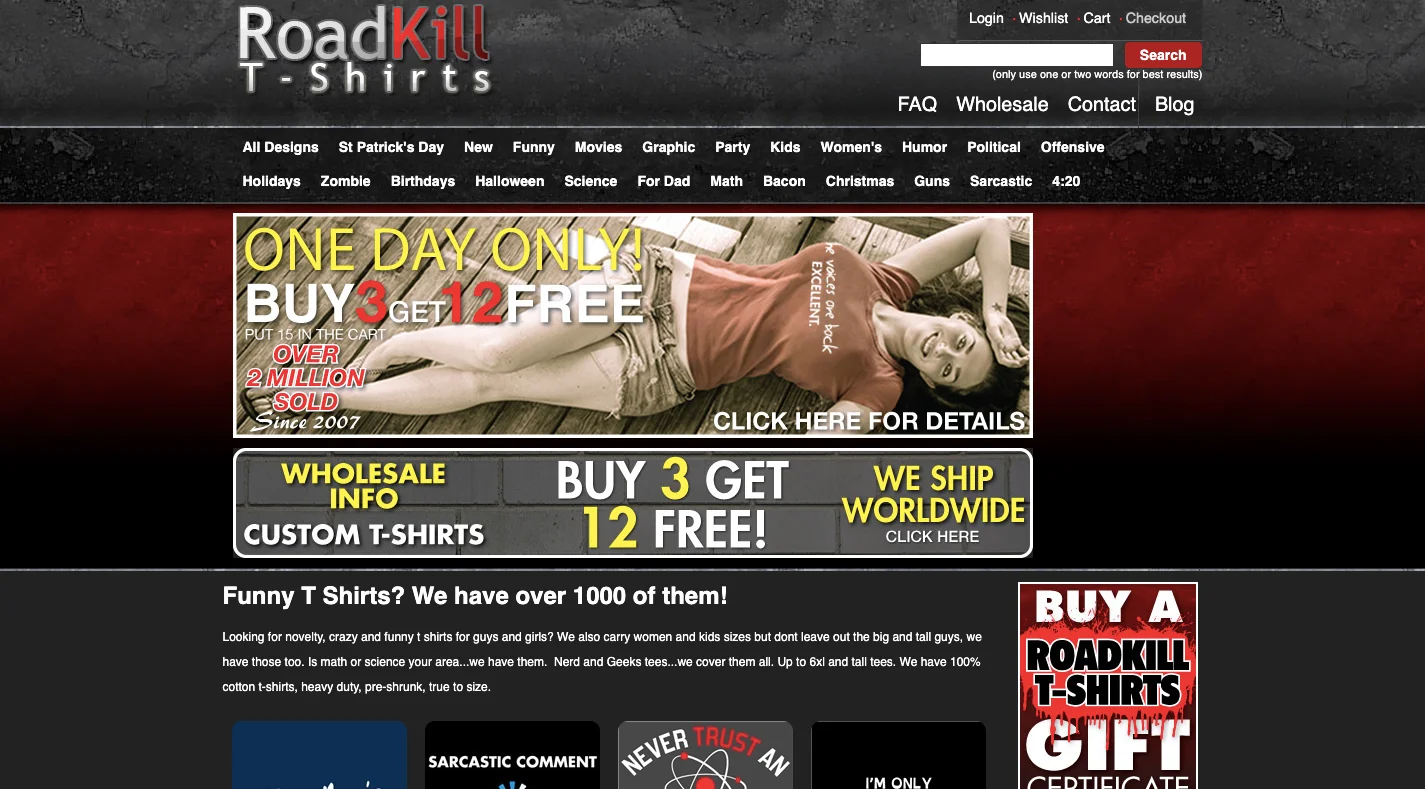
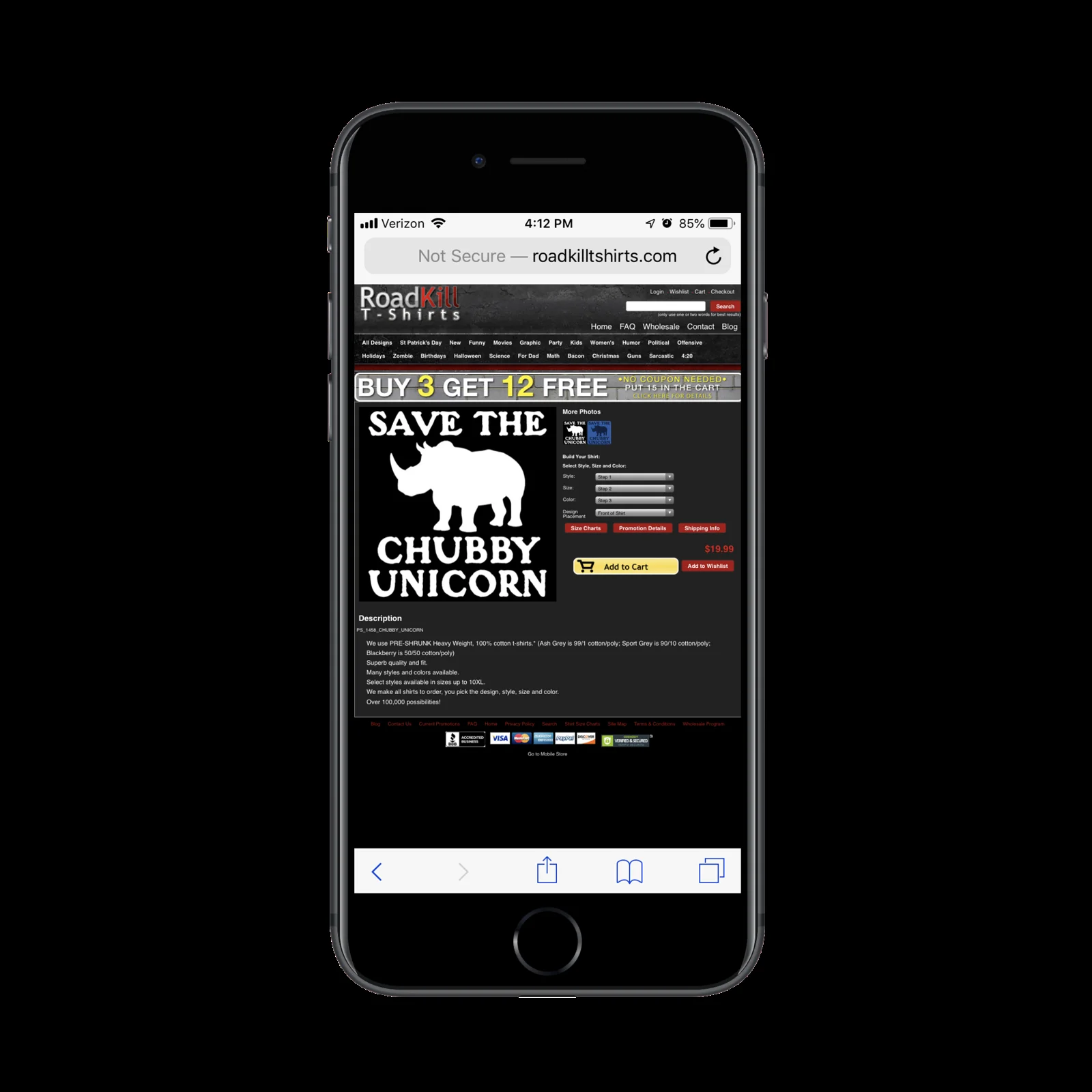
The older shop example and its mobile view show how awkward usability can contribute to doubts about reliability. An outdated appearance alone, however, is not proof of a security flaw.

A security badge is no substitute for working HTTPS or actual security measures. The browser should not warn visitors about an insecure connection. Clearly explain how information is handled and how people can contact you.
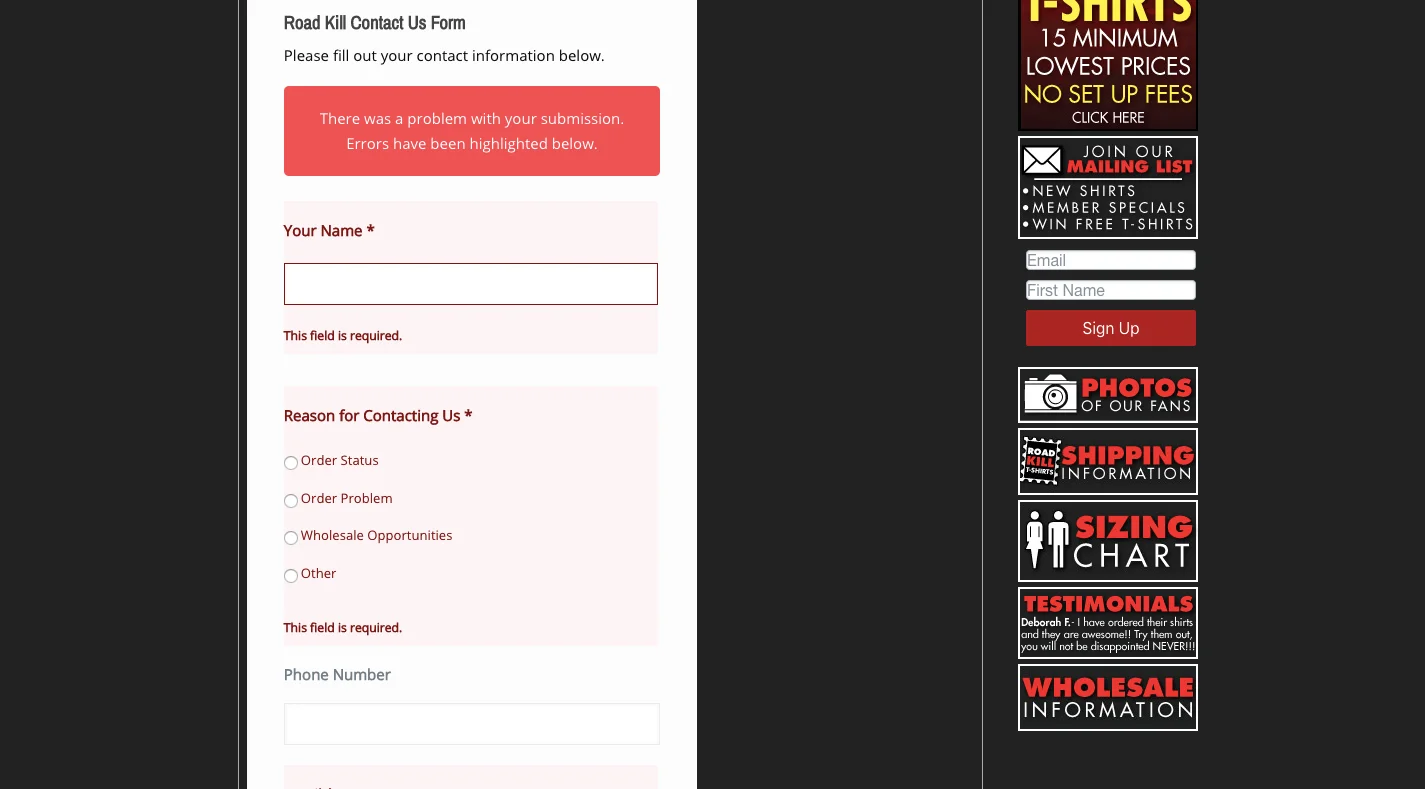
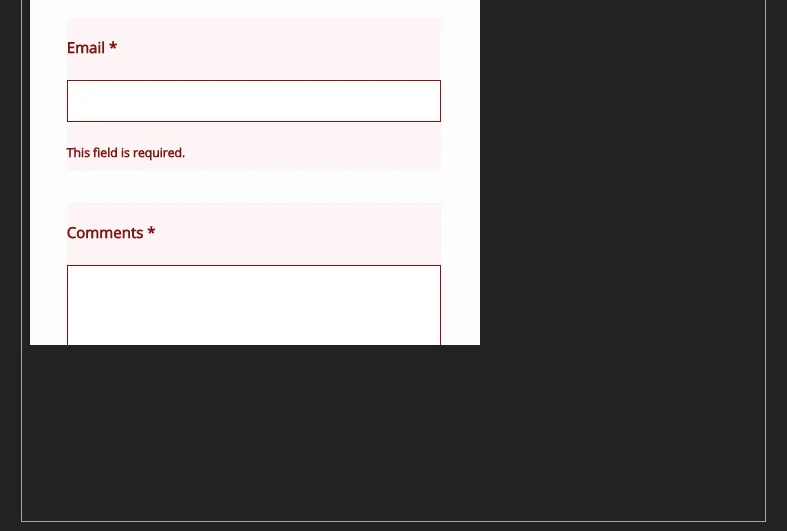
A form can correctly flag missing fields while still failing by hiding its submit button. Test successful submissions and error states, mobile layouts and keyboard access. Monitor outages, repair broken pages and limit spam. Reassurance depends on the entire website working properly, not just a padlock symbol.
Wrapping up
Visitors should find what they came for without unnecessary hesitation. Current content, a clear route, considered design and dependable functionality give them reasons to stay. When reviewing your website, ask a simple question: would a new customer feel welcome here?
Questions and answers
Why does a website drive visitors away?
A website can drive visitors away through outdated content, confusing navigation, unfinished design or uncertainty when submitting information. Visitors need to understand the offer quickly, find contact details and complete their task safely.
How can I tell if my website feels abandoned?
Check whether the offer is current, contact details work and location information is clear. Old announcements, empty pages or a broken form can create the impression that nobody is maintaining the website.
How can I make a website easier to navigate?
Use persistent navigation, logical content groups and clear link and button labels. Visitors should know where they are, what comes next and how to return without unnecessary searching.
Is HTTPS enough to make a website trustworthy?
HTTPS matters, but it does not by itself guarantee a trustworthy business or a flawless website. Working forms, clear information handling, accessible contact details and reliable mobile usability are also needed.
For a website that welcomes visitors rather than driving them away, explore PeknéWeby.
'%3e%3cg%3e%3cg%20clip-path='url(%23clip0)'%3e%3cg%20clip-path='url(%23clip1)'%3e%3cg%20clip-path='url(%23clip2)'%3e%3cpath%20d='M42.2903%206.48009%2037.5197%201.70949C36.9562%201.146%2036.0425%201.146%2035.479%201.70949L30.7084%206.48009C30.2956%206.89285%2030.2956%207.56209%2030.7084%207.97488%2031.1211%208.38769%2031.7903%208.38769%2032.2031%207.97492L35.4604%204.73558C35.3251%2018.2709%2028.8666%2022.8405%2024.9997%2024.3607%2024.7212%2024.4702%2024.4394%2024.5702%2024.1543%2024.6608%2024.4533%2023.5617%2024.6761%2022.4433%2024.8209%2021.3136%2025.2952%2017.5644%2024.7544%2014.4593%2023.297%2012.5703%2021.0817%209.69872%2018.1357%208.40341%2015.0033%208.92243%2013.4035%209.19858%2011.9099%209.90805%2010.6851%2010.9737%209.44744%2012.0265%208.51416%2013.3913%207.98207%2014.9266%206.95868%2017.928%207.73529%2021.1154%2010.1133%2023.6717%2012.3931%2026.1228%2016.0101%2027.4462%2019.8085%2027.4461%2020.1948%2027.4461%2020.5826%2027.4323%2020.9716%2027.4045%2020.447%2028.6318%2019.8231%2029.8142%2019.1062%2030.94%2016.6406%2034.8015%2011.0472%2040.9488%201.28823%2038.7374%200.718472%2038.6156%200.157894%2038.9788%200.0361458%2039.5486-0.0835124%2040.1086%200.265397%2040.6617%200.822294%2040.795%202.2854%2041.1332%203.78171%2041.307%205.28339%2041.313%207.92696%2041.3246%2010.5362%2040.7137%2012.8998%2039.5297%2015.9982%2037.9815%2018.7592%2035.404%2020.8844%2032.0759%2021.8907%2030.4935%2022.7285%2028.8101%2023.3841%2027.0532%2024.1978%2026.8725%2024.9962%2026.6288%2025.772%2026.3242%2029.1932%2024.979%2032.0632%2022.4904%2034.0714%2019.1272%2036.3368%2015.3337%2037.513%2010.4981%2037.5709%204.74972L40.7959%207.97475C41.2087%208.38752%2041.8779%208.38752%2042.2907%207.97471%2042.7034%207.56192%2042.7034%206.89269%2042.2906%206.47993ZM22.7279%2021.0489C22.5458%2022.4549%2022.2349%2023.8412%2021.7992%2025.1903%2017.8943%2025.7249%2013.8966%2024.6417%2011.6577%2022.2348%209.79897%2020.2366%209.20266%2017.8833%209.97861%2015.6075%2010.7816%2013.2529%2012.9394%2011.4029%2015.3479%2011.0038%2015.6673%2010.9506%2015.9904%2010.9237%2016.3141%2010.9235%2018.2891%2010.9235%2020.1473%2011.9417%2021.6263%2013.8589%2022.7245%2015.2823%2023.1259%2017.9029%2022.7279%2021.0488Z'%20fill='%23BFBFBF'%20fill-rule='nonzero'%20fill-opacity='1'%20transform='matrix(0.771742%200.635935%200.635935%20-0.771742%20356.612%204176.52)'/%3e%3c/g%3e%3c/g%3e%3c/g%3e%3c/g%3e%3c/g%3e%3c/svg%3e)