How to prepare a great conference keynote presentation
The simple secret behind a great conference keynote — so-called 'smile moments' — and how to prepare a talk that keeps the audience with you from the very first slide to the last.

Smile moments
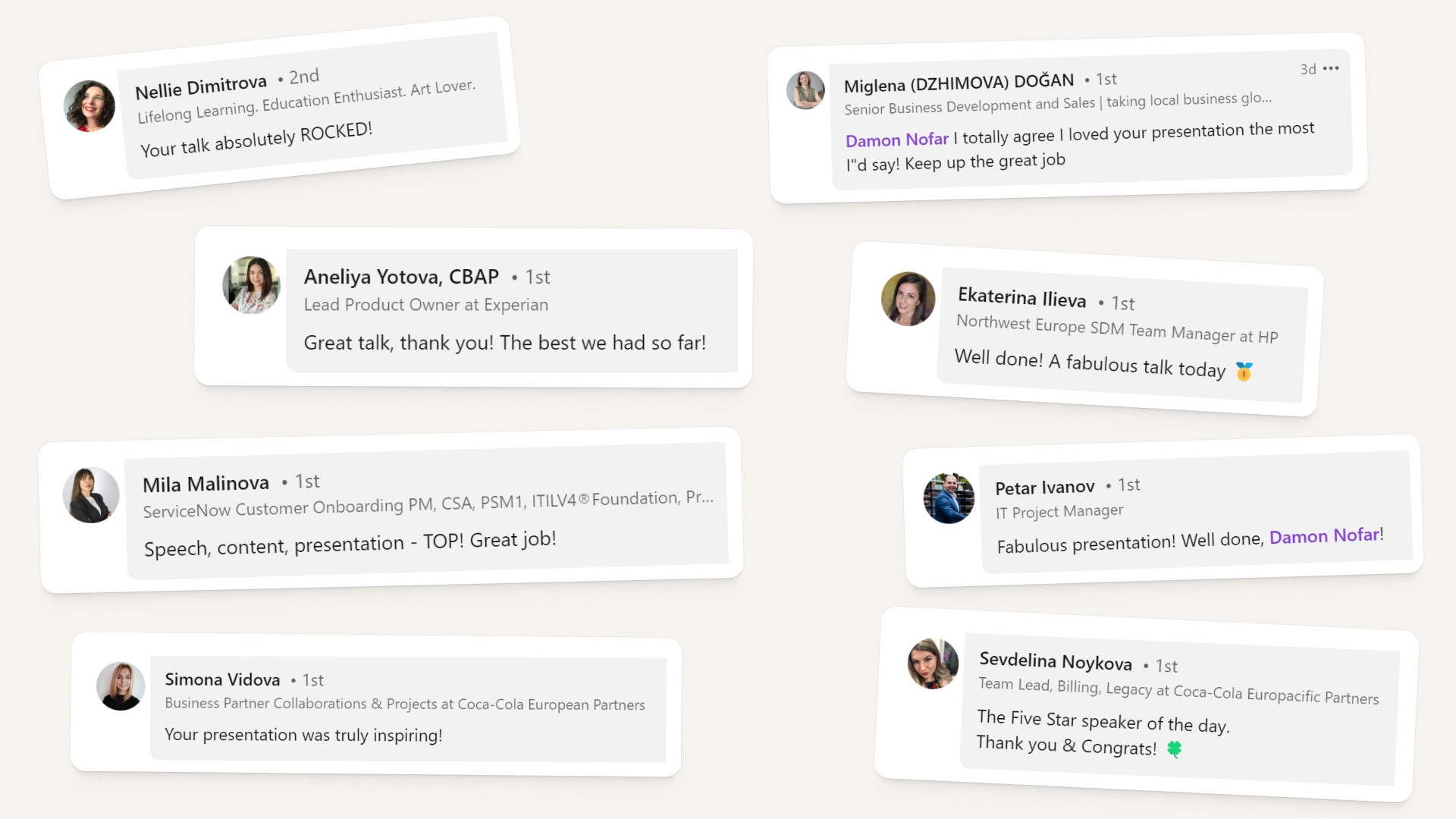
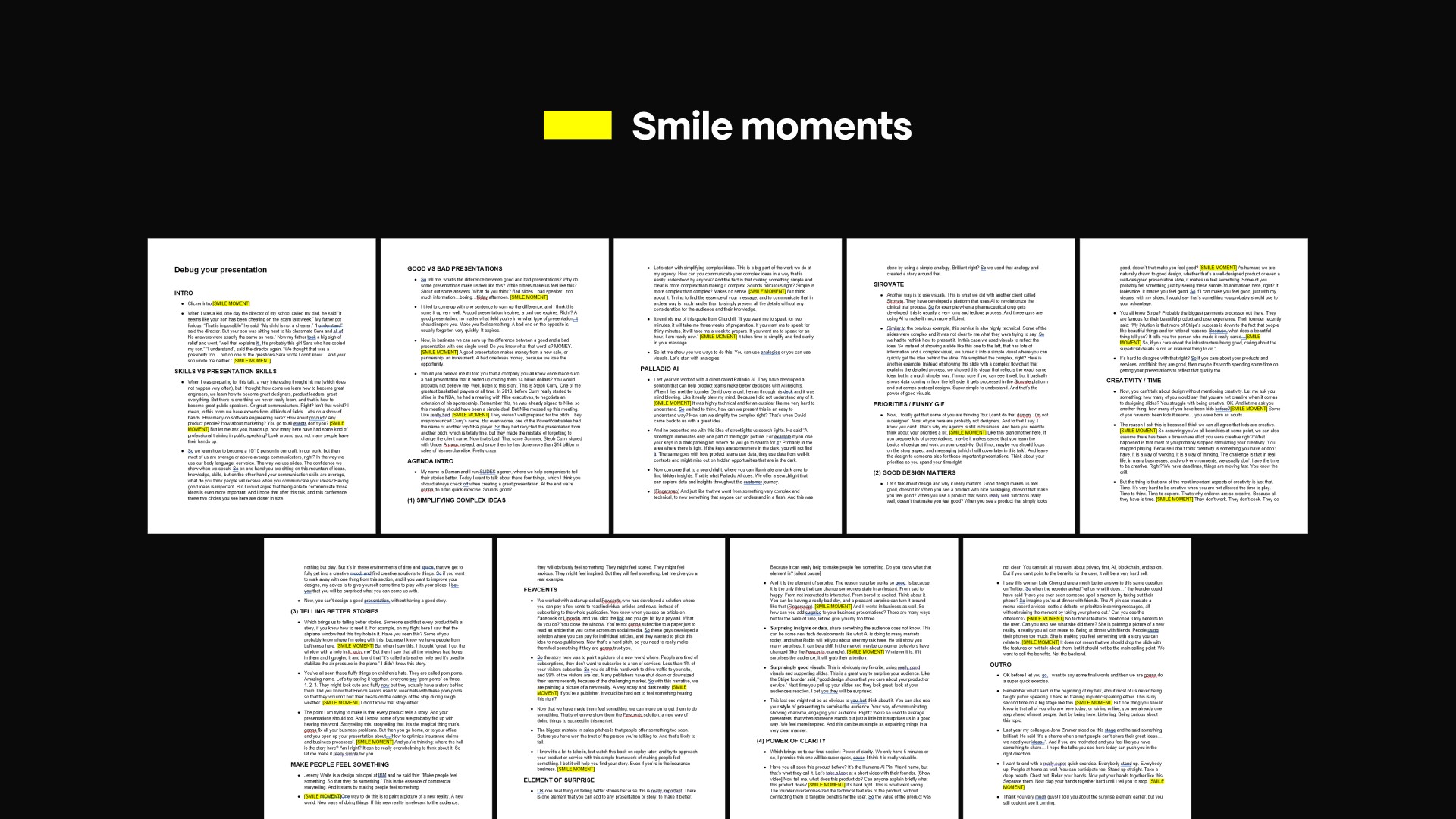
After a talk, speakers are often asked things like: 'How do you prepare for your talk?', 'How do you write your script?', 'How do you make your delivery so effortless?' The answer is surprisingly simple — and it works even for your first or second keynote on a big stage.
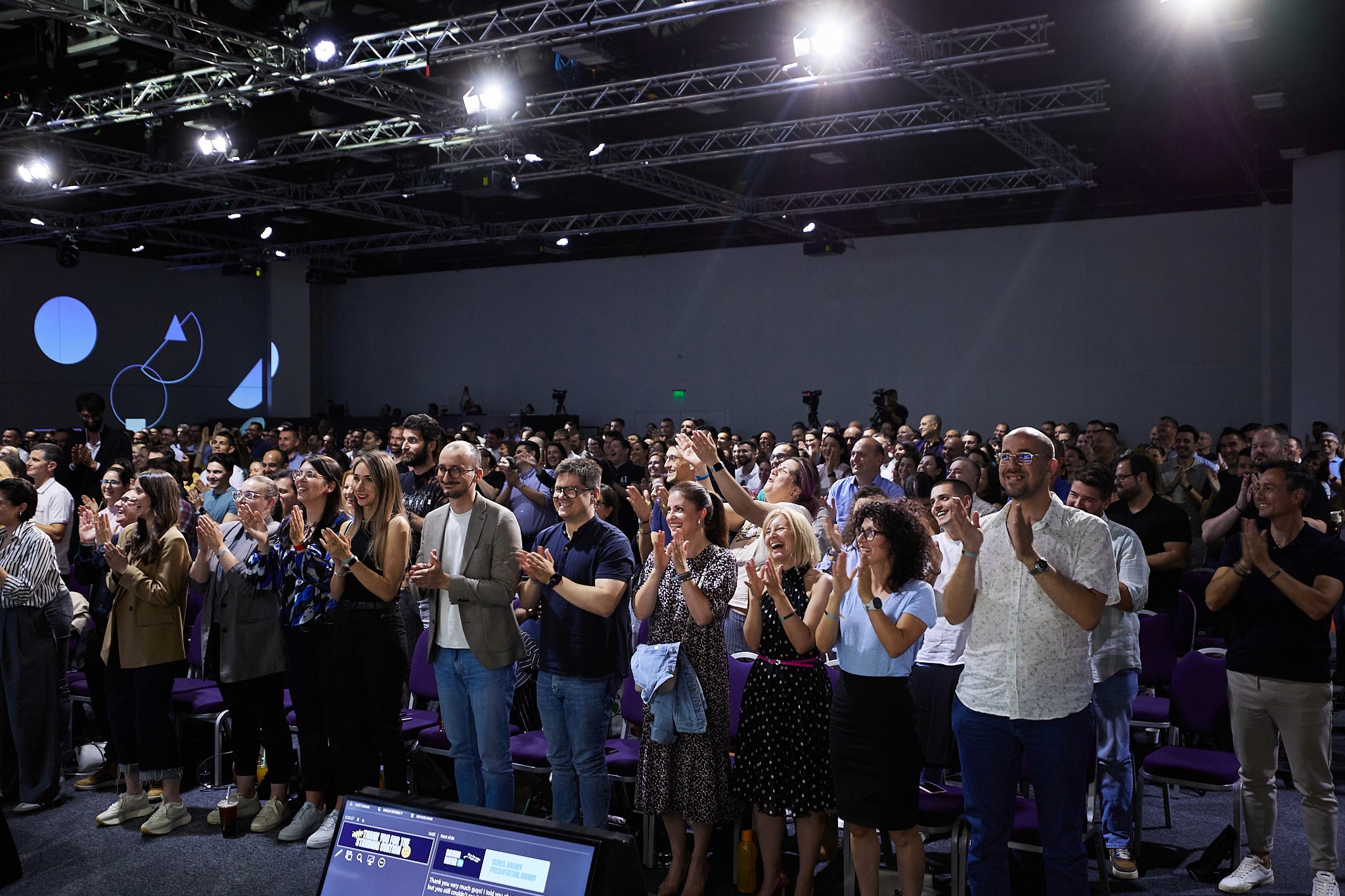
Here's the simple secret: strategically place 'smile moments' throughout your talk. These are moments where you're almost sure you'll make the audience feel something (usually a good, positive feeling). But you can go for any feeling you want, depending on the event setting, the audience, etc.
When writing your script and preparing your slides, zoom out on the script regularly and make sure these smile moments are spread evenly throughout the talk. If there are big gaps between them, simply move things around and rewrite if needed. These moments are crucial for a good talk — it's when you re-grab the audience's attention, wake them up and remind them why they came to see you.
So what exactly are these smile moments? They can be anything, really. Jokes, good visuals, nice animations, videos, impactful quotes, audience interaction. You name it. But they should have that little extra punch to get the audience to react.
Here are some practical examples:
Audience interaction
Interacting with your audience is a great way to wake them up and grab their attention. Plan several sections where you ask the audience to raise their hands and interact, and prepare a fun statement or comment for each in case a good opportunity comes up. E.g. a speaker might ask 'do we have any sales or marketing people here?', knowing plenty will raise their hands, and follow up with '…wow, you go to all events, don't you?' which usually gets some giggles.
It also pays to find out in advance who will be in the room. If you know there will be, say, a big group from an airline, you can prepare a story about the little holes in airplane windows and have some fun with them if they play along. That kind of audience interaction is a true smile moment.
You can work with local context in the same way. If one of your slides shows a Porsche to illustrate the importance of good design, and during rehearsals you learn the brand has a cult following among the local audience, a quick 'yeah… I know you like Porsches here' can turn an ordinary slide into another smile moment.
Small moments. But combined, they leave an impression with the audience. They'll remember how you made them feel.
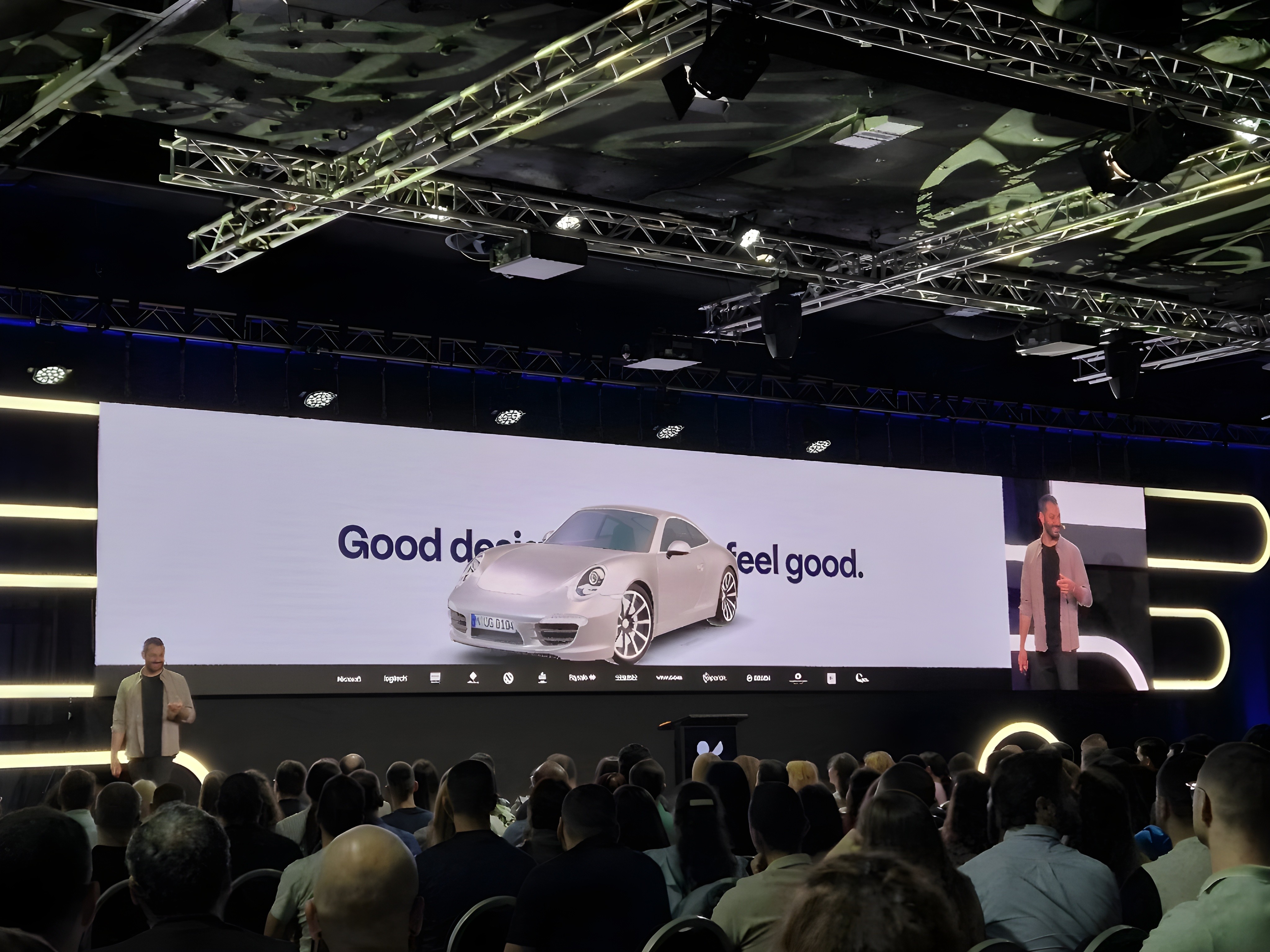
Great visuals
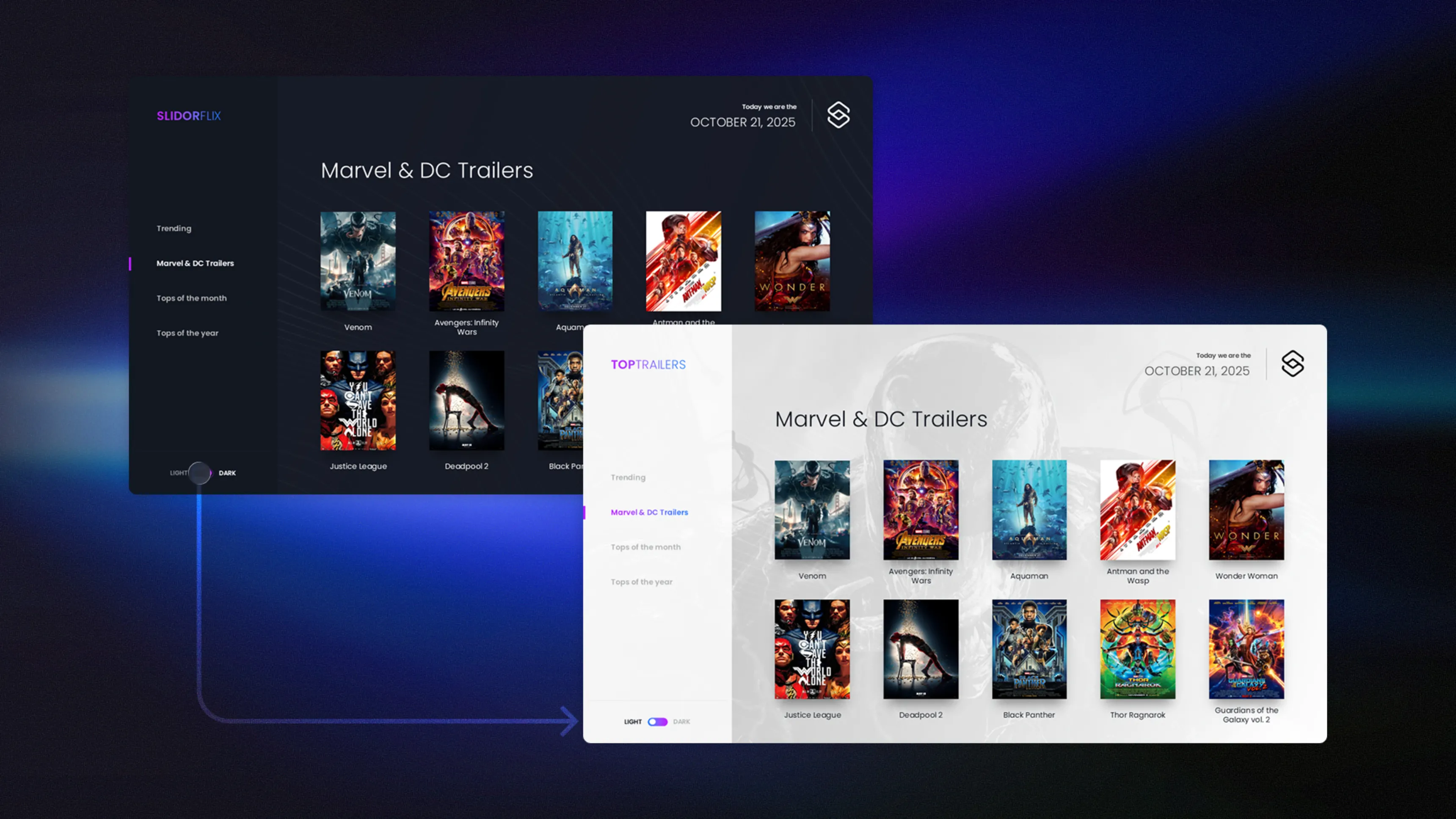
Visuals are a great way to add smile moments to your presentations. Strong visuals. Funny images. Bold statements. Whatever it is, use your slides wisely to get a reaction from your audience.
Use funny GIFs (related to the message, obviously), bold statements and one-liners, quotes, and great visuals generated with Midjourney — like an image of a baby with VR goggles that you can't find on stock photo sites. Using AI to generate these visuals can help bring your presentation to another level and add those special moments audiences react to.

Script vs slide-creation process
The process of writing your script and creating your slides is very individual, and you should do what works best for you. Some speakers' talks are very slide-oriented: they keep a high 'slide-pace' (changing slides often) and use all the resources available (statements, quotes, images, videos, GIFs) to add impact behind their talking points.
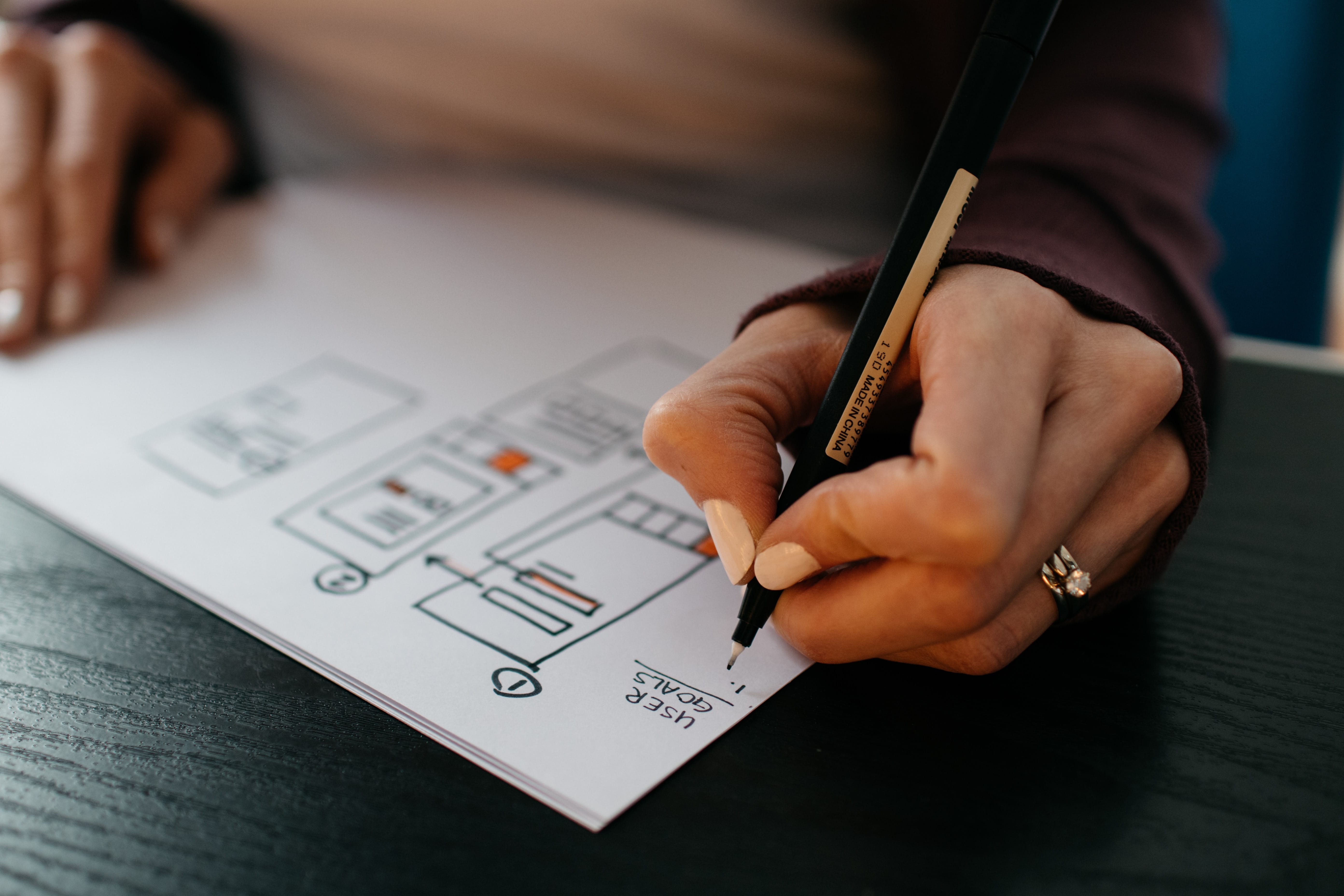
A proven approach is to write down all your ideas in a Google Doc first — what you want to share, what topics to cover — to get an overview of the outline. Once you have that, look for a smart structure. If you can make it memorable for the audience, that's ideal.
A playful acronym (such as 'SECSI') used as the agenda throughout the talk works very well — people remember it long after the event. If you can't come up with something like that, use a simple 3–4 point agenda with a logical structure.
Once you have a preliminary structure, start exploring ideas and material for your slides. Drop them into the same Google Doc, or transfer the script into PowerPoint and combine it with resources, ideas, visuals, videos — anything that helps communicate your talking points. At this stage, everything is a mess. It's basically a brain dump. You just want to get an overview of the content and how it could be presented. This will help you later during the cut-down process (= when you realize your talk is 20 minutes longer than the agreed time slot and need to brutally cut it down).
That's the basic process. From here it's really just fine-tuning your content and nailing the visuals and key points you want to communicate.
Takeaway
Keynotes should usually be equally informative and entertaining. Finding that balance is an art that can only be learned through experimentation. Study your audience before your talk. Know their intentions. Why did they come to the event? What do they want out of it? Answering these questions will help you find the balance between information and entertainment.
That said — try adding more smile moments throughout your talk. It's really powerful.
Conclusion
Preparing a keynote and want a presentation the audience will remember? Visit PeknéPrezky.sk.
'%3e%3cg%3e%3cg%20clip-path='url(%23clip0)'%3e%3cg%20clip-path='url(%23clip1)'%3e%3cg%20clip-path='url(%23clip2)'%3e%3cpath%20d='M42.2903%206.48009%2037.5197%201.70949C36.9562%201.146%2036.0425%201.146%2035.479%201.70949L30.7084%206.48009C30.2956%206.89285%2030.2956%207.56209%2030.7084%207.97488%2031.1211%208.38769%2031.7903%208.38769%2032.2031%207.97492L35.4604%204.73558C35.3251%2018.2709%2028.8666%2022.8405%2024.9997%2024.3607%2024.7212%2024.4702%2024.4394%2024.5702%2024.1543%2024.6608%2024.4533%2023.5617%2024.6761%2022.4433%2024.8209%2021.3136%2025.2952%2017.5644%2024.7544%2014.4593%2023.297%2012.5703%2021.0817%209.69872%2018.1357%208.40341%2015.0033%208.92243%2013.4035%209.19858%2011.9099%209.90805%2010.6851%2010.9737%209.44744%2012.0265%208.51416%2013.3913%207.98207%2014.9266%206.95868%2017.928%207.73529%2021.1154%2010.1133%2023.6717%2012.3931%2026.1228%2016.0101%2027.4462%2019.8085%2027.4461%2020.1948%2027.4461%2020.5826%2027.4323%2020.9716%2027.4045%2020.447%2028.6318%2019.8231%2029.8142%2019.1062%2030.94%2016.6406%2034.8015%2011.0472%2040.9488%201.28823%2038.7374%200.718472%2038.6156%200.157894%2038.9788%200.0361458%2039.5486-0.0835124%2040.1086%200.265397%2040.6617%200.822294%2040.795%202.2854%2041.1332%203.78171%2041.307%205.28339%2041.313%207.92696%2041.3246%2010.5362%2040.7137%2012.8998%2039.5297%2015.9982%2037.9815%2018.7592%2035.404%2020.8844%2032.0759%2021.8907%2030.4935%2022.7285%2028.8101%2023.3841%2027.0532%2024.1978%2026.8725%2024.9962%2026.6288%2025.772%2026.3242%2029.1932%2024.979%2032.0632%2022.4904%2034.0714%2019.1272%2036.3368%2015.3337%2037.513%2010.4981%2037.5709%204.74972L40.7959%207.97475C41.2087%208.38752%2041.8779%208.38752%2042.2907%207.97471%2042.7034%207.56192%2042.7034%206.89269%2042.2906%206.47993ZM22.7279%2021.0489C22.5458%2022.4549%2022.2349%2023.8412%2021.7992%2025.1903%2017.8943%2025.7249%2013.8966%2024.6417%2011.6577%2022.2348%209.79897%2020.2366%209.20266%2017.8833%209.97861%2015.6075%2010.7816%2013.2529%2012.9394%2011.4029%2015.3479%2011.0038%2015.6673%2010.9506%2015.9904%2010.9237%2016.3141%2010.9235%2018.2891%2010.9235%2020.1473%2011.9417%2021.6263%2013.8589%2022.7245%2015.2823%2023.1259%2017.9029%2022.7279%2021.0488Z'%20fill='%23BFBFBF'%20fill-rule='nonzero'%20fill-opacity='1'%20transform='matrix(0.771742%200.635935%200.635935%20-0.771742%20356.612%204176.52)'/%3e%3c/g%3e%3c/g%3e%3c/g%3e%3c/g%3e%3c/g%3e%3c/svg%3e)