Which Presentation Software to Choose and Why: Complete Comparison of 9 Tools (2026)
Presentation software is a computer application designed to create visual supports intended to accompany oral communication.

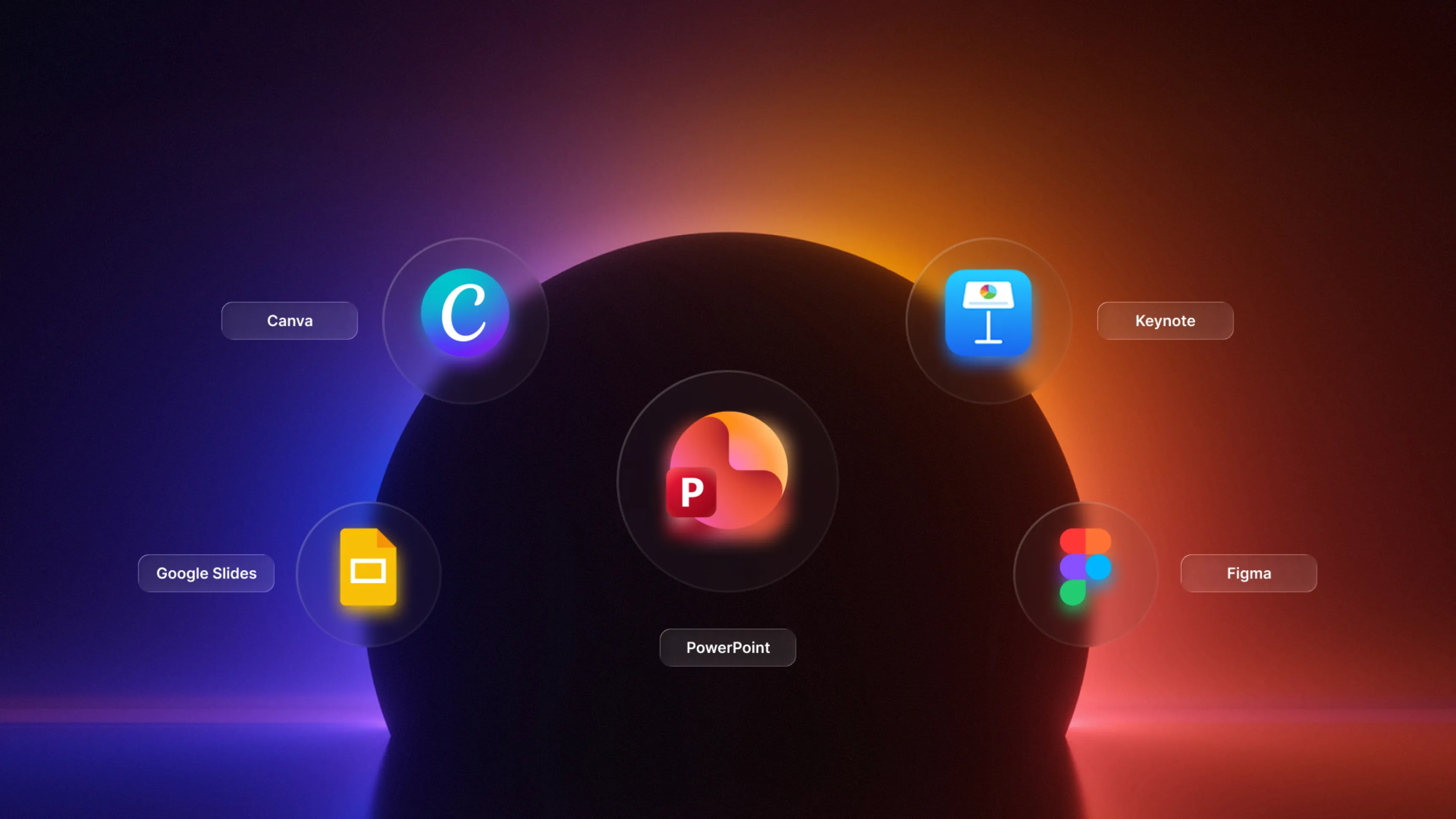
💡There is no single universally best tool. PowerPoint dominates Microsoft environments, Google Slides excels in collaboration, Canva simplifies design. The choice depends on your ecosystem, budget and team needs.
What is presentation software
Presentation software lets you structure content as a sequence of slides. These tools combine text, visuals, charts and animations to make complex information easier to communicate.
Core features include creating slides, inserting media, managing layouts and exporting to different formats. Modern solutions add real-time collaboration, artificial intelligence for design and integration with other professional applications.
Professionals use these tools in various settings: corporate presentations, internal training, investor pitch decks, management reports or conferences.
Complete comparison of 9 presentation tools
The following table summarises the key characteristics of 9 solutions to help you choose.
| Software | Price | Ideal for | Collaboration | Offline |
|---|---|---|---|---|
| PowerPoint | 6,99–11,70 €/month | Microsoft environments | M365 co-editing | ✅ Yes |
| Google Slides | Free – 15,60 €/month | Cloud-based teams | ✅✅✅ Excellent | ⚠️ Limited |
| Canva | Free – 13,99 €/user | Creatives and marketers | Sharing and comments | ❌ No |
| Keynote | Free (Apple) | Apple users | iCloud co-editing | ✅ Yes |
| Prezi | Free – 59 €/month | Non-linear presentations | ✅ Yes | ⚠️ Limited |
| Beautiful.ai | Free – 40 €/user | Teams without a designer | ✅ Yes (Team+) | ❌ No |
| Figma Slides | 12–75 €/editor | Design and product teams | ✅✅✅ Excellent | ⚠️ Limited |
| Pitch | Free – 20 €/user | Modern professional teams | ✅✅ Very good | ❌ No |
| Ludus | 14,99–29,99 €/month | Designers and creatives | ✅ Yes (Team) | ❌ No |
💡No tool leads in every category. The best choice depends on your context: technical ecosystem, team skills, budget and priorities (collaboration vs. design vs. features).
PowerPoint: The professional standard
Microsoft PowerPoint remains the dominant presentation software in corporate environments. On the market since 1987, it is known for mature features and widespread recognition in the professional world.
Key features
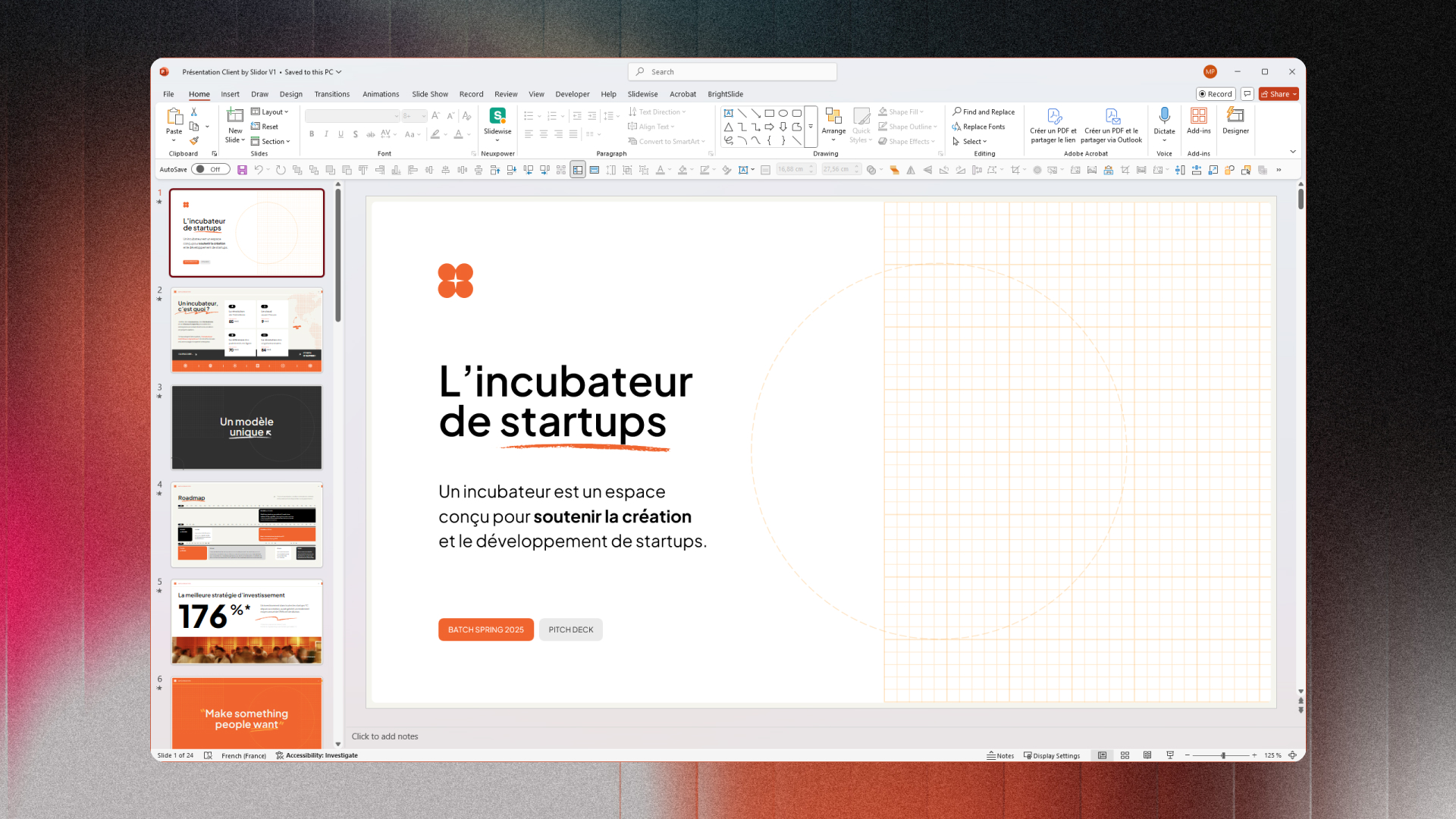
- Slide master: centralised control of design and brand guidelines
- Animations and transitions: an extensive library with precise timing options
- SmartArt and charts: sophisticated data visualisations
- Designer AI: automatic layout suggestions based on content
- Collaboration: real-time co-editing through Microsoft 365
Pricing and licences
Microsoft offers PowerPoint through several licensing models:
- Microsoft 365 Personal: 6,99 €/month or 69,99 €/year
- Microsoft 365 Business Standard: 11,70 €/user/month
- Standalone PowerPoint: approximately 149,99 € (perpetual licence)
💡For businesses, the Business Standard subscription offers the best value with desktop applications, cloud services and Teams.
Recommended use
PowerPoint is particularly suited to standardised professional environments where compatibility and stability are priorities.
- Businesses integrated into the Microsoft 365 ecosystem
- Complex presentations with sophisticated animations
- Environments requiring compliance and long-term archiving
- Client presentations requiring a universal format
Google Slides: Real-time collaboration
Google Slides is a cloud-native alternative to PowerPoint. Integrated into Google Workspace, it prioritises real-time collaboration and cross-platform access.
Key features
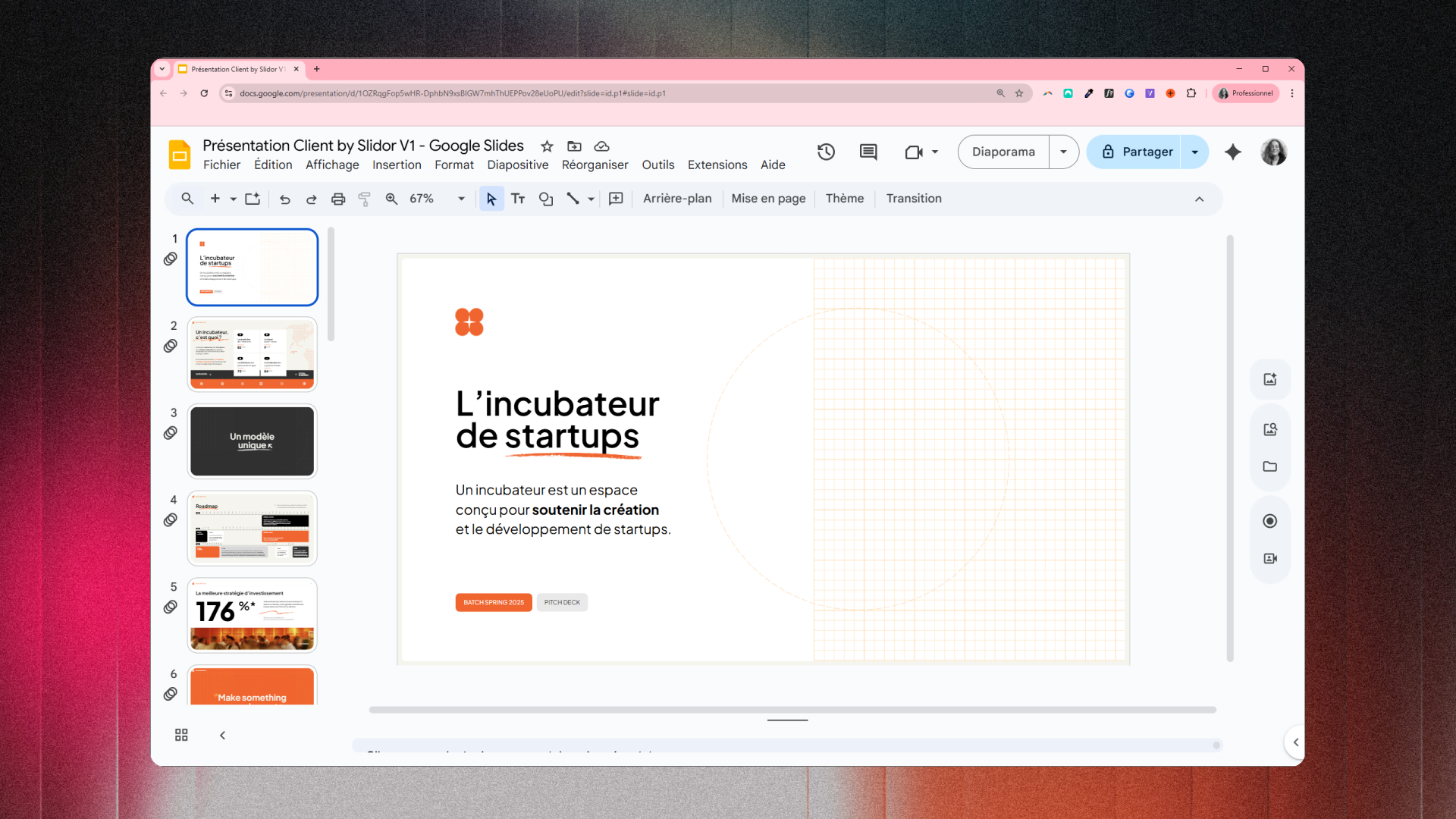
- Simultaneous editing: multiple users edit the same presentation in real time
- Contextual comments: annotations on specific elements with resolution tracking
- Granular sharing: precise permission controls (viewing, commenting, editing)
- Web publishing: instant conversion into a public web presentation
- Add-ons: third-party extensions for additional features
Pricing and licences
Google Slides is part of Google Workspace, with a generous free offering:
- Free: a personal Google account (15 GB of shared Drive/Gmail/Photos storage)
- Business Starter: 5,20 €/user/month (30 GB per user)
- Business Standard: 10,40 €/user/month (2 TB per user)
💡The free version limits administrative controls and security features. It is unsuitable for professional environments with compliance requirements.
Recommended use
Google Slides suits distributed teams, startups and organisations that prioritise cloud collaboration.
- Startups and SMEs without existing Microsoft infrastructure
- Remote teams requiring asynchronous collaboration
- Educational organisations and associations (limited budget)
- Projects requiring contributions from multiple people and rapid iterations
Canva: Simplified design for everyone
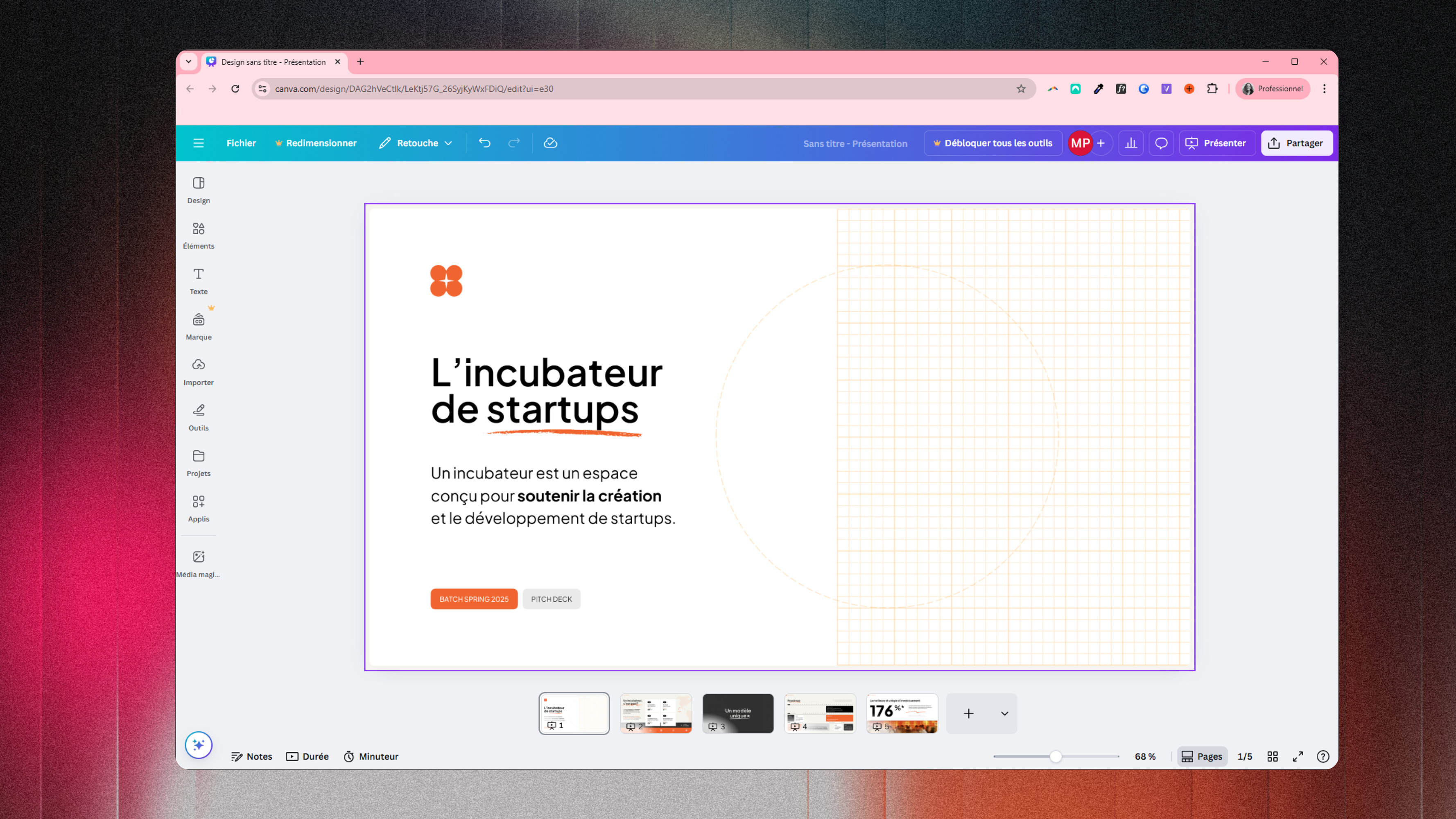
Canva makes presentation design accessible through a template-based approach. The platform offers thousands of professional templates that are easy to customise.
Key features
- Extensive template library: 250 000+ professional presentation templates
- Integrated visual resources: millions of photos, videos, illustrations and icons
- Magic Design AI: automatic presentation generation from a text brief
- Brand Kit: centralised brand guidelines (colours, fonts, logos)
- Collaboration: sharing, comments and team editing
Pricing and licences
Canva offers a freemium model with a functional free version:
- Canva Free: free (limited template access)
- Canva Pro: 11,99 €/month (1 user, premium templates, Brand Kit, Magic Design AI)
- Canva Teams: 13,99 €/user/month (3+ users, advanced collaboration)
💡The free version covers basic needs, but the most attractive templates and AI features require a Pro subscription.
Recommended use
Canva suits professionals who prioritise visual impact and speed of creation over technical complexity.
- Entrepreneurs and freelancers who need attractive visual materials quickly
- Marketing teams creating corporate presentations and client materials
- Early-stage startups without a dedicated designer
- Content creators producing presentations for social media
Keynote: Apple excellence
Keynote is Apple's presentation tool. Integrated into the macOS/iOS ecosystem, it prioritises user experience and visual quality.
Key features
- Cinematic animations: high-quality 3D effects and smooth transitions
- Premium templates: professional designs in Apple's style
- macOS/iOS integration: continuity between Mac, iPad and iPhone through iCloud
- Rehearsal mode: recording and analysis of your presentation
Pricing and licences
Keynote is free for every Apple device user:
- Free: included with every Mac, iPad and iPhone
- Keynote iCloud: free through a web browser with an Apple ID
💡For organisations and professionals using Apple, Keynote offers a premium solution at no additional cost.
Recommended use
Keynote is a natural fit for Apple environments and professionals who value visual excellence.
- Organisations and teams equipped exclusively with Apple devices
- Professional speakers requiring compelling visual presentations
- Creatives and designers who prioritise aesthetic quality
Prezi: Non-linear presentations
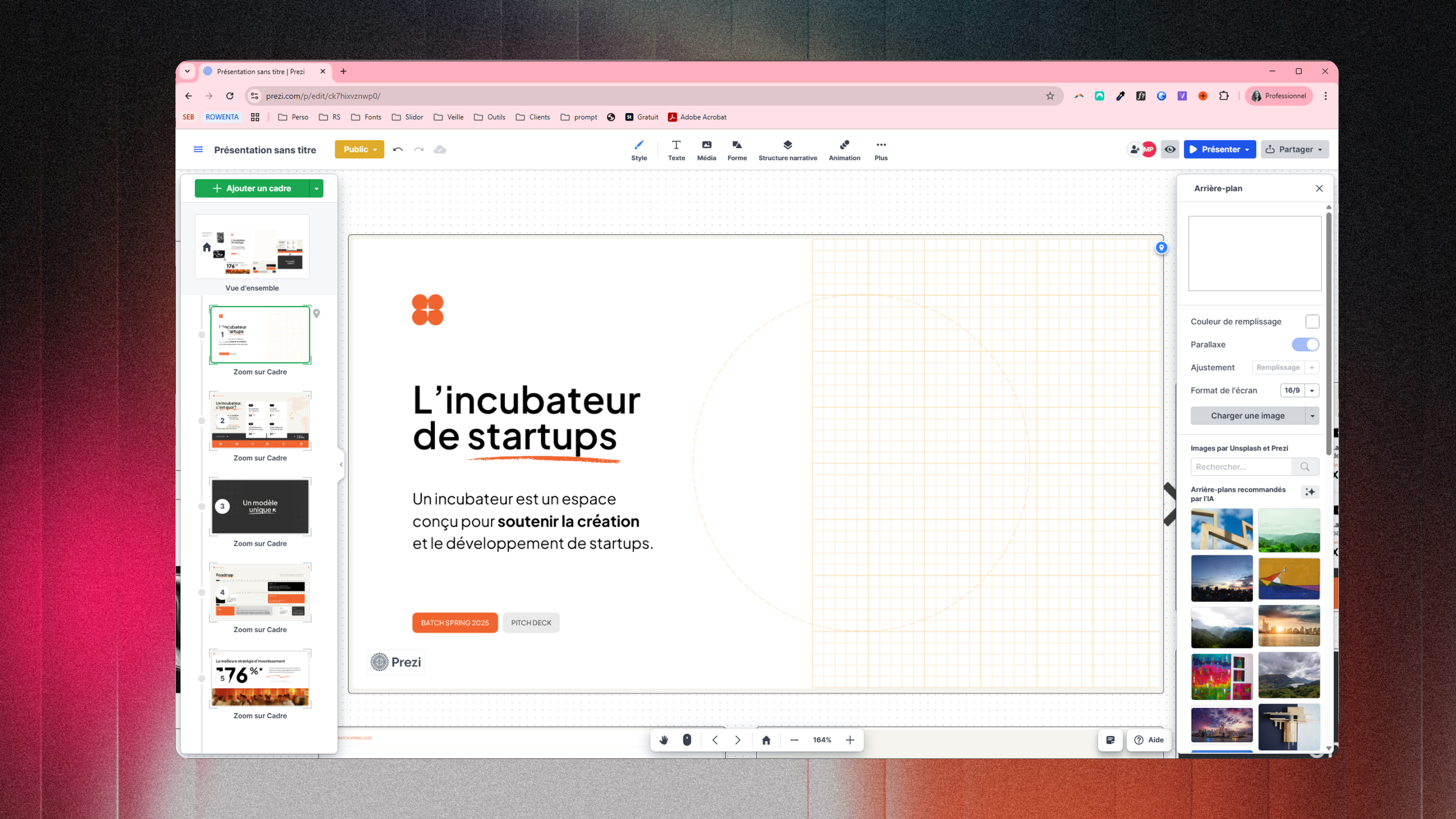
Prezi transforms the traditional format with an infinite canvas and non-linear navigation. The platform offers a distinctive presentation experience based on zooming and smooth movement.
Key features
- Infinite canvas: all content in a single navigable space
- Zoom navigation: smooth movement between an overview and details
- Non-linear path: tailoring the presentation route to the audience
- Prezi Video: integrating the presenter with visual content
Pricing and licences
Prezi operates on a freemium model with significant restrictions in the free version:
- Prezi Basic: free (public presentations only, Prezi branding)
- Prezi Standard: 5 €/month (private presentations, no branding)
- Prezi Premium: 59 €/month (training, advanced controls, Prezi Video)
💡The free version makes all presentations publicly visible. It is unsuitable for confidential or sensitive professional content.
Recommended use
Prezi excels in settings that require memorable impact and differentiation.
- Sales presentations and pitches that need to stand out
- Storytelling and narrative presentations with complex structures
- Conferences and keynotes seeking memorable visual impact
Beautiful.ai: Artificial intelligence and design
Beautiful.ai automates presentation design through artificial intelligence. The platform automatically adjusts layouts to maintain visual balance and aesthetic consistency.
Key features
- DesignAI: automatic layout adjustments during editing
- Smart slides: intelligent templates that adapt content structure
- Automatic adaptation: continuous resizing and alignment
- Template library: professional designs tailored to specific industries
Pricing and licences
Beautiful.ai offers a freemium model with its main features in the paid version:
- Free: free (limited exports, Beautiful.ai branding)
- Pro: 12 €/month (1 user, premium templates, unlimited exports)
- Team: 40 €/user/month (3+ users, collaboration, Brand Kit, analytics)
💡The Team price may seem high, but it makes sense for organisations that value productivity and need visual consistency without a dedicated design team.
Recommended use
Beautiful.ai suits professionals who need high-quality presentations without design skills.
- Corporate teams without dedicated design resources
- Consultants who frequently create client presentations
- Startups needing professional pitch decks quickly
Figma Slides: From design to presentation
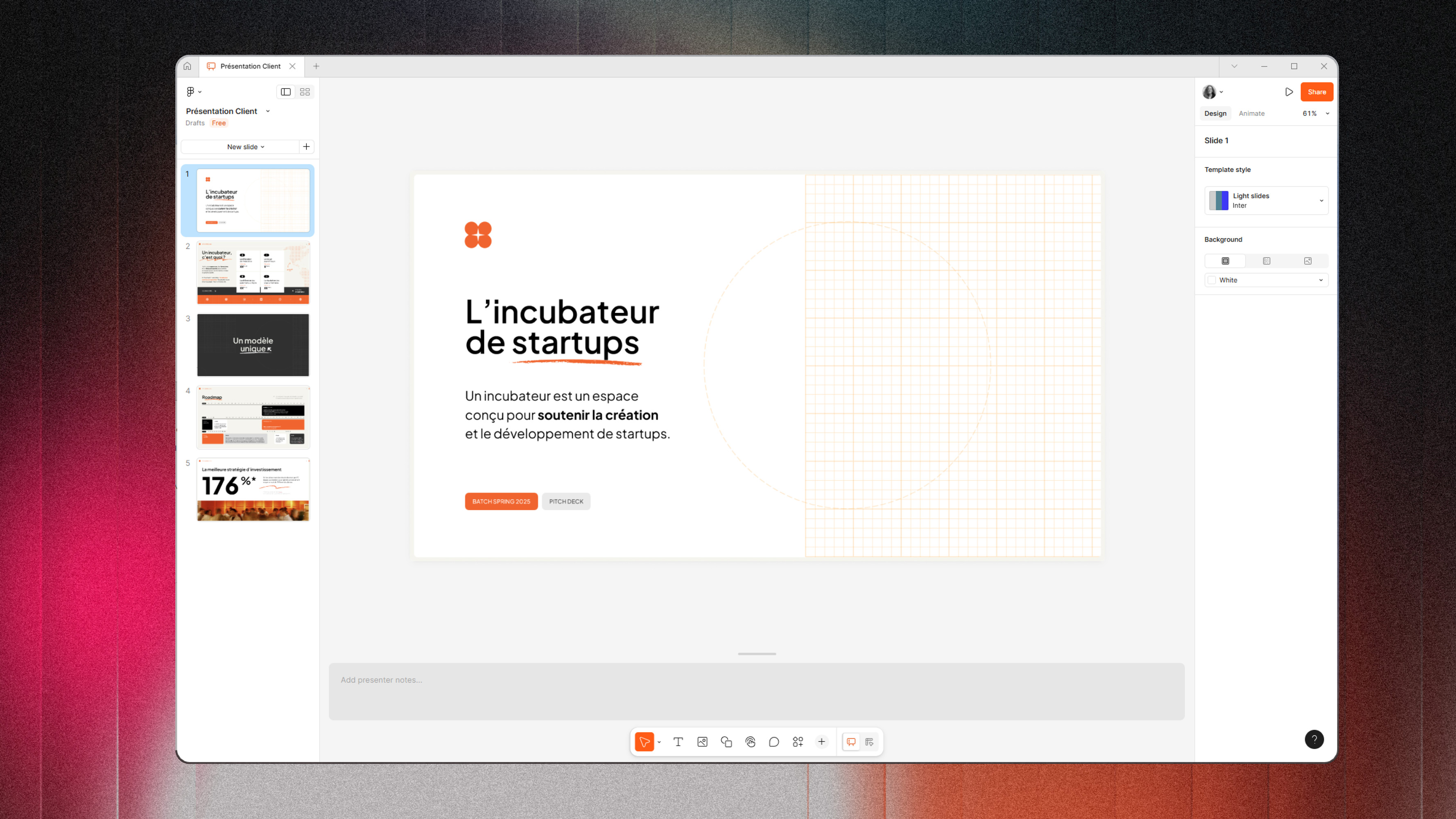
Figma Slides extends the Figma ecosystem to presentations. Launched in 2024, the tool directly connects design workflows with the creation of presentation materials.
Key features
- Native connection to Figma Design: direct import of frames and components
- Design system integration: use of shared components and styles
- Real-time collaboration: simultaneous editing with multi-user cursors
- Advanced prototyping: sophisticated interactions and animations
Pricing and licences
Figma Slides is included in existing Figma subscriptions:
- Figma Free: free (3 Figma files, 3 FigJam files)
- Figma Professional: 12 €/editor/month (unlimited files)
- Figma Organization: 45 €/editor/month (design systems, advanced permissions)
💡For teams already subscribed to Figma, Slides is an additional feature at no extra charge.
Recommended use
Figma Slides excels in environments where design and product development are central.
- Design teams presenting their work and creative processes
- Product teams creating roadmap presentations with product components
- Digital agencies presenting mockups and client concepts
Pitch: Modern professional collaboration
Pitch positions itself as a modern presentation tool for professional teams. The platform combines premium templates, advanced collaboration and performance analytics.
Key features
- Premium templates: designs created by professional designers, categorised by use
- Real-time collaboration: simultaneous editing, contextual comments, notifications
- Presentation analytics: tracking engagement, time on each slide and completion rate
- Integrations: connections to Slack, Notion, Google Drive and Dropbox
Pricing and licences
Pitch offers a freemium model with a functional free version:
- Free: free (1 user, limited templates, basic exports)
- Pro: 10 €/month (1 user, premium templates, analytics)
- Business: 20 €/user/month (team of 2+, advanced collaboration, Brand Kit, integrations)
💡The Business price remains competitive compared with alternatives, offering analytics and professional collaboration rarely found in this price range.
Recommended use
Pitch targets modern professional teams that prioritise collaboration, visual quality and performance measurement.
- Startups creating investor pitch decks with rapid iterations
- Sales teams developing sales decks with engagement analytics
- Remote teams collaborating on strategic presentations
Ludus: Advanced creation for designers
Ludus specifically targets designers and creatives who need complete control over their presentations. The platform offers technical flexibility similar to a graphic design tool.
Key features
- Precise grid and guides: exact positioning with intelligent snapping
- Creative integrations: direct import from Unsplash, Giphy, Google Fonts and YouTube
- Code embeds: integration of custom HTML/CSS/JS widgets
- Advanced animations: granular control of transitions and effects
Pricing and licences
Ludus's pricing reflects its professional creative audience:
- Solo: 14,99 €/month (1 user, unlimited presentations)
- Pro: 29,99 €/month (1 user, advanced features, priority support)
- Team: 24,99 €/user/month (team of 2+, shared collections, collaboration)
💡Ludus does not offer a functional free version. A limited free trial lets you evaluate the tool before committing.
Recommended use
Ludus suits professional creatives who need highly customised and visually exceptional presentations.
- Creative agencies presenting client work and pitches
- Independent designers creating portfolio presentations
- Design studios developing visual case studies
Which software to choose for your needs
The best choice depends on your organisational context, skills and priorities. No tool is universally suited to every scenario.
For businesses and Microsoft environments
Organisations integrated into the Microsoft 365 ecosystem naturally benefit from PowerPoint. Native integration with Teams, OneDrive, Outlook and SharePoint reduces workflow friction. If your organisation already pays for Microsoft 365, PowerPoint is a sensible default choice.
For collaborative teams and startups
Startups, innovative SMEs and distributed teams prioritise real-time collaboration. Google Slides and Pitch excel in this context. Teams of 3–15 people with limited budgets usually start with Google Slides, then move to Pitch or Beautiful.ai as they grow.
For creatives and design agencies
Design professionals need creative control and exceptional visual quality. Ludus, Figma Slides and Keynote meet these requirements in different ways. Agencies charging a daily rate can justify investing in Ludus as a means of creative differentiation.
For corporate presentations and pitches
Sales teams and founders raising investment need impact, performance measurement and rapid iterations. Pitch, Prezi and Beautiful.ai excel. Pitch is well suited to investor pitch decks thanks to specialised templates and analytics.
Frequently asked questions
What is the best presentation software in 2026?
There is no universally best software. PowerPoint dominates professional Microsoft environments because of its maturity and compatibility. Google Slides excels in free cloud collaboration. Canva simplifies design for non-specialists.
Can Google Slides be used offline?
Google Slides offers a limited offline mode through a Chrome extension. Recently viewed presentations remain accessible in the cache. For regular offline work, PowerPoint or Keynote with native desktop applications are better suited.
Which presentation software is free?
Google Slides is completely free for personal use with a Google account. Keynote is free for Apple device users. Canva offers a functional but limited free version.
How do I choose between PowerPoint and Google Slides?
Choose PowerPoint if you use Microsoft 365, need advanced features or work in environments requiring strict compatibility. Choose Google Slides for intensive real-time collaboration or a limited budget.
Which software is best for quickly creating visually compelling presentations?
Canva excels at rapid creation with its extensive templates and resources. Beautiful.ai automates design through AI for professional results without design skills. Pitch offers premium templates with professional collaboration.
Conclusion
Your choice of presentation software depends on your specific context: technical ecosystem, team skills, budget and priorities. There is no universal answer, but this comparison should clarify which tool best meets your needs.
Regardless of which software you choose, content and design matter most. Need help with professional presentations? Explore our services at pekneprezky.sk.
'%3e%3cg%3e%3cg%20clip-path='url(%23clip0)'%3e%3cg%20clip-path='url(%23clip1)'%3e%3cg%20clip-path='url(%23clip2)'%3e%3cpath%20d='M42.2903%206.48009%2037.5197%201.70949C36.9562%201.146%2036.0425%201.146%2035.479%201.70949L30.7084%206.48009C30.2956%206.89285%2030.2956%207.56209%2030.7084%207.97488%2031.1211%208.38769%2031.7903%208.38769%2032.2031%207.97492L35.4604%204.73558C35.3251%2018.2709%2028.8666%2022.8405%2024.9997%2024.3607%2024.7212%2024.4702%2024.4394%2024.5702%2024.1543%2024.6608%2024.4533%2023.5617%2024.6761%2022.4433%2024.8209%2021.3136%2025.2952%2017.5644%2024.7544%2014.4593%2023.297%2012.5703%2021.0817%209.69872%2018.1357%208.40341%2015.0033%208.92243%2013.4035%209.19858%2011.9099%209.90805%2010.6851%2010.9737%209.44744%2012.0265%208.51416%2013.3913%207.98207%2014.9266%206.95868%2017.928%207.73529%2021.1154%2010.1133%2023.6717%2012.3931%2026.1228%2016.0101%2027.4462%2019.8085%2027.4461%2020.1948%2027.4461%2020.5826%2027.4323%2020.9716%2027.4045%2020.447%2028.6318%2019.8231%2029.8142%2019.1062%2030.94%2016.6406%2034.8015%2011.0472%2040.9488%201.28823%2038.7374%200.718472%2038.6156%200.157894%2038.9788%200.0361458%2039.5486-0.0835124%2040.1086%200.265397%2040.6617%200.822294%2040.795%202.2854%2041.1332%203.78171%2041.307%205.28339%2041.313%207.92696%2041.3246%2010.5362%2040.7137%2012.8998%2039.5297%2015.9982%2037.9815%2018.7592%2035.404%2020.8844%2032.0759%2021.8907%2030.4935%2022.7285%2028.8101%2023.3841%2027.0532%2024.1978%2026.8725%2024.9962%2026.6288%2025.772%2026.3242%2029.1932%2024.979%2032.0632%2022.4904%2034.0714%2019.1272%2036.3368%2015.3337%2037.513%2010.4981%2037.5709%204.74972L40.7959%207.97475C41.2087%208.38752%2041.8779%208.38752%2042.2907%207.97471%2042.7034%207.56192%2042.7034%206.89269%2042.2906%206.47993ZM22.7279%2021.0489C22.5458%2022.4549%2022.2349%2023.8412%2021.7992%2025.1903%2017.8943%2025.7249%2013.8966%2024.6417%2011.6577%2022.2348%209.79897%2020.2366%209.20266%2017.8833%209.97861%2015.6075%2010.7816%2013.2529%2012.9394%2011.4029%2015.3479%2011.0038%2015.6673%2010.9506%2015.9904%2010.9237%2016.3141%2010.9235%2018.2891%2010.9235%2020.1473%2011.9417%2021.6263%2013.8589%2022.7245%2015.2823%2023.1259%2017.9029%2022.7279%2021.0488Z'%20fill='%23BFBFBF'%20fill-rule='nonzero'%20fill-opacity='1'%20transform='matrix(0.771742%200.635935%200.635935%20-0.771742%20356.612%204176.52)'/%3e%3c/g%3e%3c/g%3e%3c/g%3e%3c/g%3e%3c/g%3e%3c/svg%3e)